Faceless YouTube Video Maker
Faceless YouTube videos from your script, one character in every scene
Paste a script, add one reference photo and pick a look. SceneSteller splits the script into scenes, renders each with the same character, adds narration and composes the video.
Video Scene from the Starter plan. Scenes use credits, shown per scene before you generate.
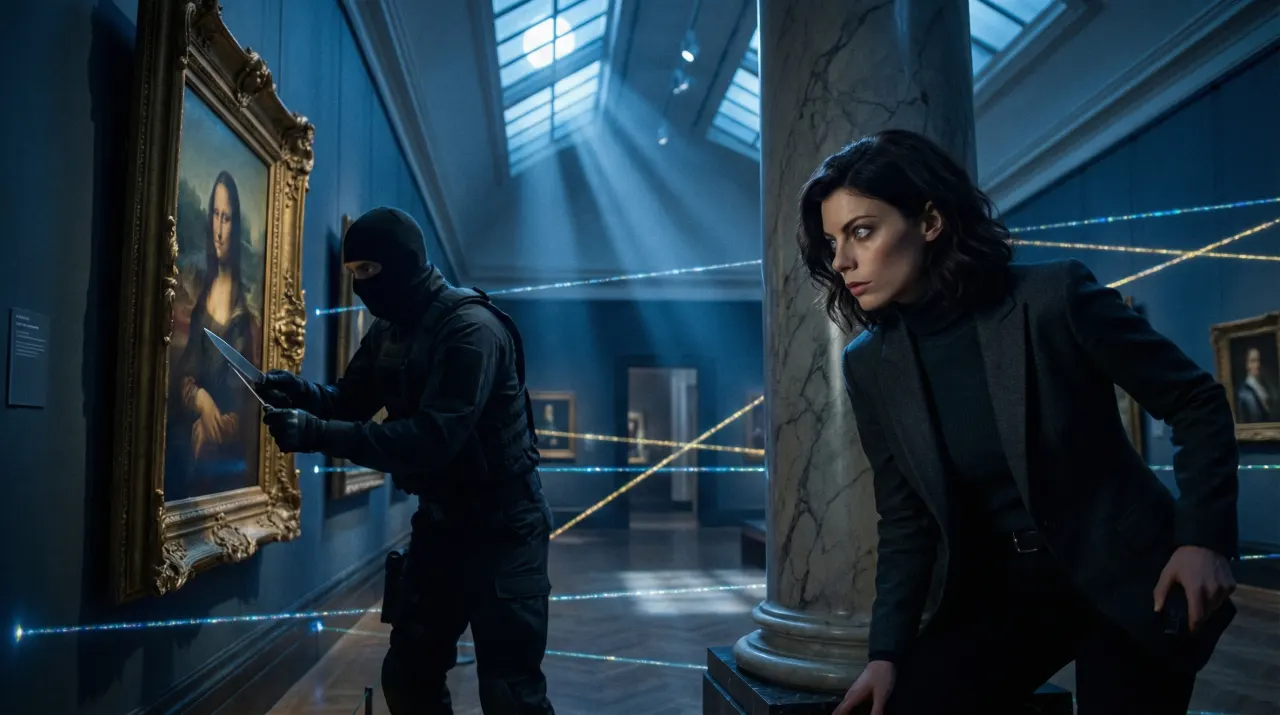
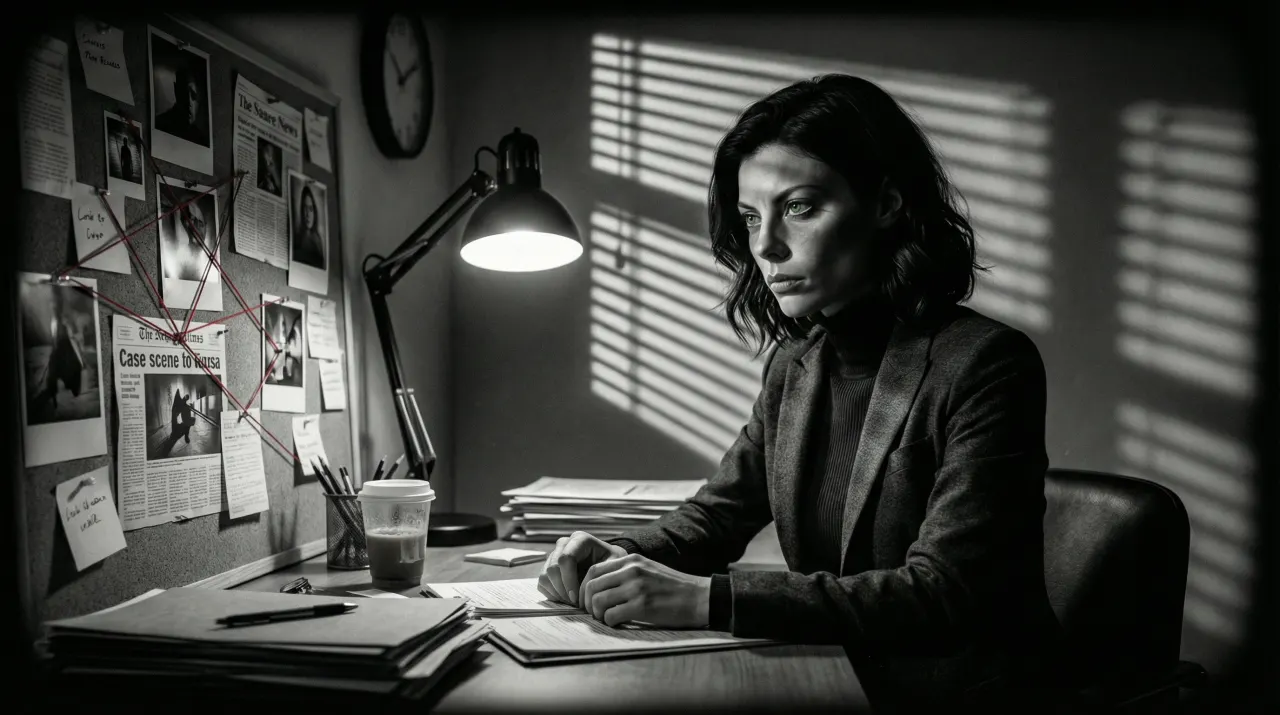
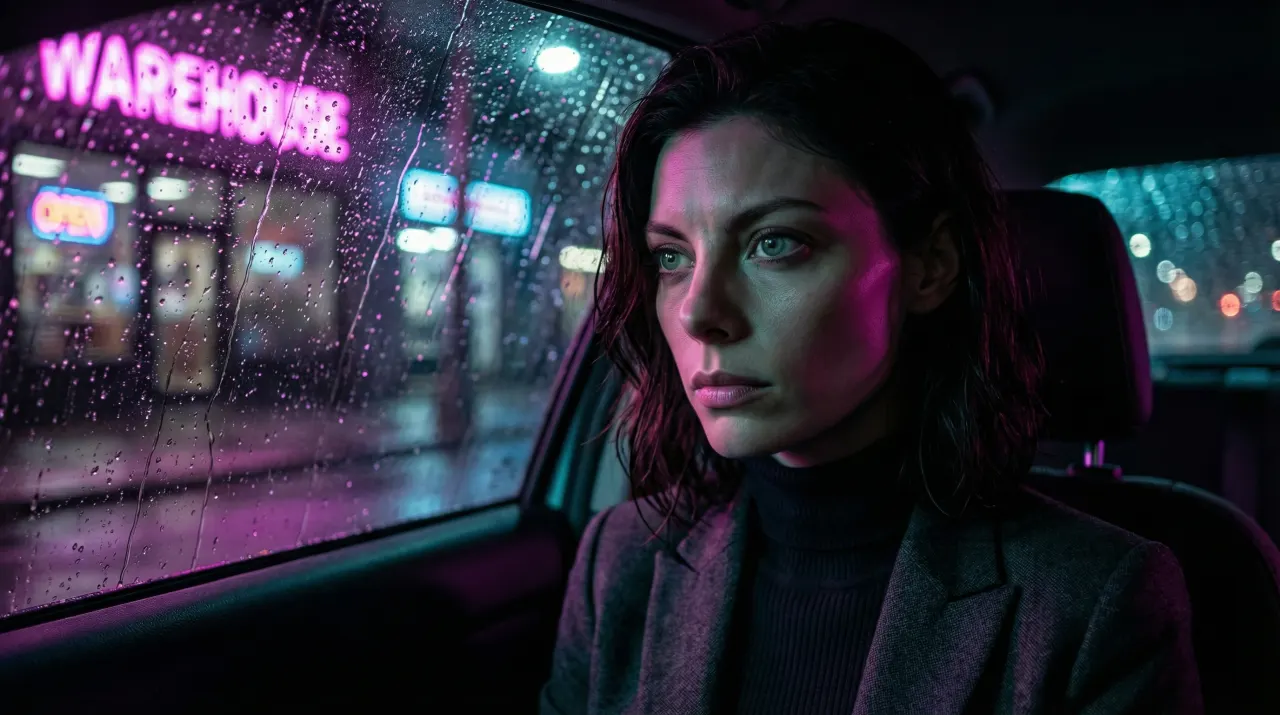
- Is the input
- Script
- Paste narration or an outline, it gets split into scenes
- Every scene
- Same face
- One character reference carries the whole video
- Looks
- 460+ styles
- Documentary, noir, anime, and more
- Export and download
- MP4
- Finished cut, ready to upload in YouTube Studio
How a faceless video comes together
A faceless channel depends on consistency: the same main character, the same look and the same voice from one upload to the next. In SceneSteller the script is the starting point. Script to Video reads your narration, splits it into scenes and gives each one a visual description and a narration line, which you can edit before anything is generated.
Add one photo as the character reference and every scene image is rendered with that face. Choose Still Frames to keep credits low, or Images + Motion to animate each scene with a video model. Pick a narration voice and render, then download the finished video or open it in the video editor to trim, re-time and caption it before you export an MP4 for YouTube.
Scene by scene, in the product
Each part of the script becomes its own scene with an image and a description. The recording shows a scene list in the storyboard editor: open a scene, change it, regenerate it, and the others stay as they were.
Why faceless channels stall
Sound familiar?
Your character looks different in every scene?
One reference photo goes with every scene, so the setting changes and the face does not.
Writing a prompt for every shot?
The script is the prompt. Each scene gets a description drawn from its lines; rewrite only the ones that miss.
Five apps between the script and the upload?
Scenes, narration, timeline and export sit in one workspace. The upload to YouTube stays with you.
One bad scene means starting over?
Regenerate a single scene. The rest of the video stays exactly as it was.
From script to an upload-ready file
Step 1: Paste the script and add your character
Paste narration or an outline, or let the AI script writer draft one. Upload one reference photo for the main character.
Scripts up to 10 minutes
Step 2: Choose the look, format and voice
Pick a style, an aspect ratio and a narration voice. Still Frames keeps credits low; Images + Motion animates each scene.
460+ styles · Portrait, landscape or square
Step 3: Cut and Export
Arrange scenes on the timeline, fix pacing, restyle captions, then export and download the finished video. Upload it yourself in YouTube Studio.
Download the finished video • Upload in YouTube Studio
Built for faceless channels
Everything between the script and the finished file, with the same character the whole way through.
Character reference
One photo becomes the reference for every scene, so the face holds from the cold open to the outro.
Script to scenes
Narration is split into scenes, each with an editable visual description and narration line.
Narration voices
Choose a standard or a premium voice for the voice-over; premium voices cost more credits.
Still or moving scenes
Keep scenes as stills under the voice-over, or animate each one with a video model when the story needs motion.
Timeline and captions
Open the result in the video editor to trim, reorder, set the pacing and add automatic captions from the narration.
Export Ready for YouTube
Export and download the finished video, then upload it in YouTube Studio and set the title, description, tags, and schedule there.
Questions from faceless creators
What do I need to start a faceless YouTube video?
A script, or an idea for the AI script writer to turn into one, and one photo of your main character. Then pick a style, an aspect ratio and a narration voice. SceneSteller builds the scene images, adds the narration and composes the video.
How does the character stay the same across scenes?
The reference photo is sent with every scene, so lighting, setting and style can change while the face stays recognisably the same. Save the character to My Characters and reuse it in the next video of the series.
Can I fix one scene without redoing the whole video?
Yes. Edit the scene and regenerate it on its own. Only that scene uses new credits, and the rest of the video stays as it was.
Does it work for Shorts as well as long-form?
Yes. Choose portrait for Shorts, Reels and TikTok, landscape for regular YouTube videos, or square. Scripts of up to ten minutes are supported for long-form.
Does SceneSteller upload the video to YouTube for me?
Not at launch. When the cut is ready, export and download the video, then upload it in YouTube Studio. Title, description, tags, and scheduling are set there.
How does pricing work?
Video Scene from the Starter plan. Each scene then uses credits for its image, and more when you animate it or pick a premium voice; the credits per scene are shown before you generate. Video exports use 10 credits per minute at 1080p and 20 per minute at 4K. Export an MP4 at 1080p from the Starter plan or 4K from the Creator plan, then upload it to your channel yourself.
Related use cases
AI Storyboard Generator
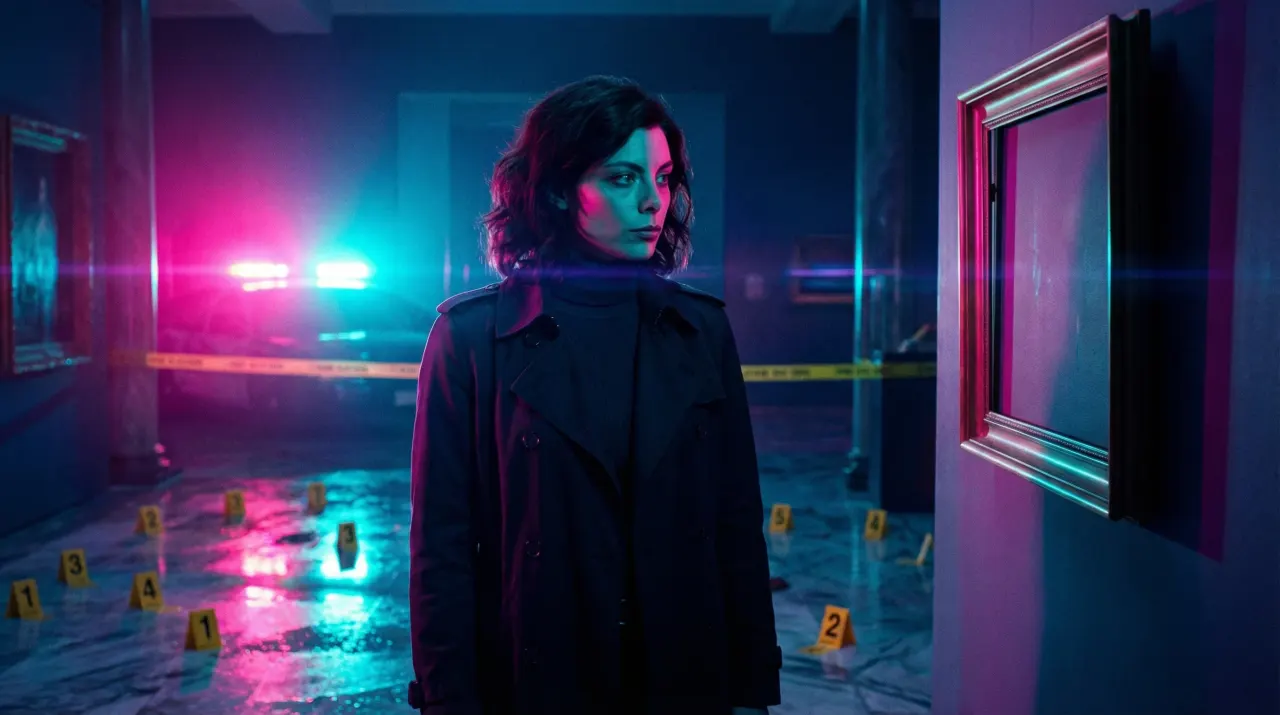
A script becomes a shot-by-shot board with one consistent character, exported as PDF or ZIP.
Video and storyboards
YouTube Thumbnail Generator
Thumbnail images from one photo of you, with the same face on every video in the series.
Thumbnails and social images
Instagram Post Generator
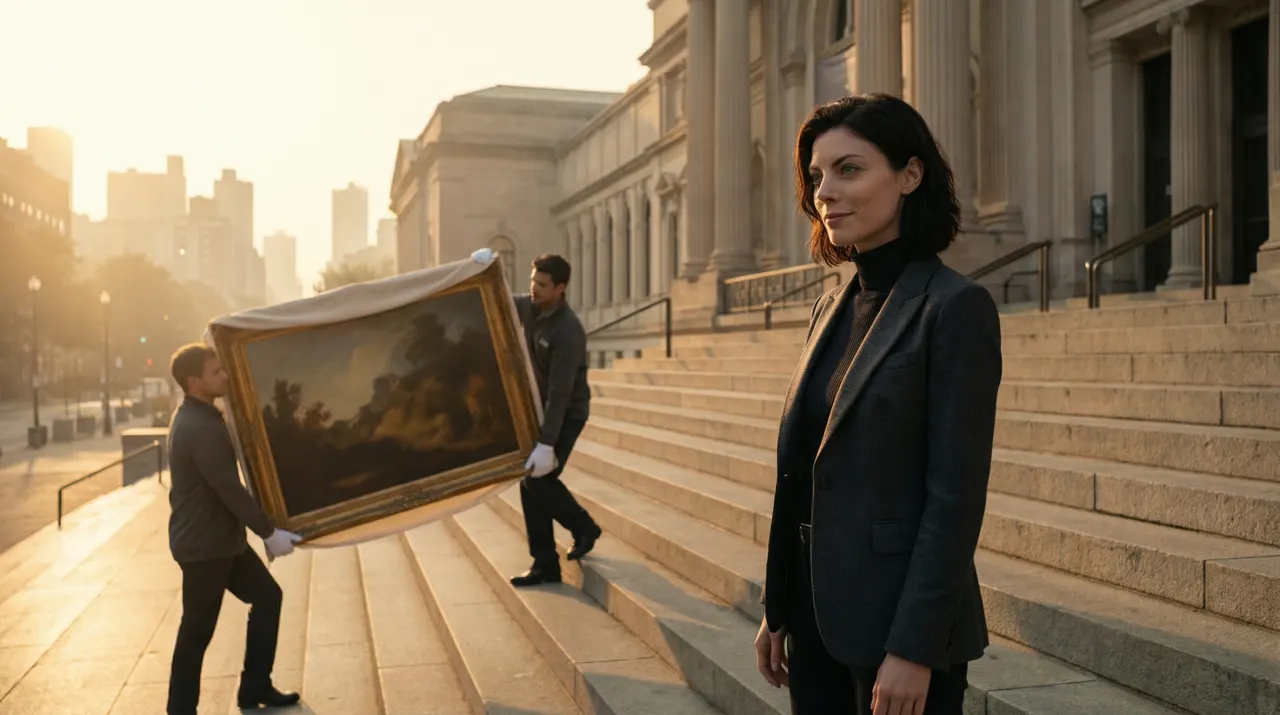
A set of styled Instagram images from one photo, the same face in every look.
Thumbnails and social images
Your Next Video Starts With a Script, Not a Prompt.
Lock a character once, paste the script, and export a video that looks like one show.
Video Scene from the Starter plan. Scenes use credits, shown per scene before you generate.