AI Storyboard Generator
An AI storyboard generator that starts from your script
Paste a script or an outline and get a shot-by-shot board: one image per scene, the same characters throughout, and shot and camera choices you can change scene by scene.
Included from the Creator plan. Every scene image uses credits.
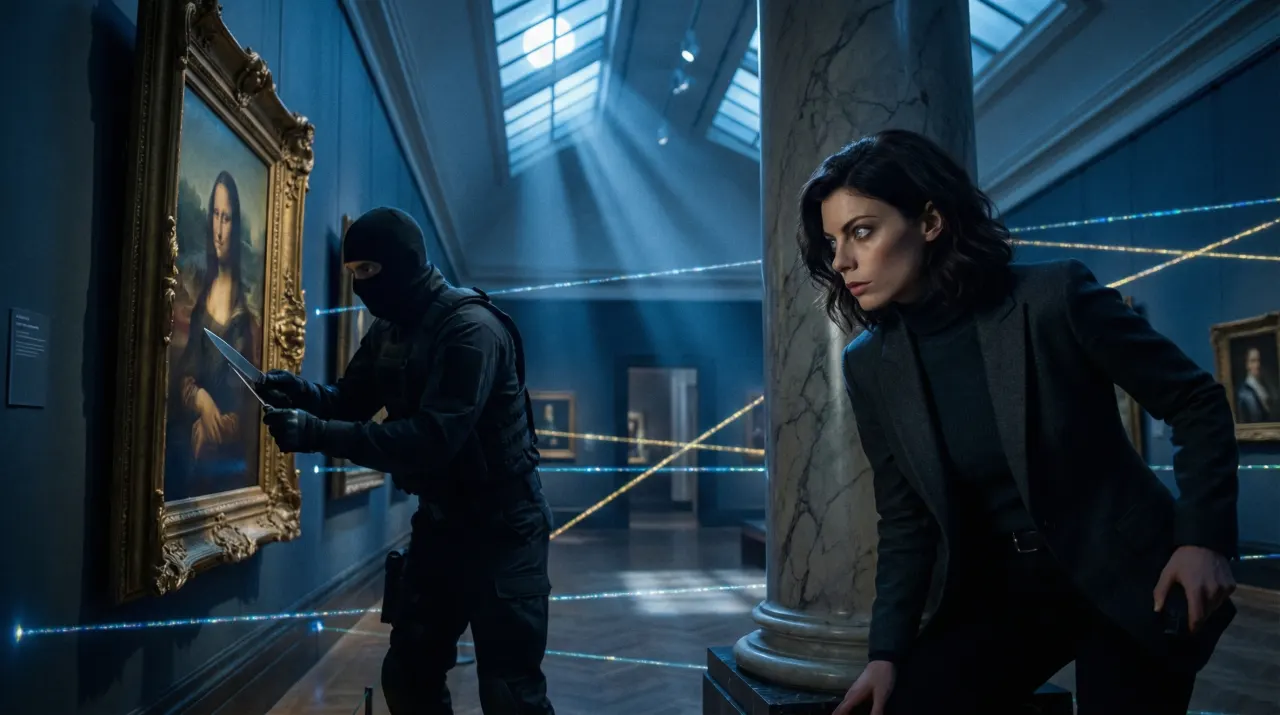
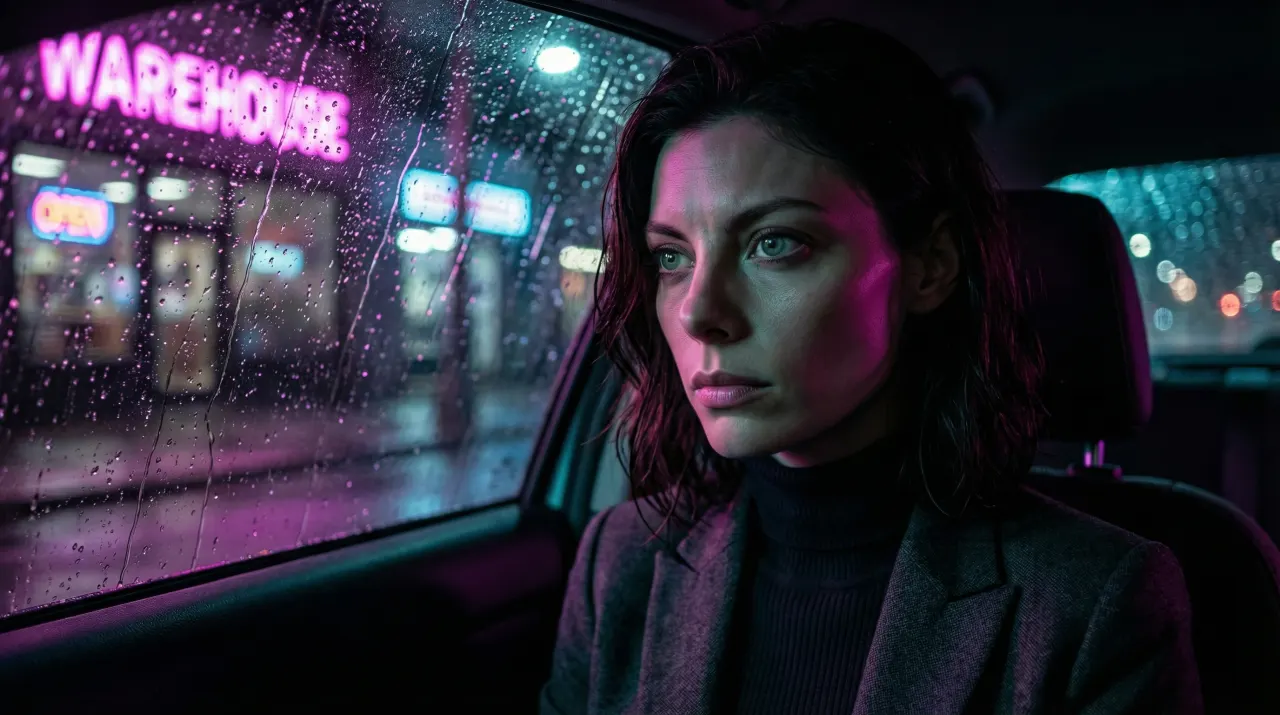
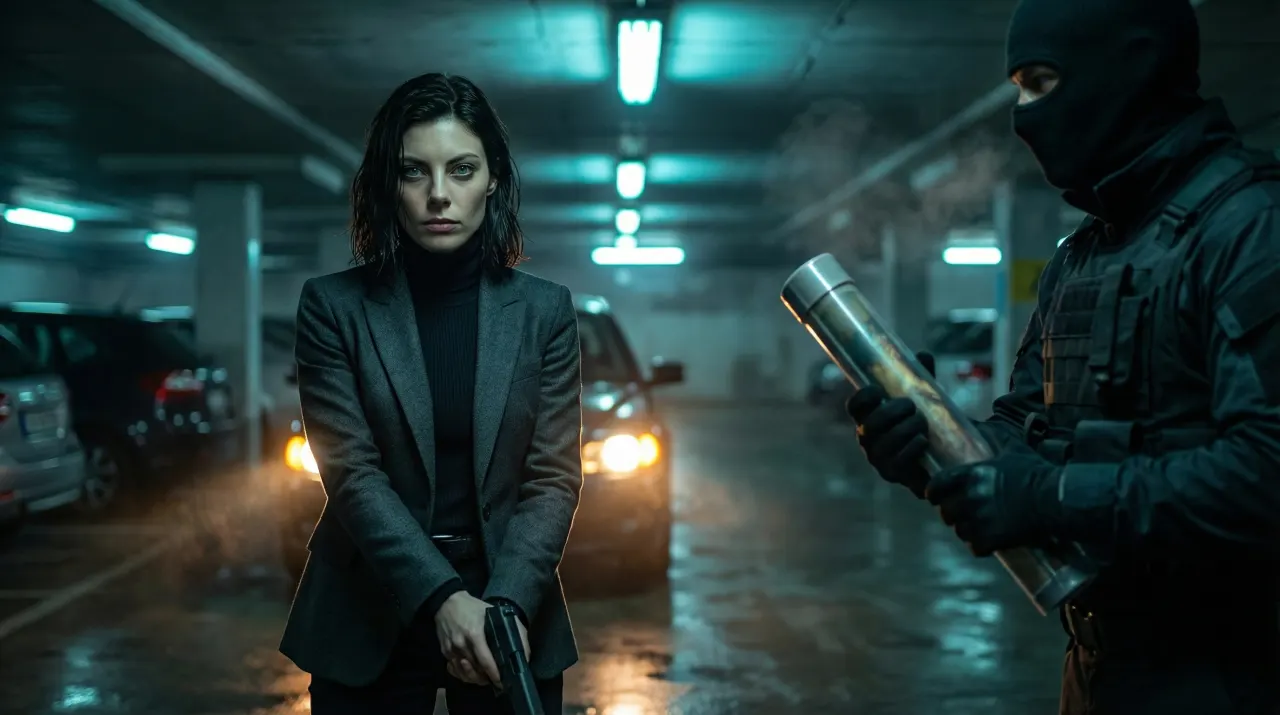
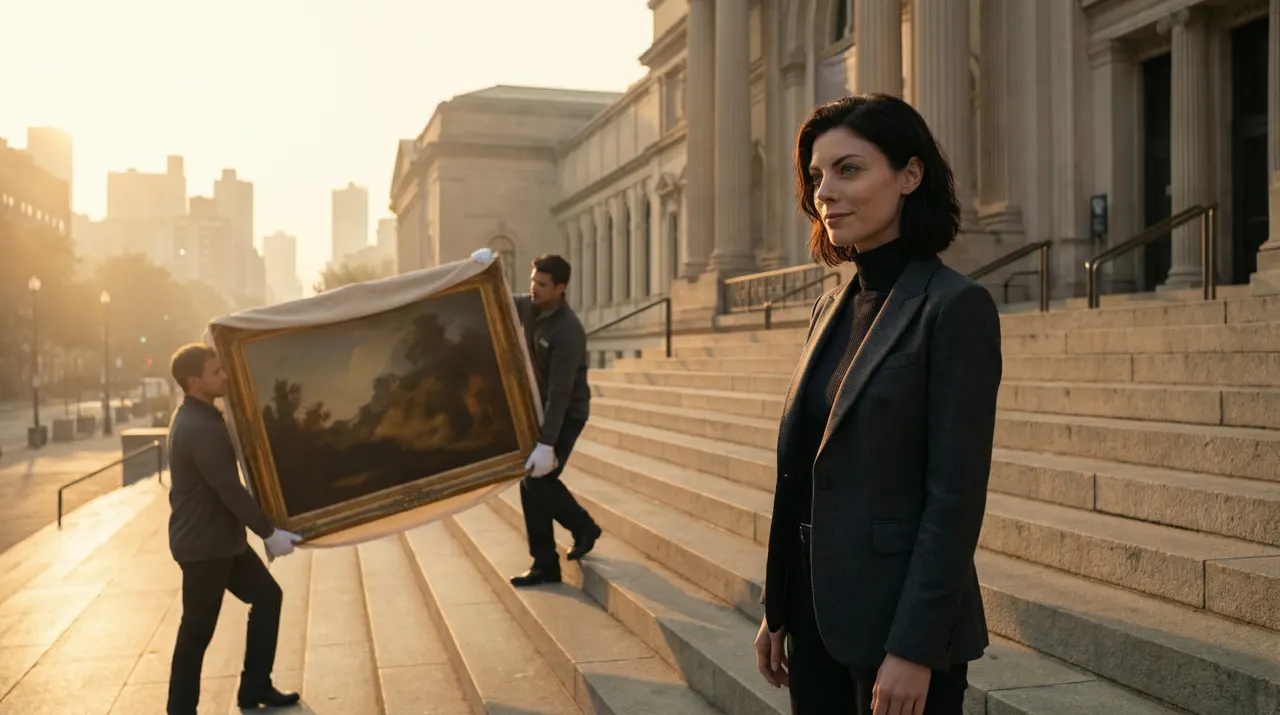
- Image per scene
- 1
- Edit or regenerate any scene on its own
- Character sheets
- Multi-angle
- Reference angles keep each face consistent
- Styles
- 460+
- Directors, anime, noir and more
- Exports
- PDF/ZIP
- A printable board or images plus script
What the storyboard is for
A storyboard is where a video gets decided before it gets expensive. SceneSteller turns your script into scenes, one frame each, so you can check pacing, framing and continuity while a change still costs one image, not a reshoot or a re-render of the whole video.
Characters stay consistent because each one can carry a character sheet, a set of reference angles that goes with every scene they appear in. Shot type, camera angle, lighting and mood are set per scene, and a visual bible keeps the style steady across the board. When it reads right, export a printable PDF for the team or a ZIP of images and script, or generate video from the scenes.
A six-scene board, in the product
Scenes from one script, each generated from its own lines. Open a scene to change its description, regenerate it, and the rest of the board stays put.
Try the sample storyboard
Select a scene, inspect the character reference, and play the sample storyboard. No signup required.
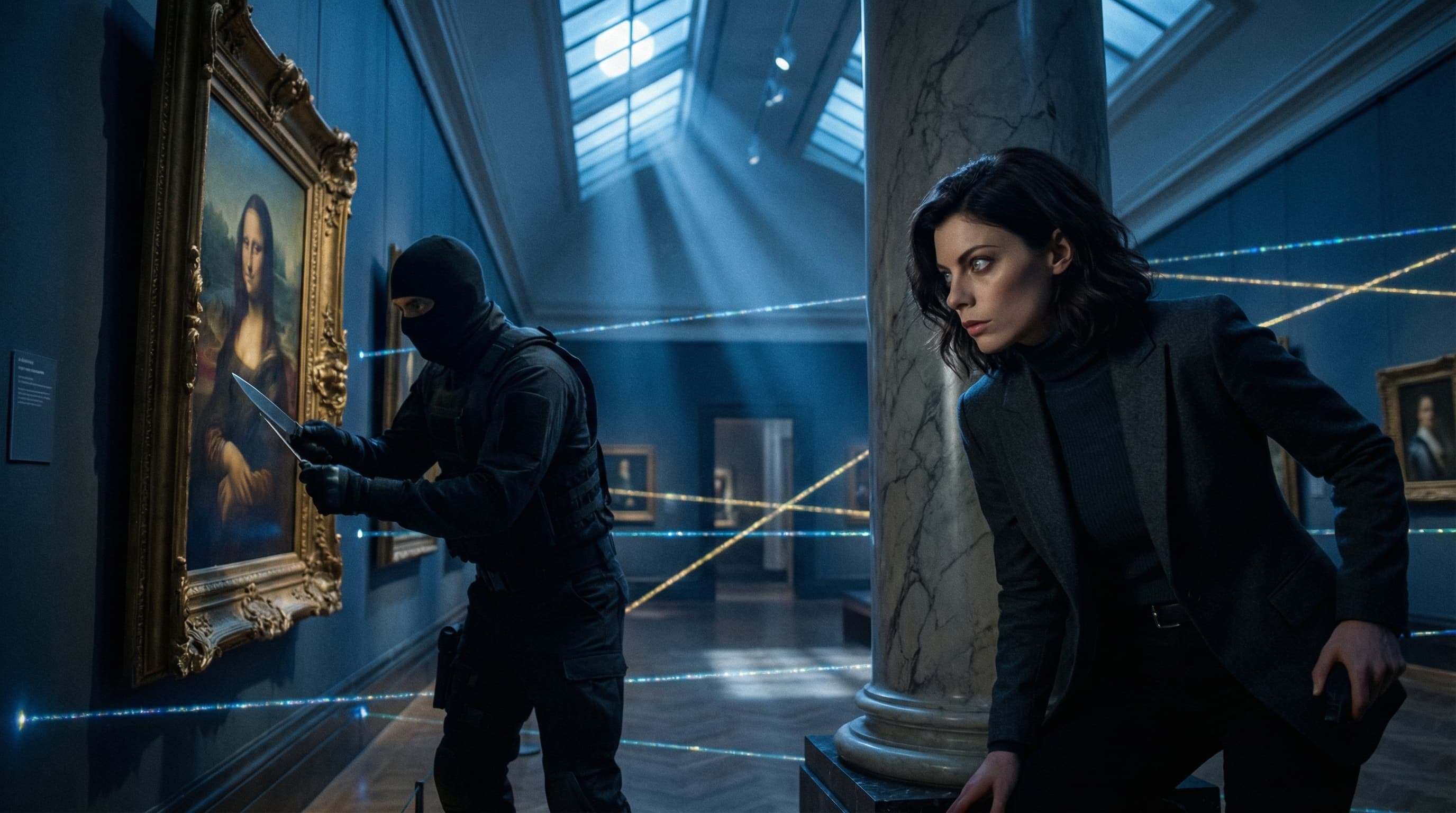
Why storyboards stall
Sound familiar?
The face changes from frame to frame?
Character sheets give every scene the same reference angles, so identity holds when the shot changes.
Prompting each frame from scratch?
Start from the script. Each scene gets its description from your lines; refine only where it misses.
Shot planning lives in a separate doc?
Shot type, camera angle, lighting and mood sit on each scene, next to the frame they produce.
Hard to share progress with the team?
Export a printable PDF board, or a ZIP with every image and the script.
Three steps to a shareable board
Step 1: Paste your script or outline
Drop in a script, an outline or narration. SceneSteller splits it into scenes you can reorder, add to or remove.
Shorts and long-form
Step 2: Set the cast and the look
Add character sheets for your cast, pick a style and an aspect ratio, and set shot and camera choices where they matter.
460+ styles · Shot types and camera angles
Step 3: Generate, refine, export
Generate the scenes, fix any frame with an edit or a regeneration, then export the board as a PDF or a ZIP.
Per-scene edits · PDF and ZIP export
Why creators plan here
For YouTube creators and filmmakers who need the same cast and the same look in every frame.
Character sheets
Multi-angle references for each character go with every scene they appear in.
Script to scenes
Narration and beats become scenes without starting from a blank canvas.
Shot and camera control
Set shot type, camera angle, lighting and mood scene by scene for a coherent visual language.
One scene at a time
Regenerate a single frame without touching the rest of the board.
Visual bible
One style reference for the whole project, so frame twelve matches frame one.
Shareable exports
A printable PDF board for clients and crew, or a ZIP of every image with the script.
Storyboard questions
What can I use as input?
A script, an outline or narration. SceneSteller splits the material into scenes that you can generate, edit, reorder and export. You can also import images you made in Studio.
How do characters stay the same across scenes?
Give a character a sheet of reference angles and it is sent with every scene that character appears in, so identity stays stable when the shot, setting or lighting changes. Sheets are optional and cost credits to generate.
Can I edit one scene without regenerating everything?
Yes. Edit a scene description, ask the AI guide to refine it, or regenerate that frame alone. The rest of the board stays intact.
How do I share the storyboard?
Export a printable PDF board, or a ZIP with every scene image and the script, and send it to your team or client.
Can the storyboard become a video?
Yes. Scenes can be sent on to AI video generation, and the finished clips are edited and exported from the video editor. Video generation uses its own credits per scene.
How does pricing work?
Included from the Creator plan. Every scene image then uses credits: A standard 2K image on the default model costs 12 credits and a 4K image costs 18. Credit packs add credits, not plan access.
Related use cases
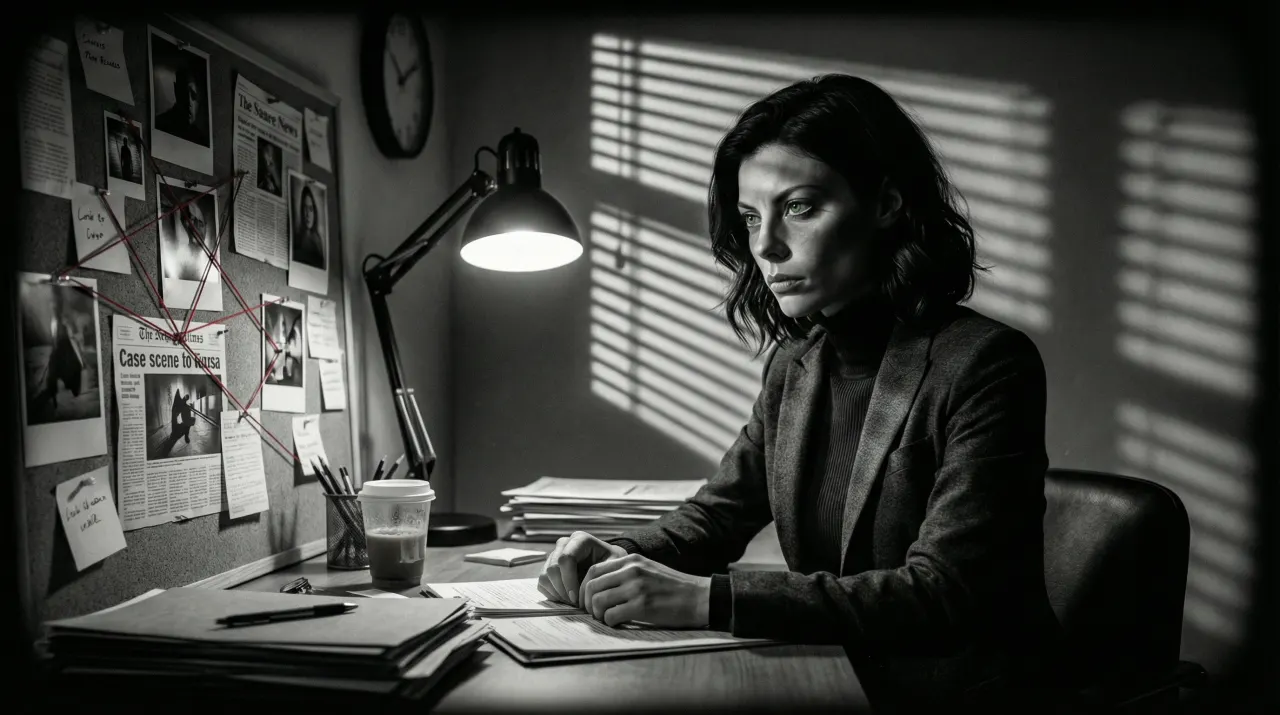
Faceless YouTube Video Maker
Script in, scenes out, the same character in every scene. Export an MP4 and upload it yourself.
Video and storyboards
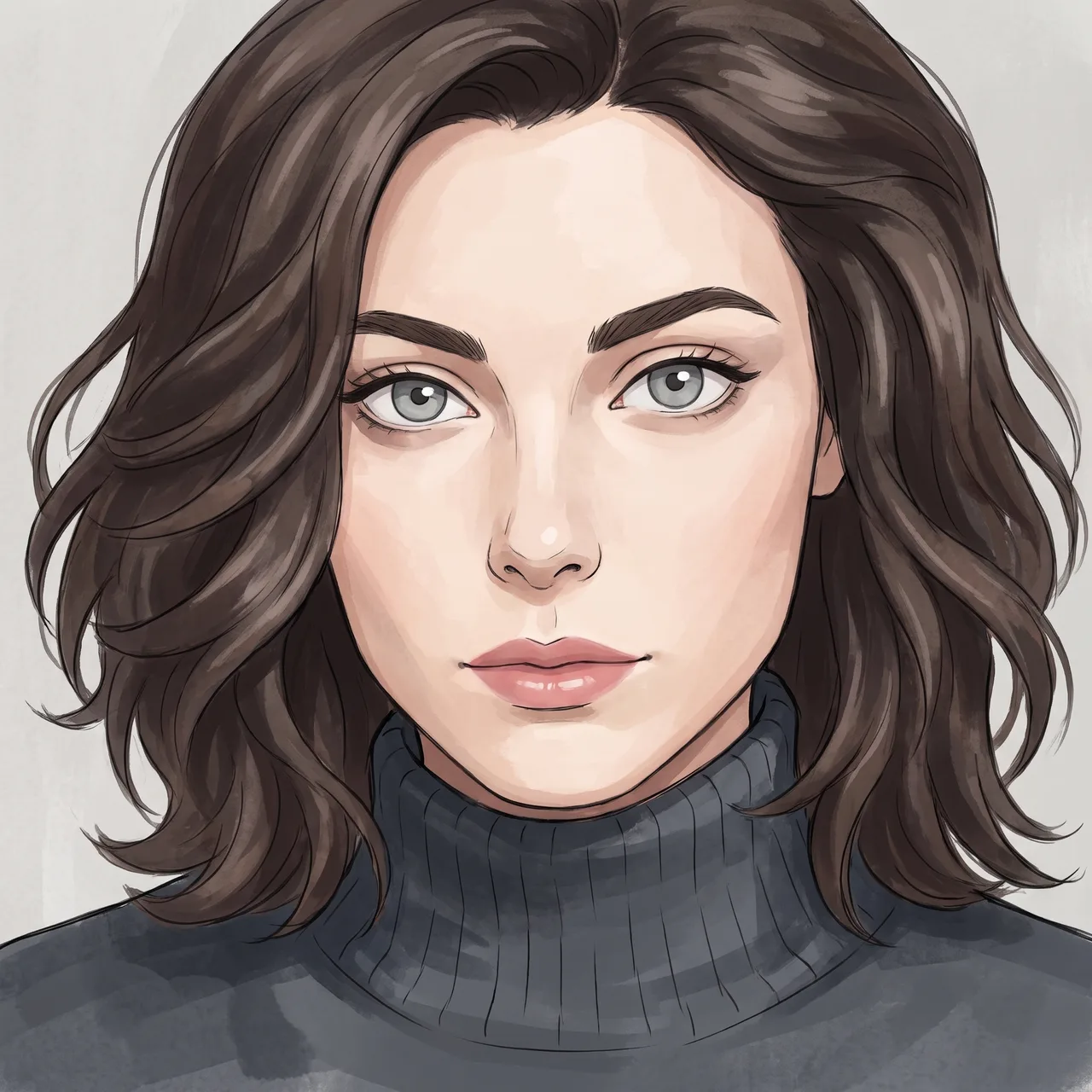
AI Anime Art Generator
Your photo redrawn in anime styles, recognisably you, ready to reuse as a story character.
Anime and poster art
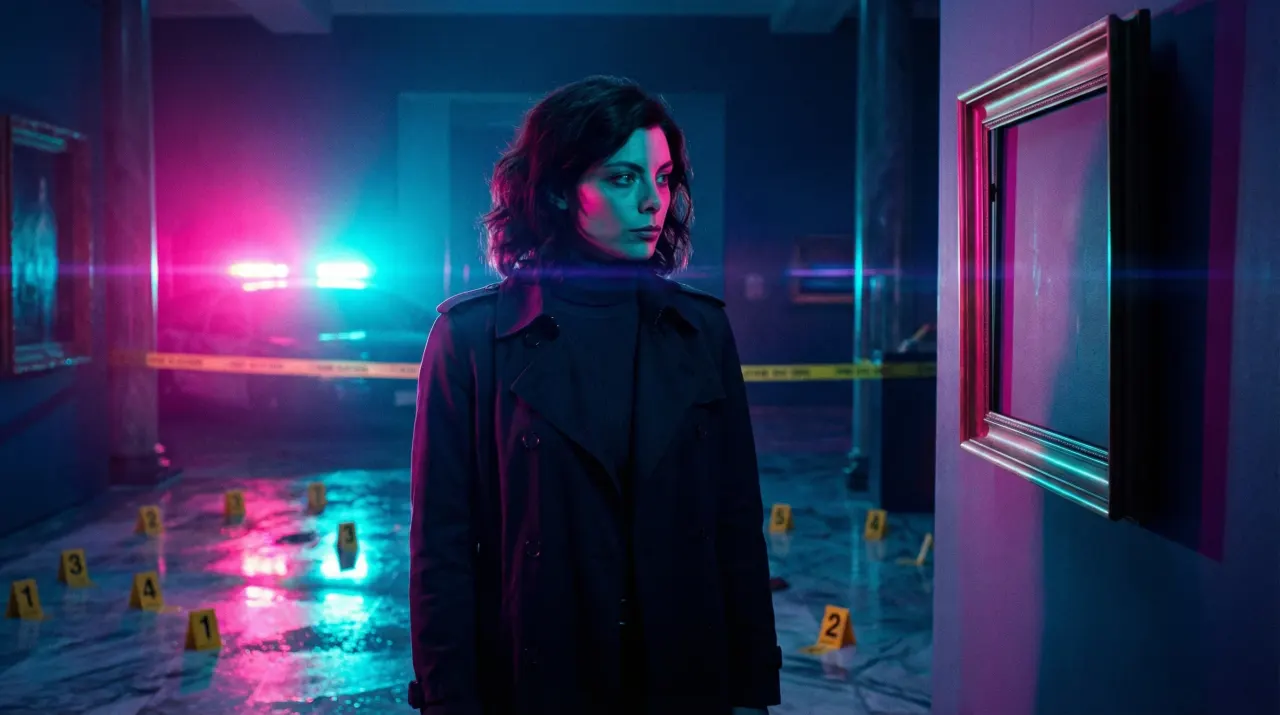
YouTube Thumbnail Generator
Thumbnail images from one photo of you, with the same face on every video in the series.
Thumbnails and social images
Plan the video before you make it
Turn your script into a board your team can read, with the same cast in every frame.
Included from the Creator plan. Every scene image uses credits.