Instagram Post Generator
Instagram posts from one photo of you, the same face in every look
Upload a selfie, pick film, comic, anime or editorial styles and generate a set of images with the same face. Then size them for the feed, Stories or a carousel.
Images run on credits. The default model needs no plan; 4K images need the Creator plan.
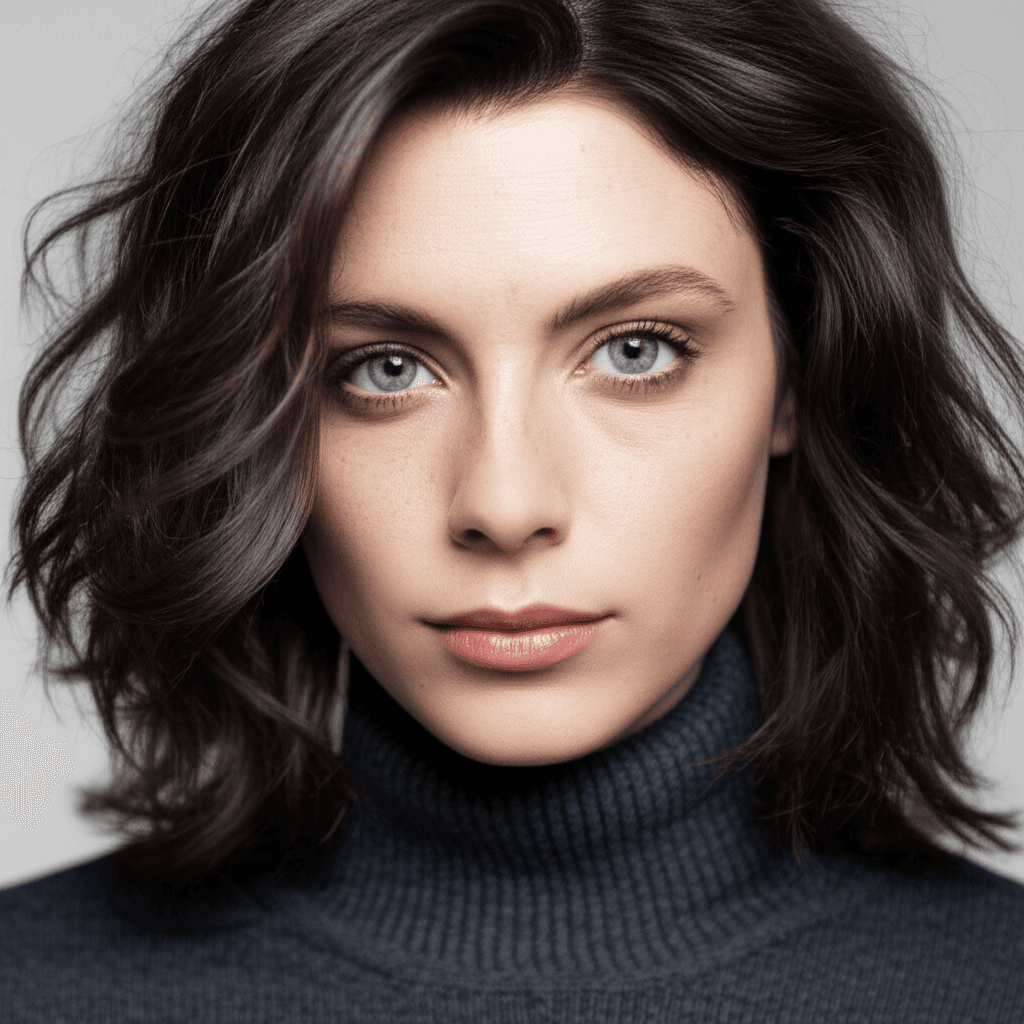
Your photo
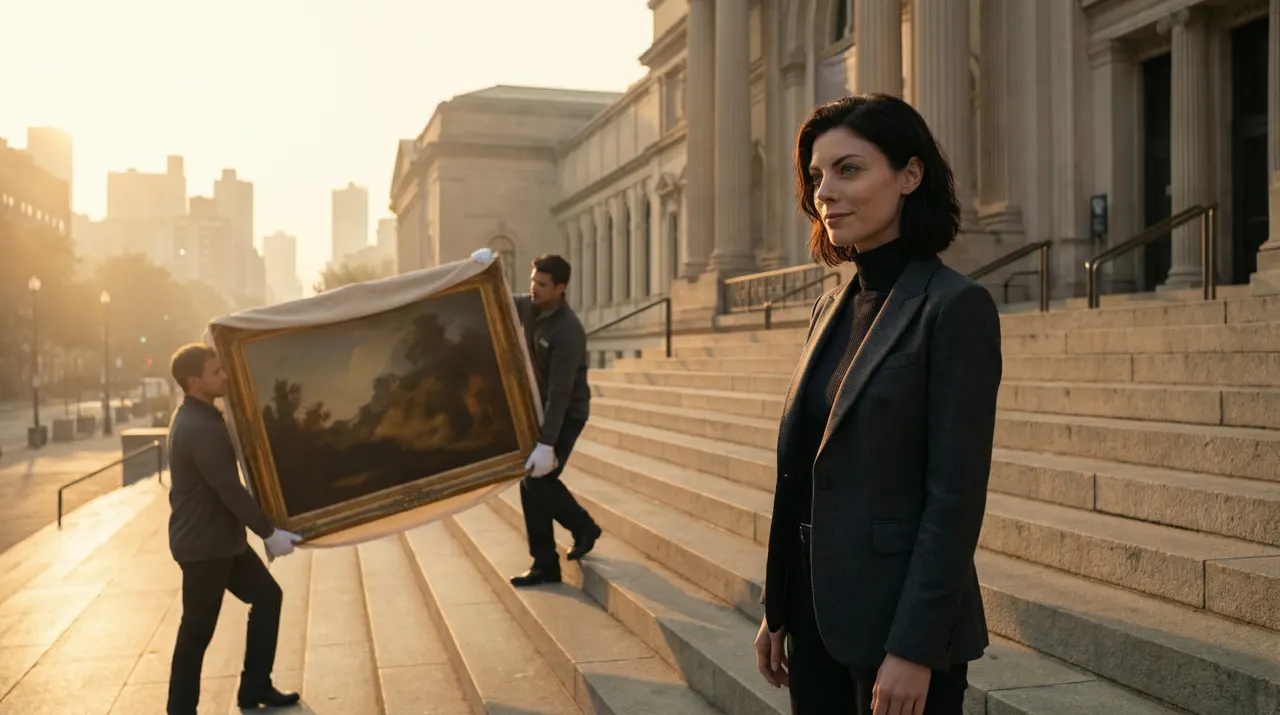
Monumental Minimal
- Photo to start
- 1
- Your photo is the reference for every image
- Styles
- 460+
- Genres, directors, anime, eras and moods
- Standard output
- 2K
- 4K images need the Creator plan
- Credit packs from
- $4.99
- No plan needed for the default model
A feed with one face and many looks
Personal brands on Instagram run on recognition: followers should know it is you before they read the caption. SceneSteller generates styled images from one photo of you, a noir portrait one day and a comic panel the next, so the feed has variety without turning into a gallery of strangers.
Each image is made in Studio from your reference photo and a style. Generate a few, keep the ones that fit your grid, and crop them to 1080×1080 for the feed or 1080×1920 for Stories in the free image resizer. For multi-slide posts, the Carousel workspace lays images and text out across slides.
One photo to a styled image, in the product
Upload a photo in Studio, choose a style preset and generate. Every new look starts from the same photo.
Why the feed goes quiet
Sound familiar?
No time for a shoot every week?
Make a batch of looks from one photo you already have.
AI images that look like someone else?
Every image starts from your own photo, so it stays recognisably you.
A feed that all looks the same?
Rotate between 460+ styles while the face stays constant.
Wrong size for Stories or the grid?
Crop to the Instagram post, Story or landscape size in the free image resizer.
Three steps to a week of posts
Step 1: Upload a selfie
A clear photo with your face well lit. It is the reference for every image in the set.
One photo is enough
Step 2: Choose your looks
Pick presets or build looks in the style builder: film, comic, anime, editorial, seasonal.
460+ styles
Step 3: Generate and size
Generate a few variations per look, keep the best and crop them to the feed or Story size.
Free image resizer · Instagram presets
Why creators build their feed here
For creators who want variety in the grid and the same face in every post.
Your face in every look
Your photo is the reference for each image, so followers recognise you post after post.
Styles for a grid
Choose from 460+ styles and plan a grid that alternates looks with intent.
Variations
Generate another take of the same look and keep the strongest.
Carousel slides
The Carousel workspace arranges images and text across slides for multi-image posts.
Feed and Story sizes
The free image resizer has Instagram Post, Story and Landscape presets and runs in your browser.
Download and post
Download each image and post it from Instagram or the scheduler you already use.
Instagram questions
How do I make Instagram posts with my own face?
Upload a clear photo in Studio, choose a style and generate. Repeat with other styles for variety; your photo stays the reference, so every image shows the same person.
Will the face stay consistent across posts?
Each image is generated from your photo, so your likeness carries across looks. Photographic styles stay closest; heavily stylised ones such as anime or comic change more.
Can SceneSteller post or schedule to Instagram for me?
No. Download the images and post them from the Instagram app, or queue them in a scheduler such as Meta Business Suite.
Can I make carousel posts?
Yes. The Carousel workspace lays out images and text across slides. Carousel is included from the Starter plan; single images run on credits alone.
How much does it cost?
Images run on credits. The default model needs no plan; 4K images need the Creator plan. A standard 2K image on the default model costs 12 credits and a 4K image costs 18. Credit packs run from Spark ($4.99 for 40 credits) to Nova ($74.99 for 750 credits).
Can I use the images commercially?
Under the Terms of Service you may use generated images in personal or commercial projects, subject to applicable law and third-party rights. You need the rights to any photo you upload.
Making the video too?
Script to Video turns a script into scenes with the same character in every one, adds narration and composes the video for you to export and upload.
See the script-to-video workflow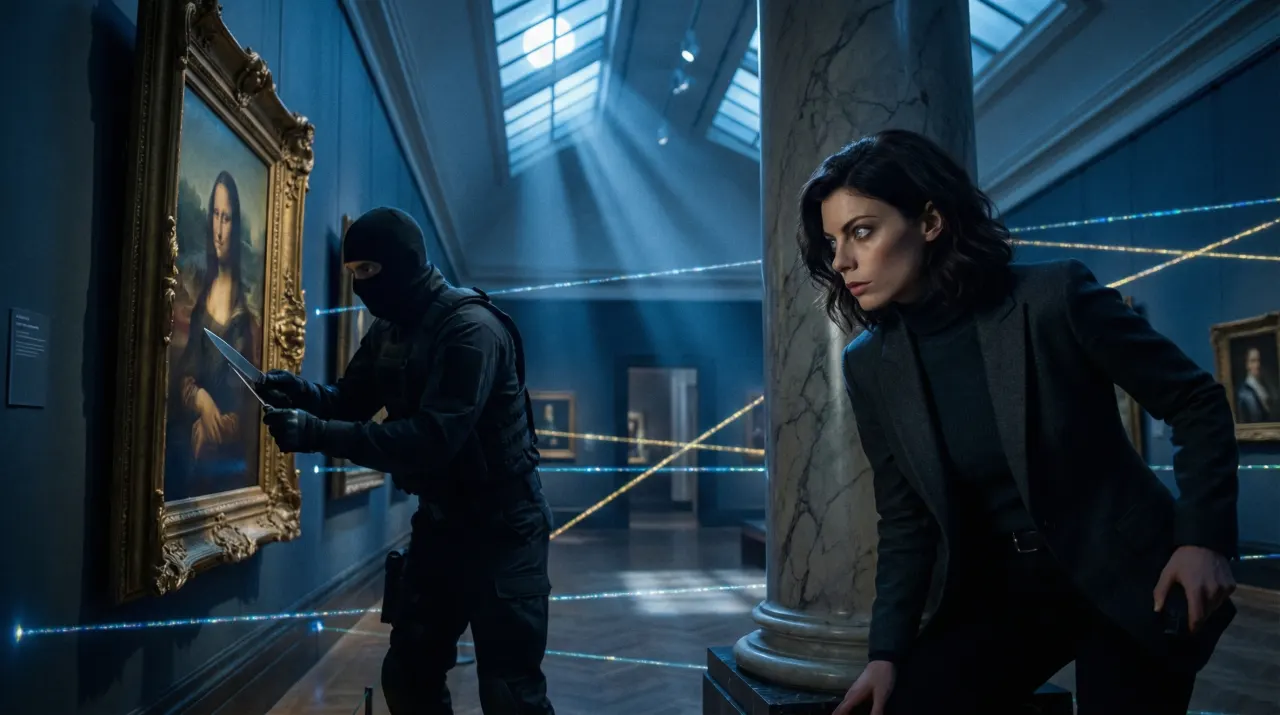
Related use cases
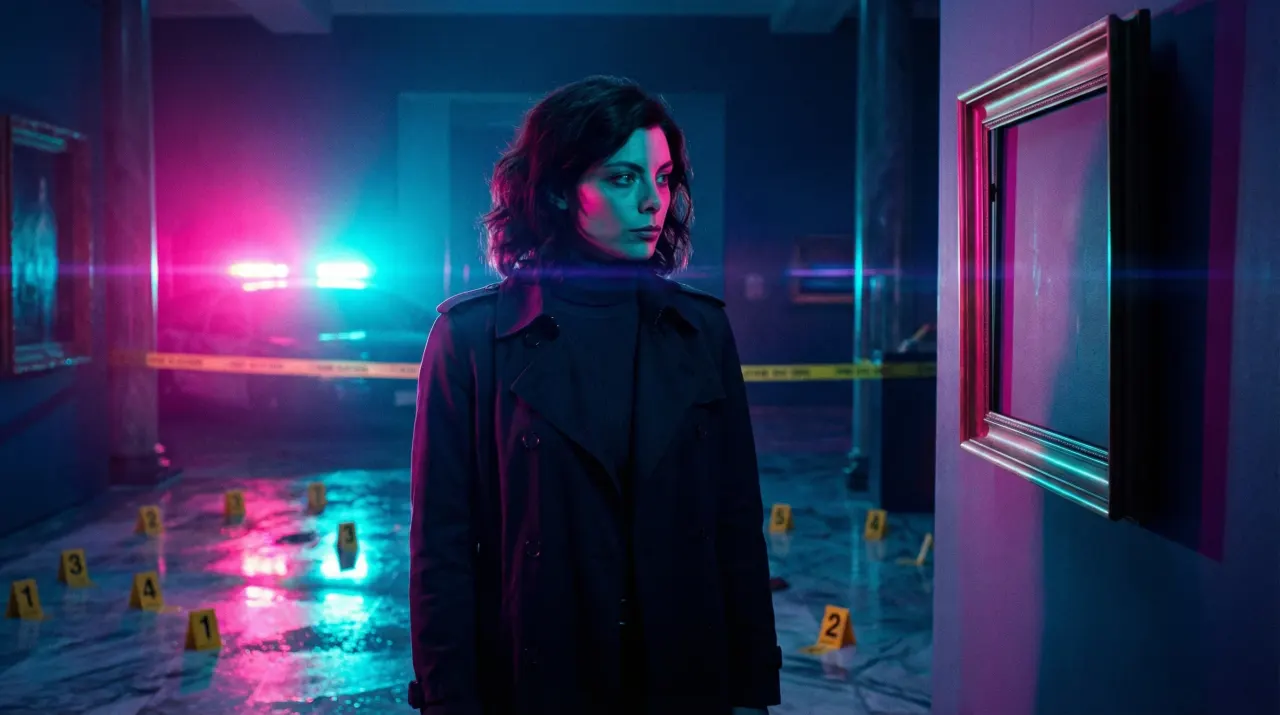
YouTube Thumbnail Generator
Thumbnail images from one photo of you, with the same face on every video in the series.
Thumbnails and social images
AI Anime Art Generator
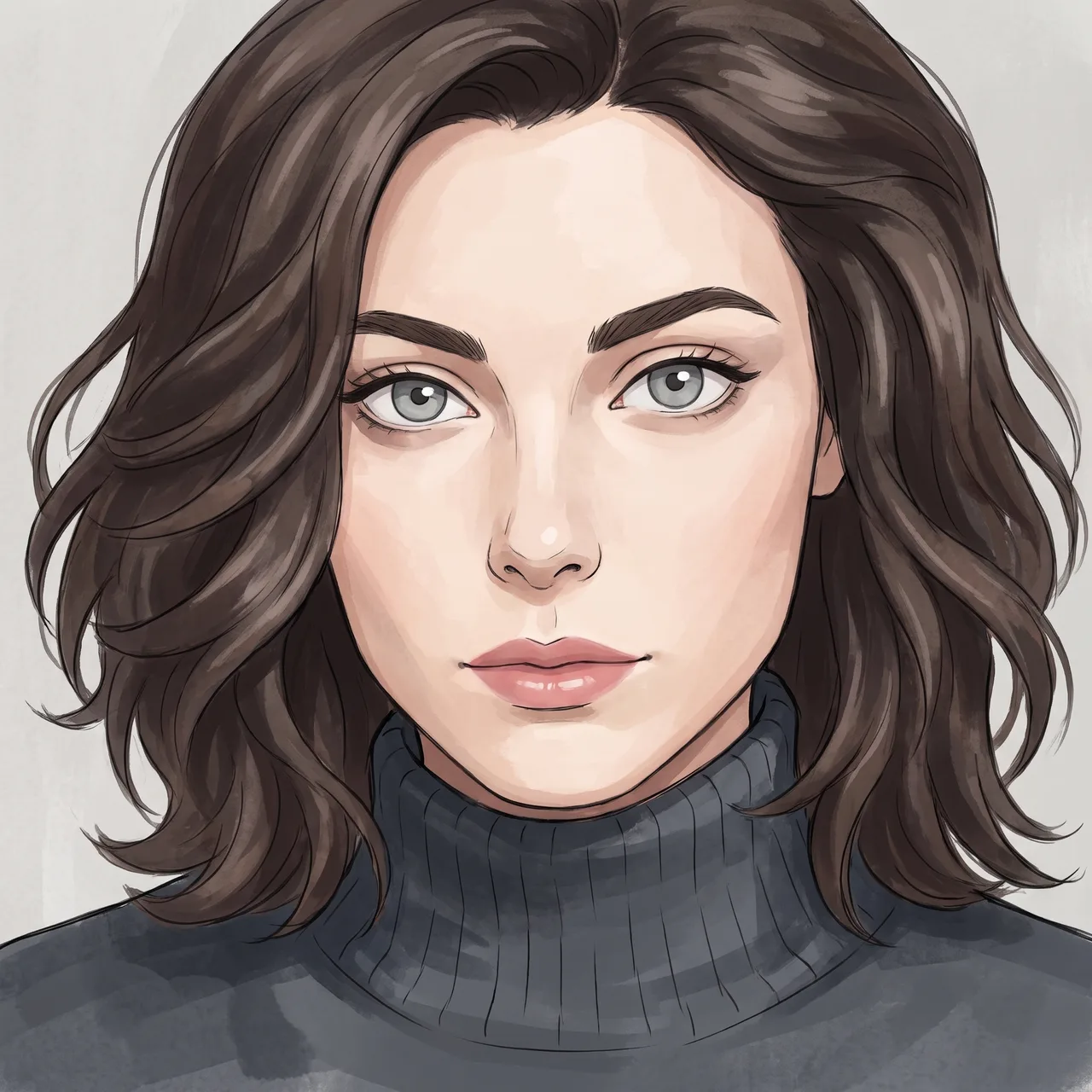
Your photo redrawn in anime styles, recognisably you, ready to reuse as a story character.
Anime and poster art
Faceless YouTube Video Maker
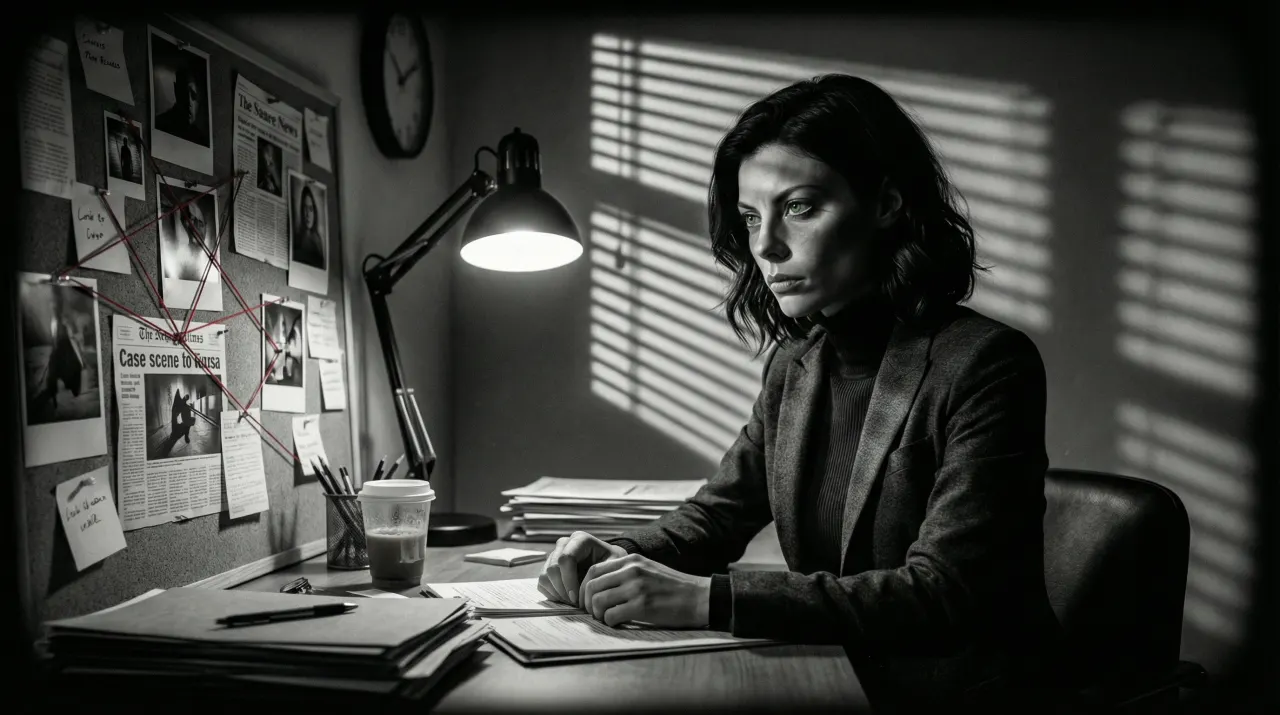
Script in, scenes out, the same character in every scene. Export an MP4 and upload it yourself.
Video and storyboards
Fill the grid without another photo shoot
One photo of you, 460+ styles, the same face in every post.
Images run on credits. The default model needs no plan; 4K images need the Creator plan.