AI Professional Headshot
Professional headshots from photos you already have, in one matching style
Upload a clear photo of each person, apply the same portrait style to all of them and get headshots that sit together on an About page, a speaker list or a pitch deck.
Images run on credits. The default model needs no plan; 4K images need the Creator plan.
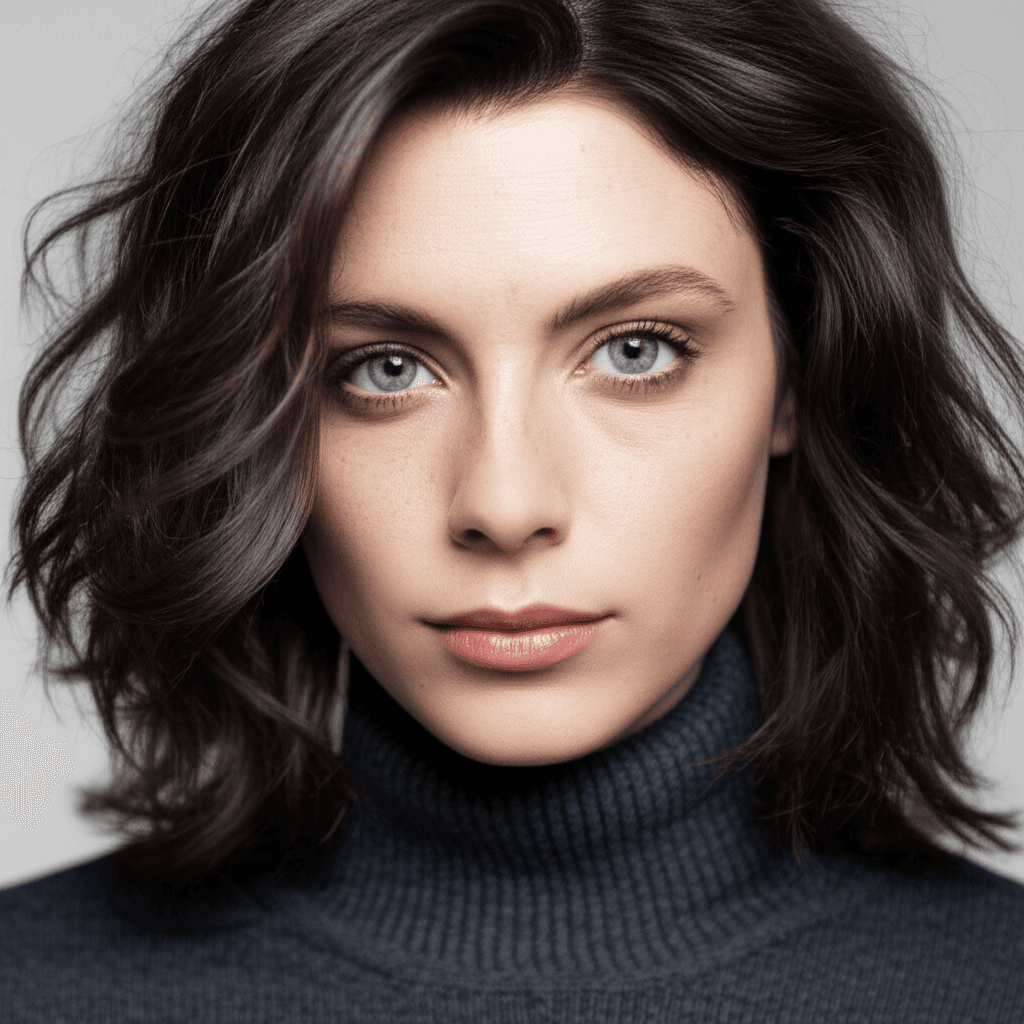
Your photo
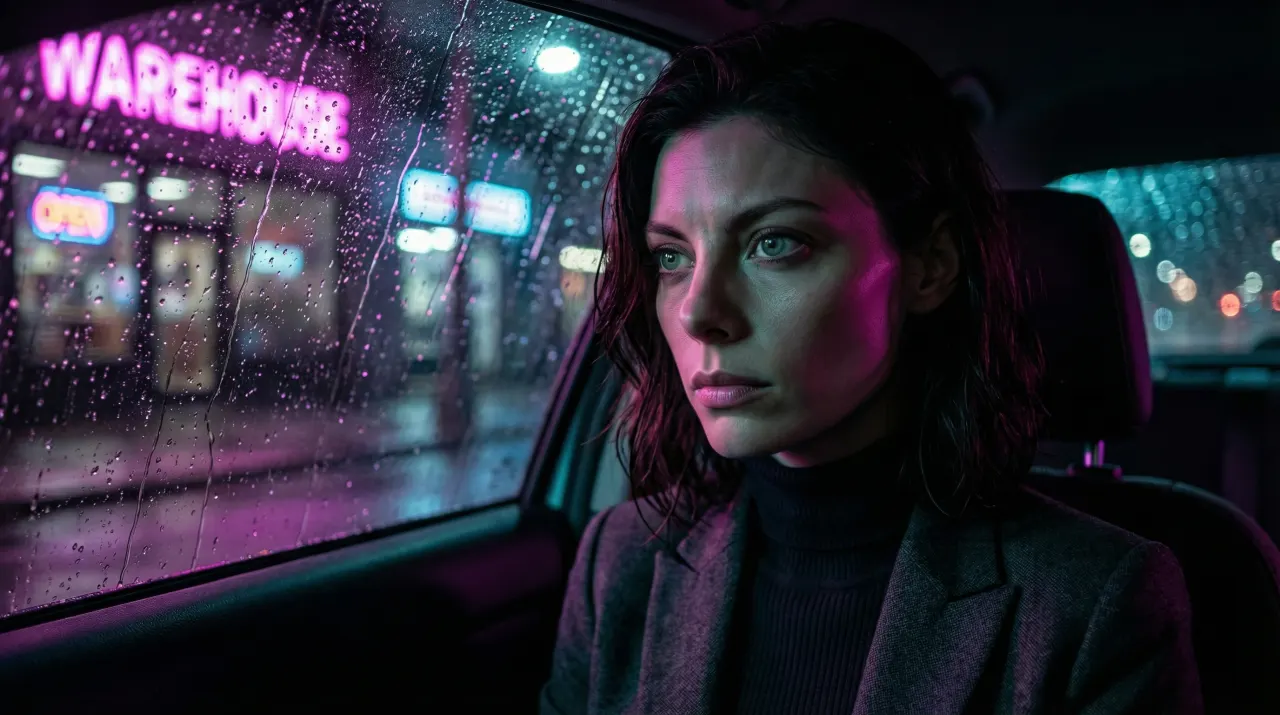
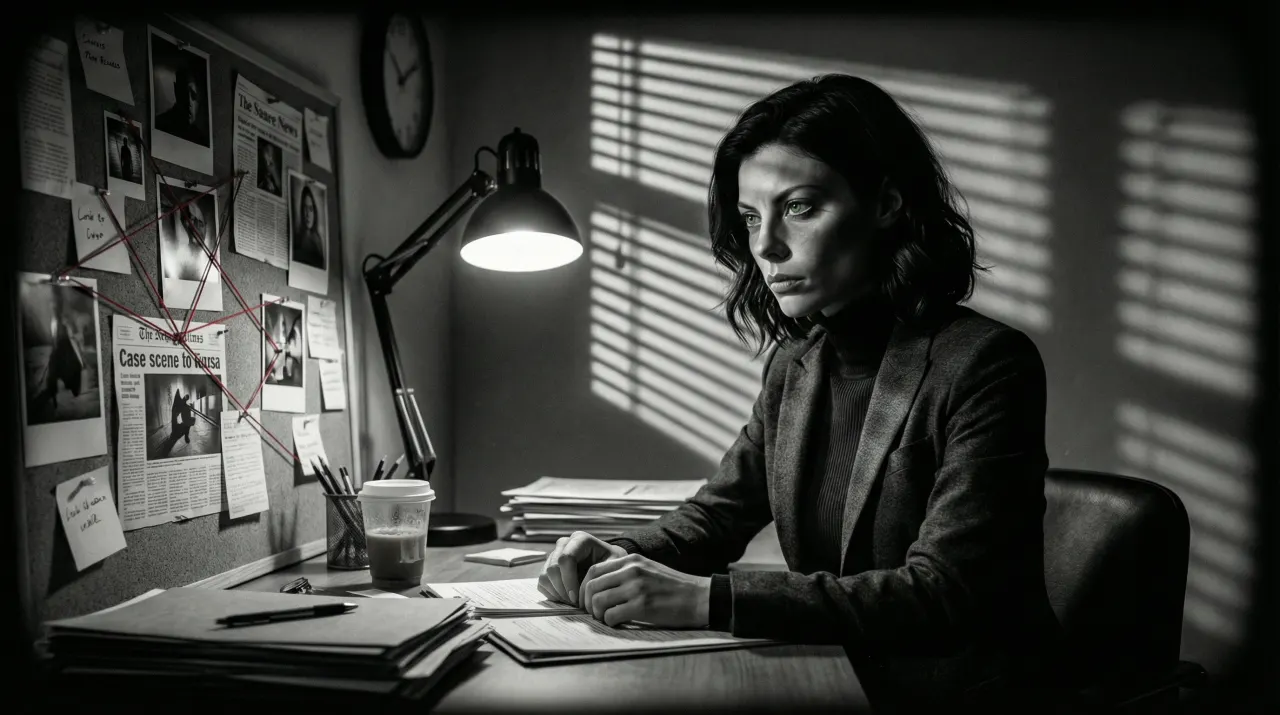
Rain-Neon Noir
- Photo to start
- 1
- Your photo is the reference for every image
- Styles
- 460+
- Genres, directors, anime, eras and moods
- Standard output
- 2K
- 4K images need the Creator plan
- Credit packs from
- $4.99
- No plan needed for the default model
Why one style matters more than one perfect photo
Team pages and speaker lists rarely fail because of one bad photo. They fail because every photo was taken in a different year, room and light. SceneSteller restyles each person’s existing photo with the same portrait look, so a remote team, a new hire and a founder from five years ago end up looking like one set.
Each headshot starts from that person’s own photo and keeps their likeness. Pick a corporate, editorial or cinematic portrait style once, apply it to every photo, and generate a few variations per person so each one can choose. Standard output is 2K; 4K images need the Creator plan.
One photo to a styled portrait, in the product
Upload a photo in Studio, choose a style and generate. Reuse the same style for every person on the team.
Why headshots end up mismatched
Sound familiar?
Every photo shot in a different room and year?
Apply one portrait style to all of them so the set matches.
Remote team, no shared photo day?
Each person sends a clear photo; the style is applied centrally.
Need a headshot for a new hire tomorrow?
Restyle their existing photo in the team’s look and add it to the page.
Worried a headshot will not look like the person?
Each image starts from that person’s photo. Keep the variation they approve.
Three steps to a matching set
Step 1: Collect one clear photo per person
Front-facing, well lit, face unobstructed. Phone photos are fine.
One photo per person
Step 2: Choose the team’s style
Pick one portrait look from the library, such as Corporate Branding or Fashion Editorial, and use it for everyone.
Corporate, editorial and cinematic portrait looks
Step 3: Generate and approve
Generate a few variations per person and let each one approve their own before it goes live.
2K standard · 4K images need the Creator plan
Built for teams and speakers
For companies, agencies and event organisers who need headshots that belong together.
One look for everyone
Apply the same portrait style to every photo so the set reads as one shoot.
Each person’s likeness
Every headshot starts from that person’s own photo.
Portrait styles
Corporate, editorial and cinematic looks with clean backgrounds and flattering light.
Variations to choose from
Generate several takes per person and keep the one they are happy with.
Print-size output
Standard images are 2K. 4K images need the Creator plan.
Clean cut-outs
Remove the background with the free background remover when a layout needs a transparent image.
Headshot questions
What photos do we need?
One recent, front-facing photo per person in soft, even light with the face unobstructed. Phone photos are fine; very small or blurry photos give weaker results.
How do we make the whole team match?
Choose one portrait style and use it for every photo. The style sets the light, background and colour, so photos taken years apart come out as one set.
Will each headshot look like the person?
Each image is generated from that person’s photo, so their likeness carries through. Portrait styles stay closest to the original. Let each person approve their own variation before publishing it.
What resolution are the headshots?
Standard images are 2K, enough for web pages, slide decks and social profiles. 4K images need the Creator plan, for print and large screens.
How much does it cost?
Images run on credits. The default model needs no plan; 4K images need the Creator plan. A standard 2K image on the default model costs 12 credits and a 4K image costs 18. Credit packs run from Spark ($4.99 for 40 credits) to Nova ($74.99 for 750 credits).
Can we use the headshots commercially?
Under the Terms of Service you may use generated images in personal or commercial projects, subject to applicable law and third-party rights. You need the rights to any photo you upload. Get each person’s consent before you restyle and publish their photo.
Making the video too?
Script to Video turns a script into scenes with the same character in every one, adds narration and composes the video for you to export and upload.
See the script-to-video workflow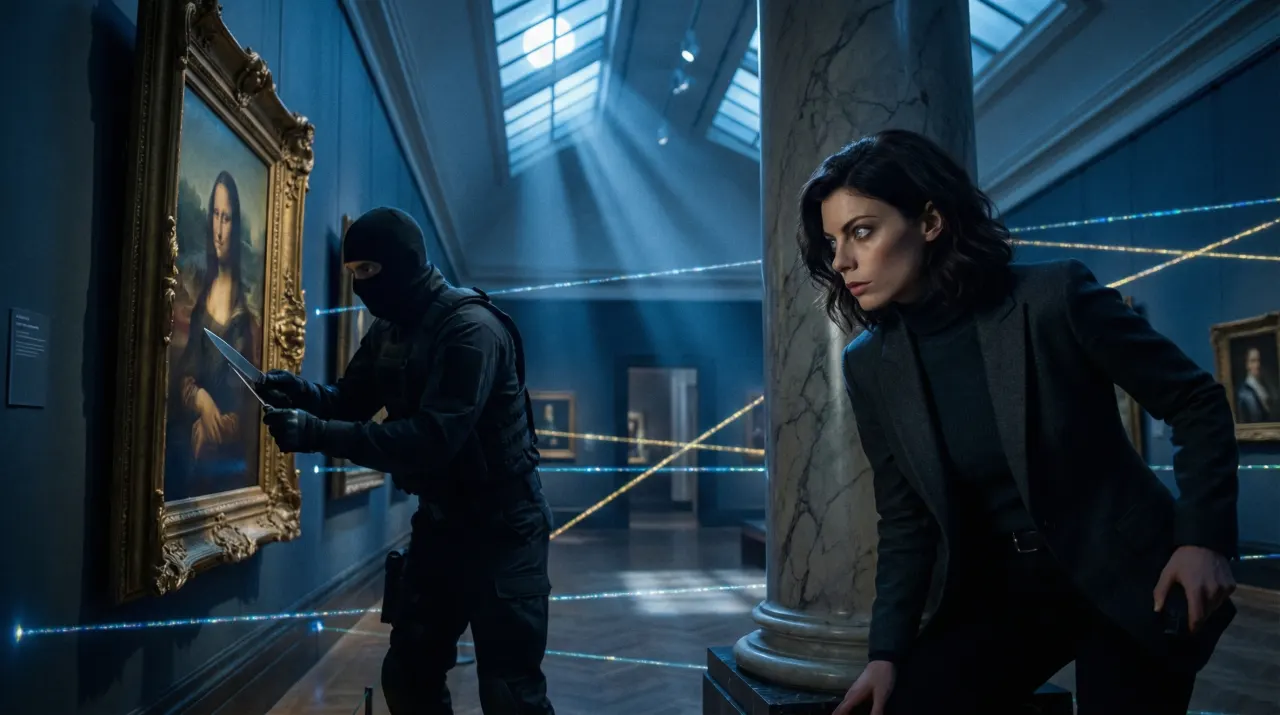
Related use cases

LinkedIn Profile Photo
A clear selfie restyled into a profile photo, cropped to the square LinkedIn size.
Headshots and profile photos
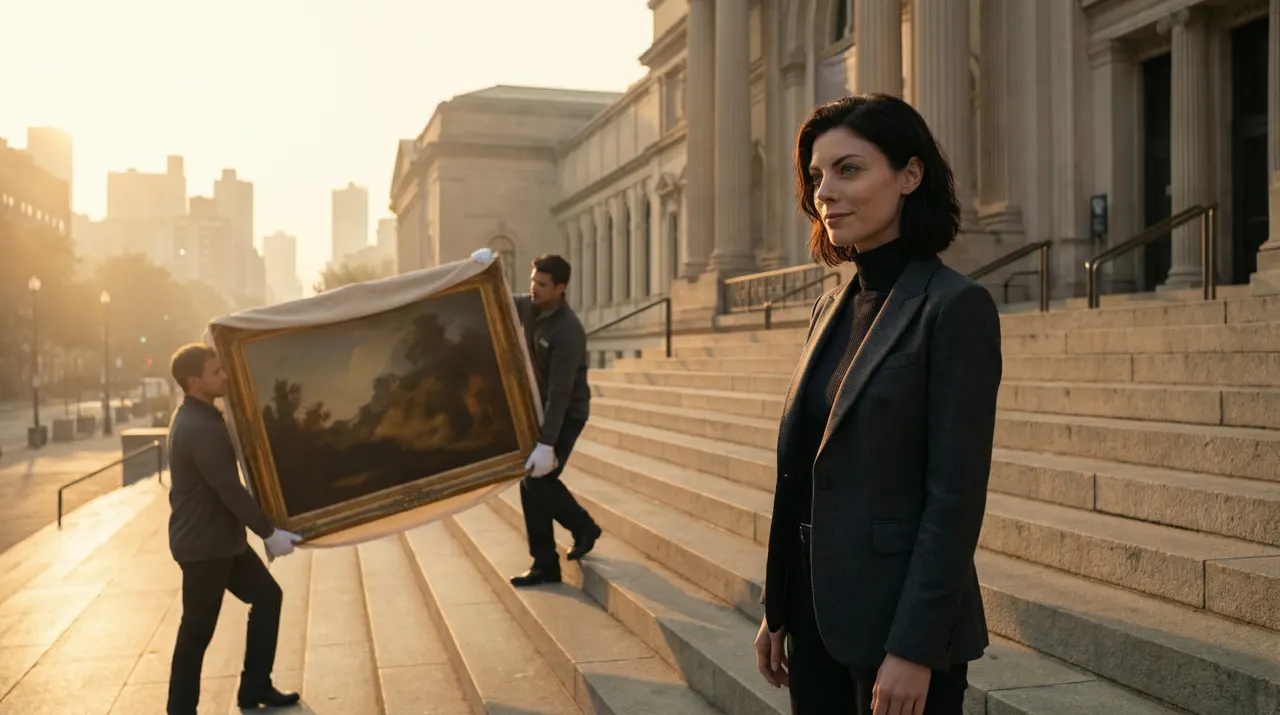
Instagram Post Generator
A set of styled Instagram images from one photo, the same face in every look.
Thumbnails and social images
Faceless YouTube Video Maker
Script in, scenes out, the same character in every scene. Export an MP4 and upload it yourself.
Video and storyboards
Make the team page match
One style, everyone’s own photo, a set that looks like one shoot.
Images run on credits. The default model needs no plan; 4K images need the Creator plan.