AI Movie Poster Generator
Put your face on a movie poster, in the style of the film you love
Upload one photo, pick a director or genre look, from 15 director styles to film noir and sci-fi, and generate cinematic key art. Add the title in Typography Lab.
Images run on credits. The default model needs no plan; 4K images need the Creator plan.
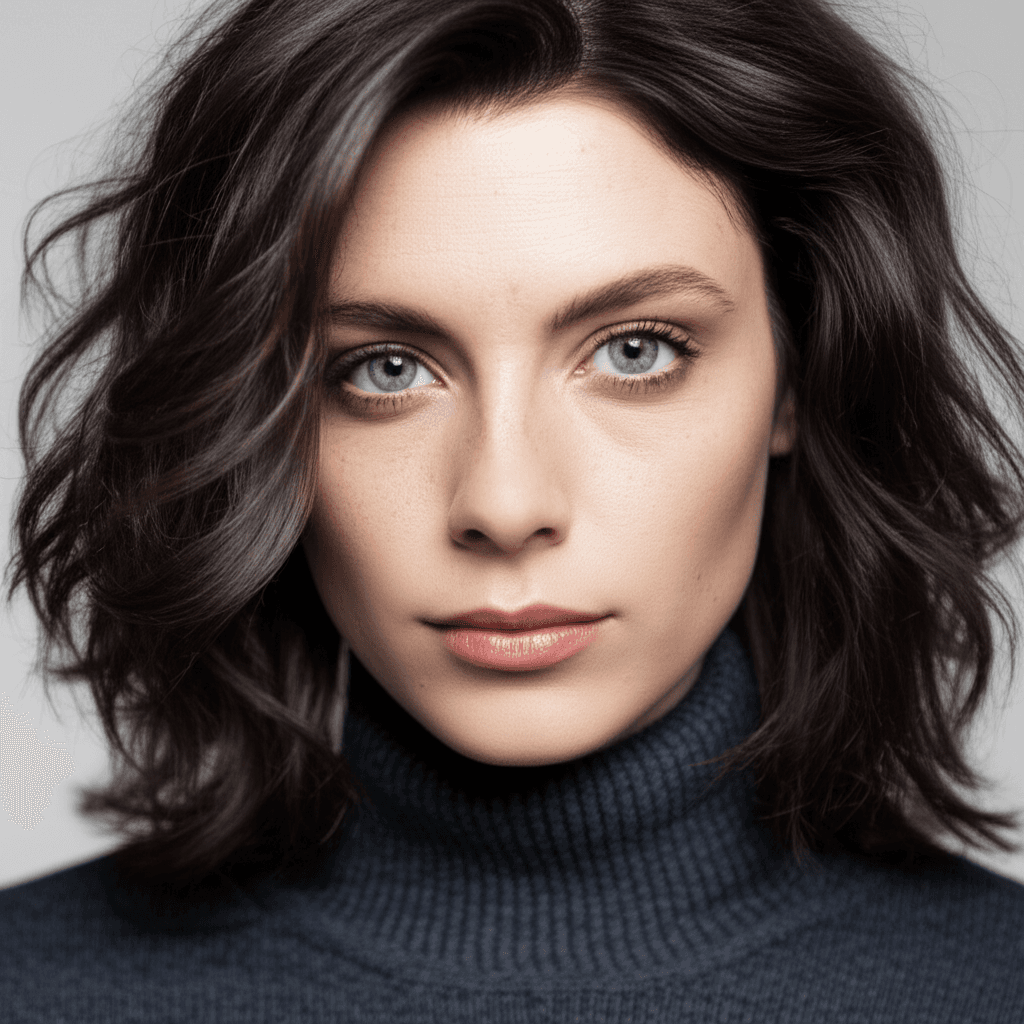
Your photo
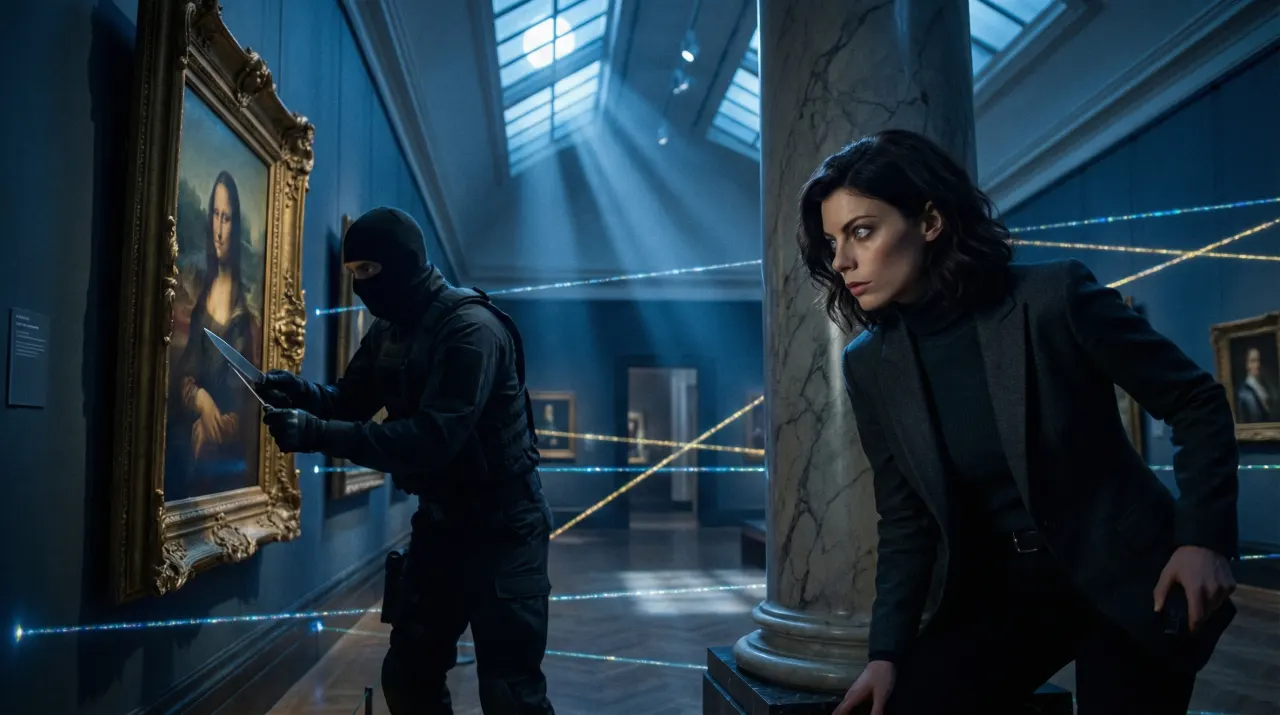
Large-Format Epic
- Photo to start
- 1
- Your photo is the reference for every image
- Styles
- 460+
- Genres, directors, anime, eras and moods
- Standard output
- 2K
- 4K images need the Creator plan
- Credit packs from
- $4.99
- No plan needed for the default model
What makes key art read as a film
A poster sells a film in one frame: a lit face, a mood, a palette that tells you the genre before you read a word. SceneSteller generates that frame from your own photo, using looks modelled on directors and genres, from rain-neon neo-noir to pastel dollhouse symmetry and classic noir, so the person on the poster is you.
Studio makes the image; the title, credits and tagline go on in Typography Lab, where you can also pick an export size. Use it for a short film, a channel trailer, a birthday gift or a pitch. For reference, the 15 movie-poster scenes in the scene library break down how well-known posters are composed.
From a look to a titled poster, in the product
Pick a look in the style builder, generate the image, add the title in Typography Lab and choose an export size.
Why homemade posters look homemade
Sound familiar?
The lighting looks like a phone photo?
Director and genre styles set the light, palette and mood of key art.
Compositing your face into a template?
Generate the whole frame from your photo, so face and scene share the same light.
Generic templates everywhere?
Real cinematic aesthetics. Brooding large-format darkness. Retro pulp color. Monumental sci-fi scale.
Typography is the hard part?
Typography Lab adds the title, credits and tagline on top of the image.
Three steps to a poster
Step 1: Upload your photo
A clear, well-lit photo of the lead. Front-facing or three-quarter both work.
One photo is enough
Step 2: Pick the film’s look
Choose a director, genre or era style from the library and generate the key art.
15 director styles · Genres and eras
Step 3: Title and export
Add the title, credits and tagline in Typography Lab, then export at the size you need.
Typography Lab is included from the Starter plan
Why filmmakers and fans make posters here
For short-film makers, channels and fans who want key art with a real face on it.
Real Cinematic Aesthetics
Not generic filters. Cinema presets built from concrete visual signatures: dramatic large-format lighting, pastel dollhouse symmetry, monumental minimal scale.
Genres and eras
Noir, heist, sci-fi and period looks, each with a real preview.
Title typography
Typography Lab is included from the Starter plan; set the title, credits and tagline on the art.
Print-size output
Standard images are 2K. 4K images need the Creator plan.
Same lead, whole campaign
Reuse the photo for a teaser, a character poster and a thumbnail in matching looks.
Poster questions
How do I make a movie poster with my face?
Upload a clear photo in Studio, choose a director or genre style and generate the key art. Then add the title, credits and tagline in Typography Lab and export it.
Which film looks are there?
15 director styles, ranging from large-format practical epics, monumental minimal sci-fi and cold, precise thrillers to pastel, dollhouse-symmetric comedies and cold one-point framing, plus genre, era, franchise and movie looks you can preview in the style library.
Can I add a title and credits?
Yes. Typography Lab is included from the Starter plan and sets title, credits and tagline text on the image. You can also finish the poster in any design tool you already use.
Can I print it?
Standard images are 2K, fine for screens and small prints. 4K images need the Creator plan, better for large prints.
How much does it cost?
Images run on credits. The default model needs no plan; 4K images need the Creator plan. A standard 2K image on the default model costs 12 credits and a 4K image costs 18. Credit packs run from Spark ($4.99 for 40 credits) to Nova ($74.99 for 750 credits).
Can I use real film titles or studio logos?
Keep titles and logos your own. Under the Terms of Service you may use generated images in personal or commercial projects, subject to applicable law and third-party rights. You need the rights to any photo you upload.
Making the video too?
Script to Video turns a script into scenes with the same character in every one, adds narration and composes the video for you to export and upload.
See the script-to-video workflow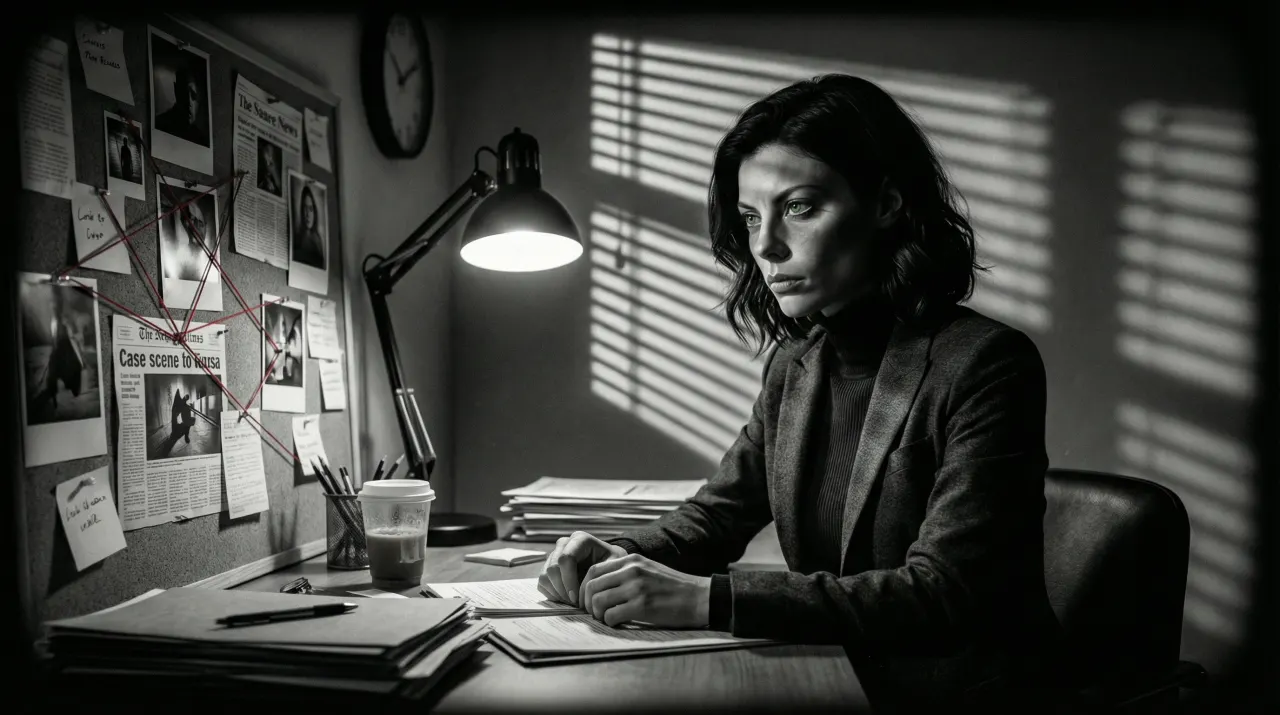
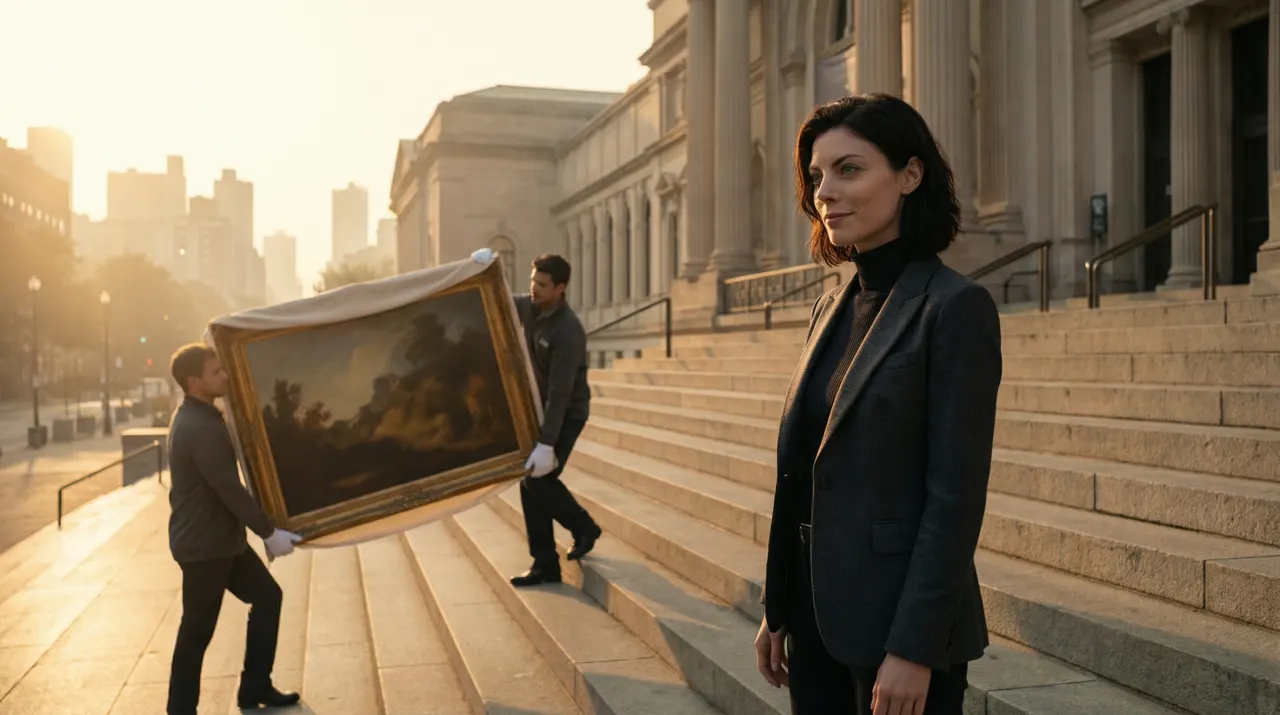
Related use cases
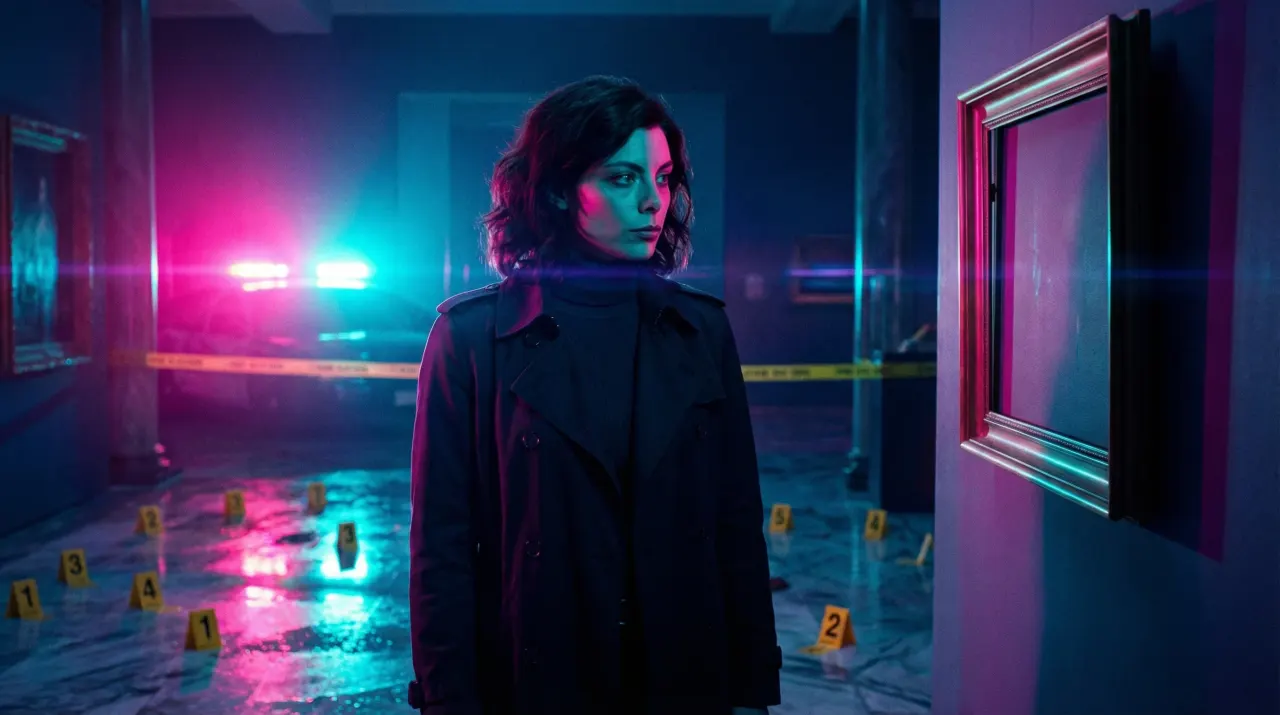
YouTube Thumbnail Generator
Thumbnail images from one photo of you, with the same face on every video in the series.
Thumbnails and social images
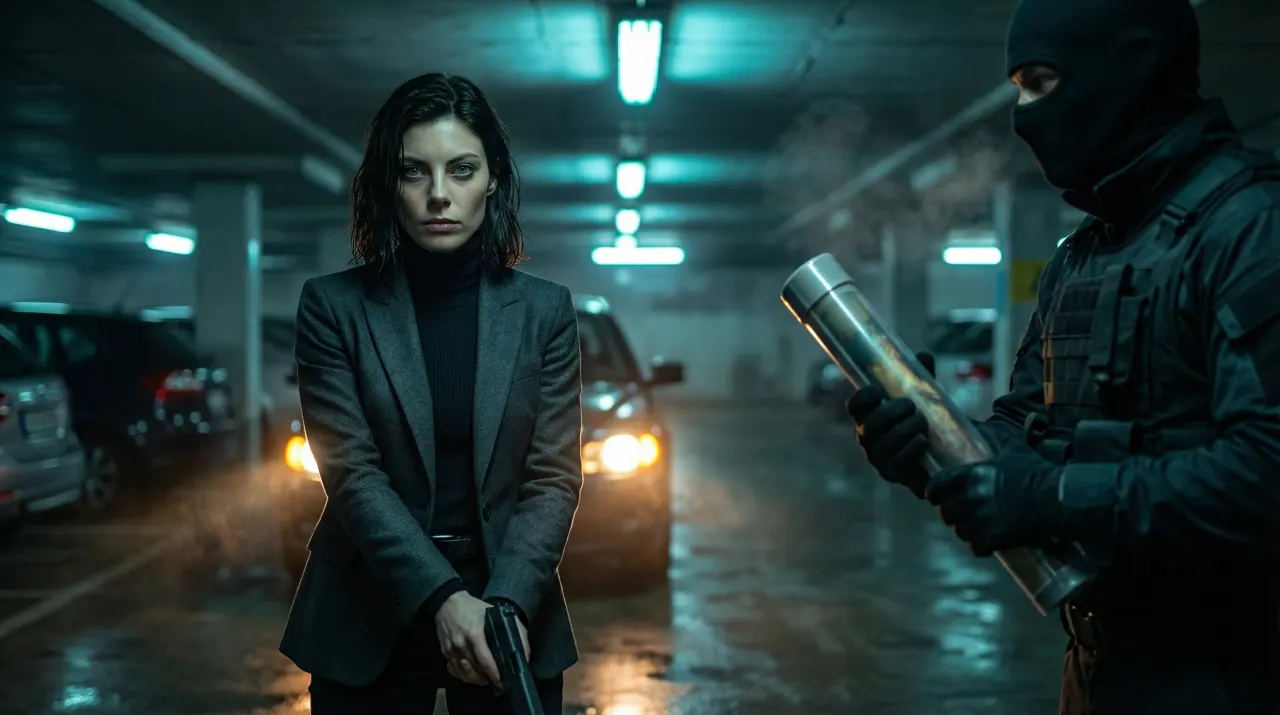
AI Storyboard Generator
A script becomes a shot-by-shot board with one consistent character, exported as PDF or ZIP.
Video and storyboards
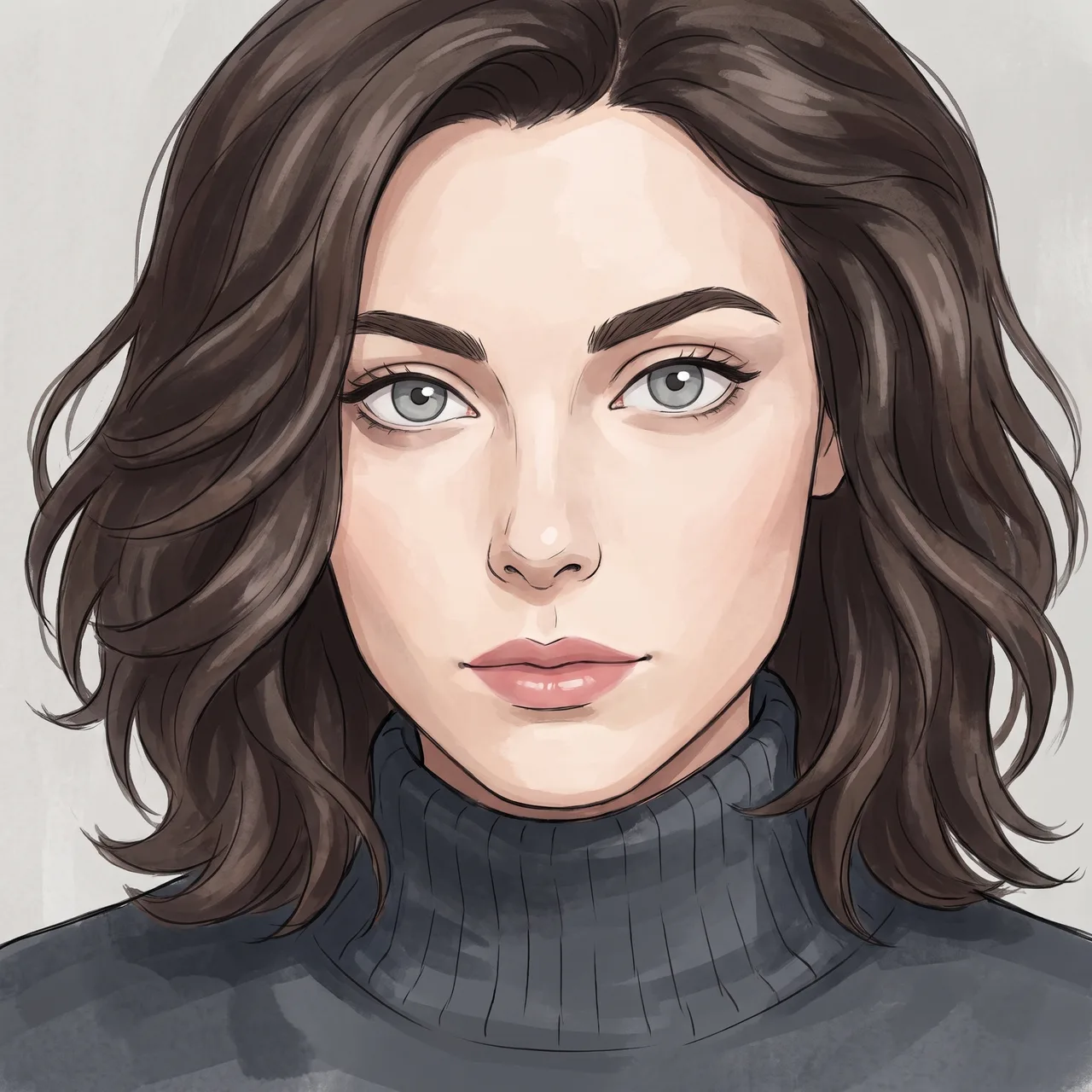
AI Anime Art Generator
Your photo redrawn in anime styles, recognisably you, ready to reuse as a story character.
Anime and poster art
Star in your own poster
One photo, the film look you love, the title in Typography Lab.
Images run on credits. The default model needs no plan; 4K images need the Creator plan.