AI Anime Art Generator
Turn your photo into anime art that still looks like you
Upload one photo and redraw it in 24 anime styles, from shonen action to slice of life and 90s retro, plus 18 manga and comic looks.
Images run on credits. The default model needs no plan; 4K images need the Creator plan.
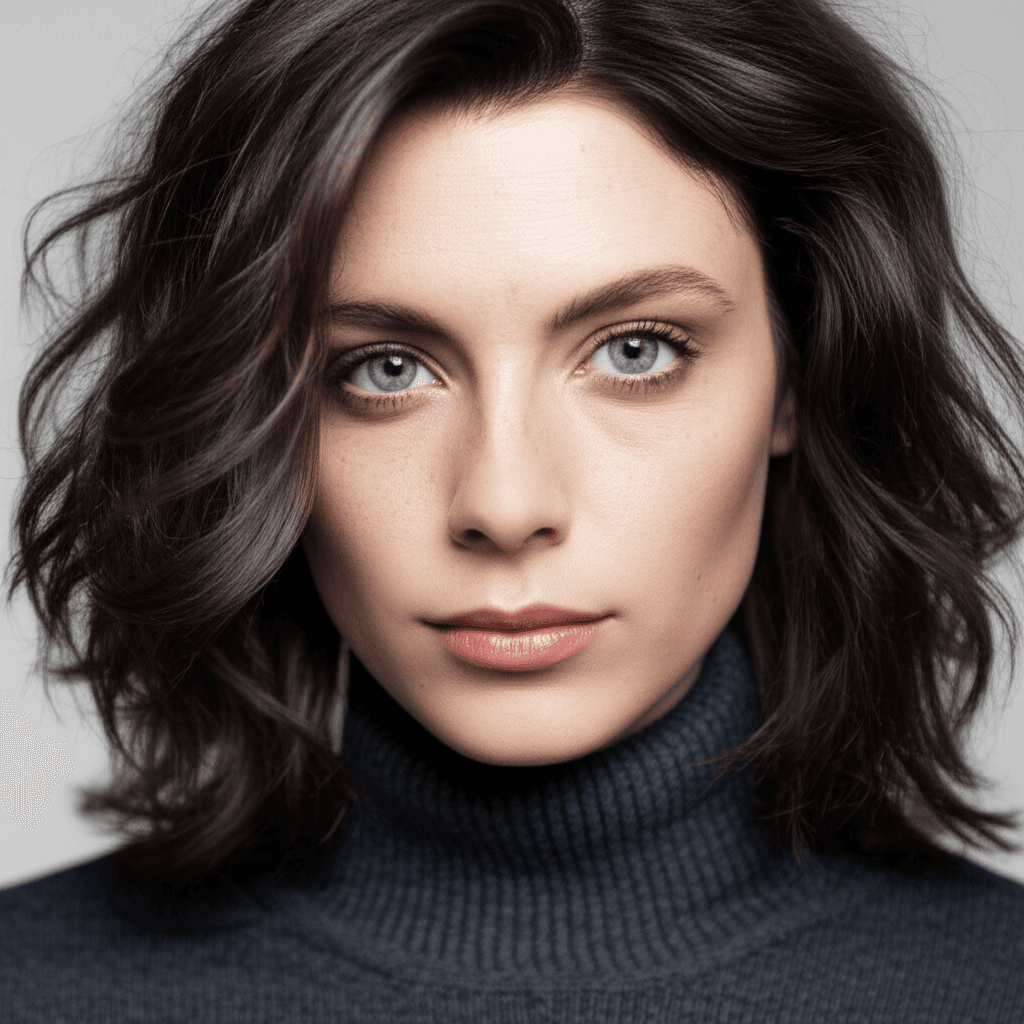
Your photo
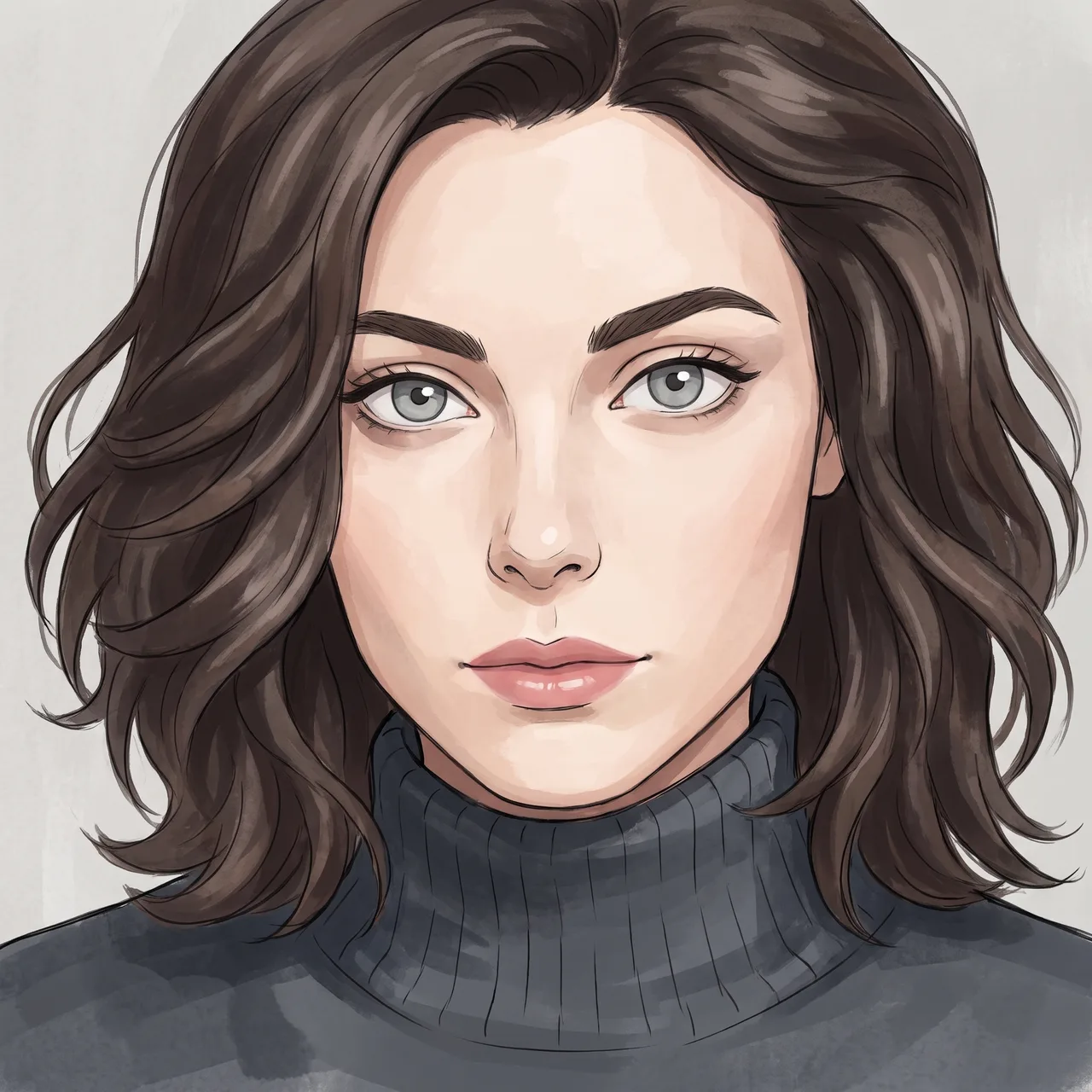
Hand-Painted Anime
- Photo to start
- 1
- Your photo is the reference for every image
- Styles
- 460+
- Genres, directors, anime, eras and moods
- Standard output
- 2K
- 4K images need the Creator plan
- Credit packs from
- $4.99
- No plan needed for the default model
From a photo to a character
Anime styles differ more than people expect: the clean lines of a slice-of-life series, the speed lines of shonen action, the soft grain of a 90s cel. SceneSteller has 24 anime styles and 18 manga and comic looks, each with a real preview in the style library, and redraws your own photo in the one you pick.
Because the result starts from your photo, it reads as you in anime form rather than a generic character. Many creators take it one step further: they keep the portrait as a character reference and use it in a storyboard or a faceless video, so the same anime character appears in every scene of the story.
One photo to a new style, in the product
Upload a photo in Studio, choose a style and generate. Switch styles and generate again from the same photo.
Why anime avatars disappoint
Sound familiar?
The anime version looks nothing like you?
Your photo is the reference, so the drawing keeps your features in anime form.
Every generator has the same one anime look?
Pick from 24 anime styles and 18 manga and comic looks.
A commission takes weeks to come back?
Try several anime directions yourself first, then commission the one you love if you want hand-drawn polish.
Want the character in a whole story?
Reuse the portrait as a character reference in a storyboard or video.
Three steps to your anime self
Step 1: Upload a clear photo
A front-facing photo with good light works best. It is the reference for every anime version.
One photo is enough
Step 2: Pick an anime style
Browse anime, manga and comic styles with real previews and choose the look you want.
24 anime · 18 manga and comic
Step 3: Generate and download
Generate, try another style from the same photo, and download the ones you like.
2K standard · 4K images need the Creator plan
Why creators draw their characters here
For streamers, writers and creators who want an anime self that is recognisably theirs.
Recognisably you
The drawing starts from your photo, so your features carry into the anime version.
Every Anime Era
80s cel animation and neon megacities. 90s film-grain nostalgia and hand-drawn mecha. 2000s crisp digital color. Today's glossy, high-impact shonen action.
Genre Flexibility
Shonen action hero. Shoujo romance protagonist. Isekai adventurer. Slice of life comfort. Mecha pilot. Your face fits any story.
Manga and comics
18 manga and comic looks for panels, covers and posts.
Try directions fast
Switch style and generate again from the same photo to compare looks side by side.
Character for a story
Use the portrait as a character reference in a storyboard or a faceless video.
Avatars and banners
Crop to profile, banner or post sizes in the free image resizer.
Anime art questions
How do I turn my photo into anime art?
Upload a clear photo in Studio, open the anime styles and pick one, then generate. To compare looks, switch to another anime style and generate again from the same photo.
Which anime styles are there?
There are 24 anime styles, including shonen action, slice of life, isekai fantasy, mecha, cyberpunk anime and 90s retro, plus 18 manga and comic looks. Each has a page with a real preview in the style library.
Will the anime version look like me?
Your photo is the reference, so your features carry through. Anime styles simplify faces by design, so expect a likeness, not a photo; generate a few variations and keep the closest.
Can I use my anime character in a video or storyboard?
Yes. Use the portrait as a character reference in Storyboard or Script to Video, and the same character appears in every scene. Both are plan features; images on their own run on credits.
How much does it cost?
Images run on credits. The default model needs no plan; 4K images need the Creator plan. A standard 2K image on the default model costs 12 credits and a 4K image costs 18. Credit packs run from Spark ($4.99 for 40 credits) to Nova ($74.99 for 750 credits).
Can I use the art commercially?
Under the Terms of Service you may use generated images in personal or commercial projects, subject to applicable law and third-party rights. You need the rights to any photo you upload.
Making the video too?
Script to Video turns a script into scenes with the same character in every one, adds narration and composes the video for you to export and upload.
See the script-to-video workflow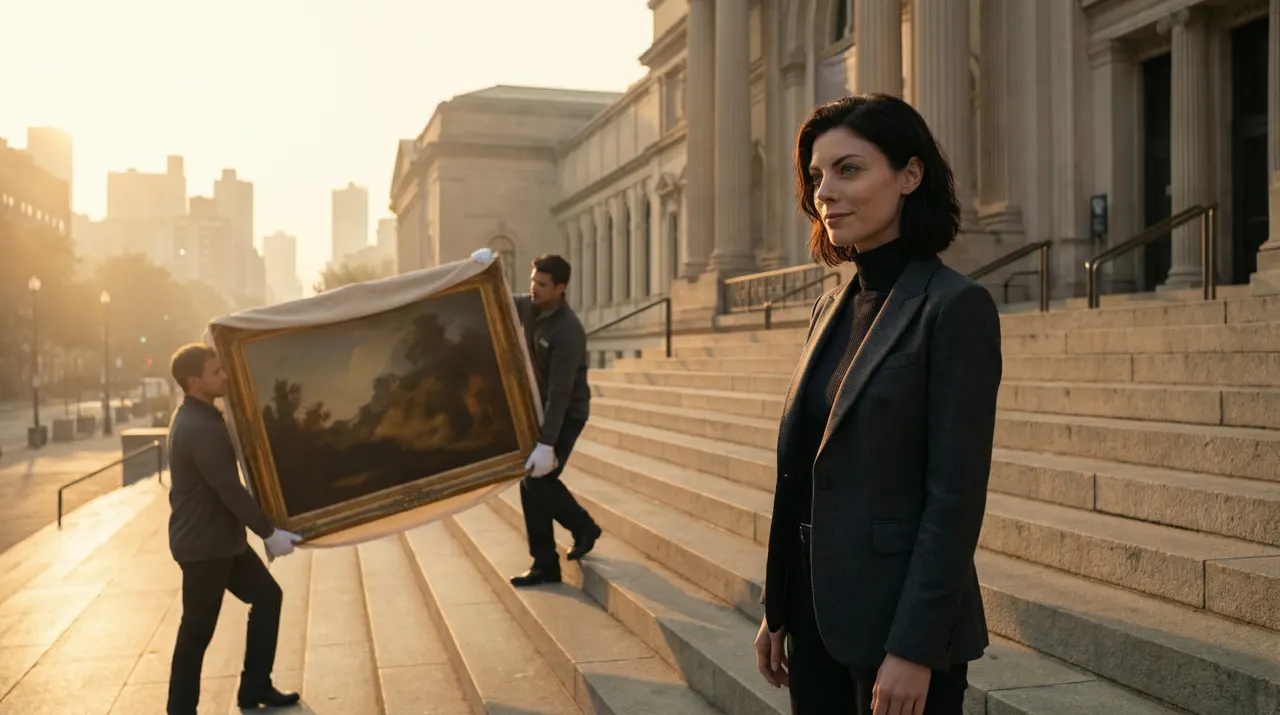
Related use cases
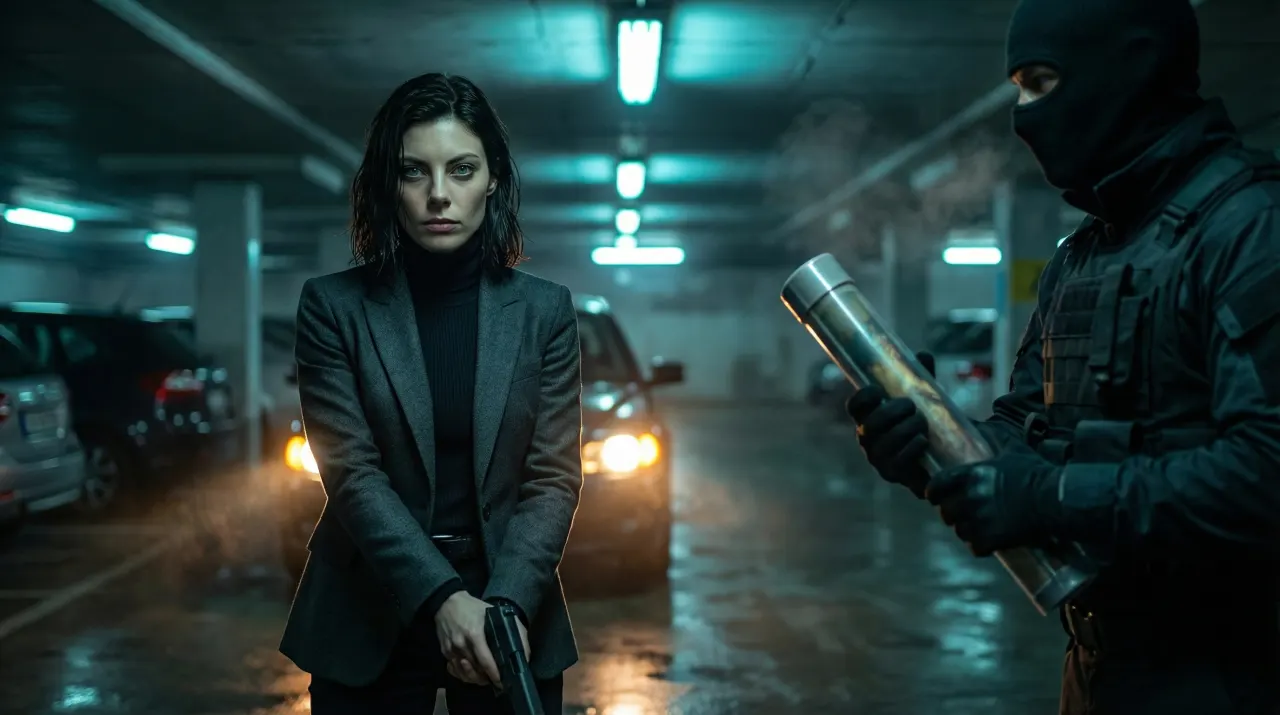
AI Storyboard Generator
A script becomes a shot-by-shot board with one consistent character, exported as PDF or ZIP.
Video and storyboards
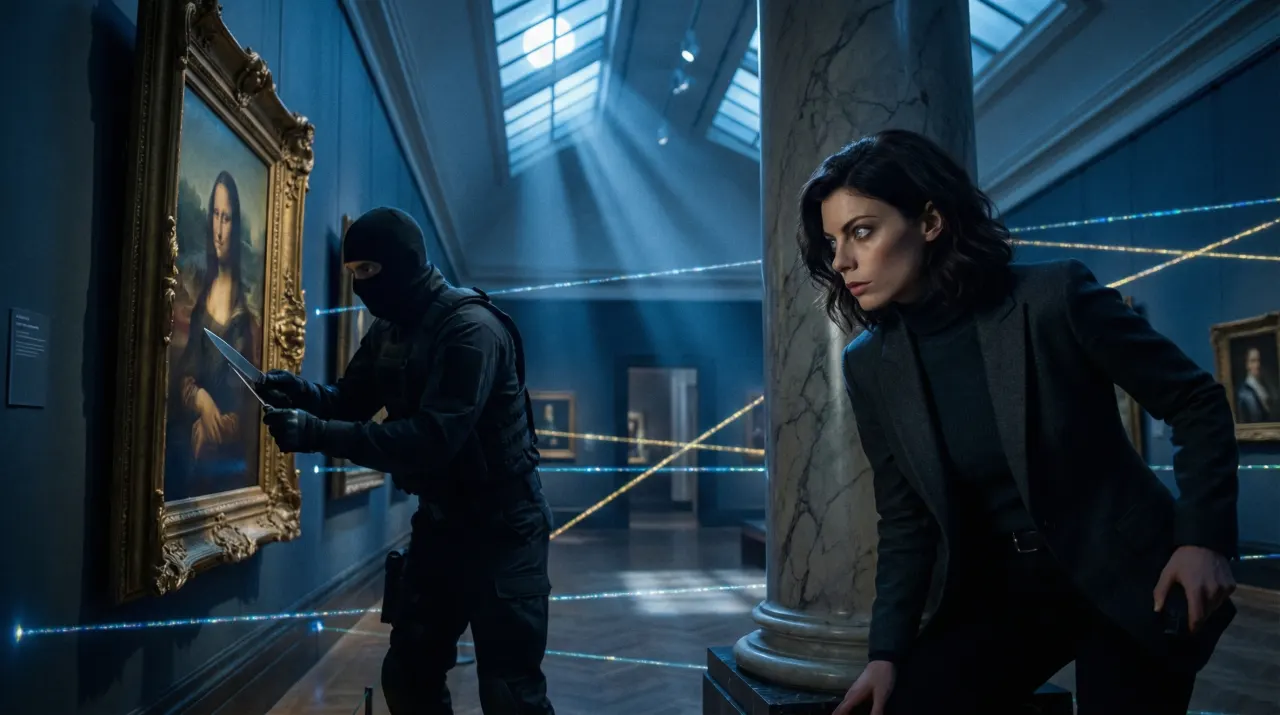
AI Movie Poster Generator
Your face as cinematic key art in director and genre styles, with the title added in Typography Lab.
Anime and poster art
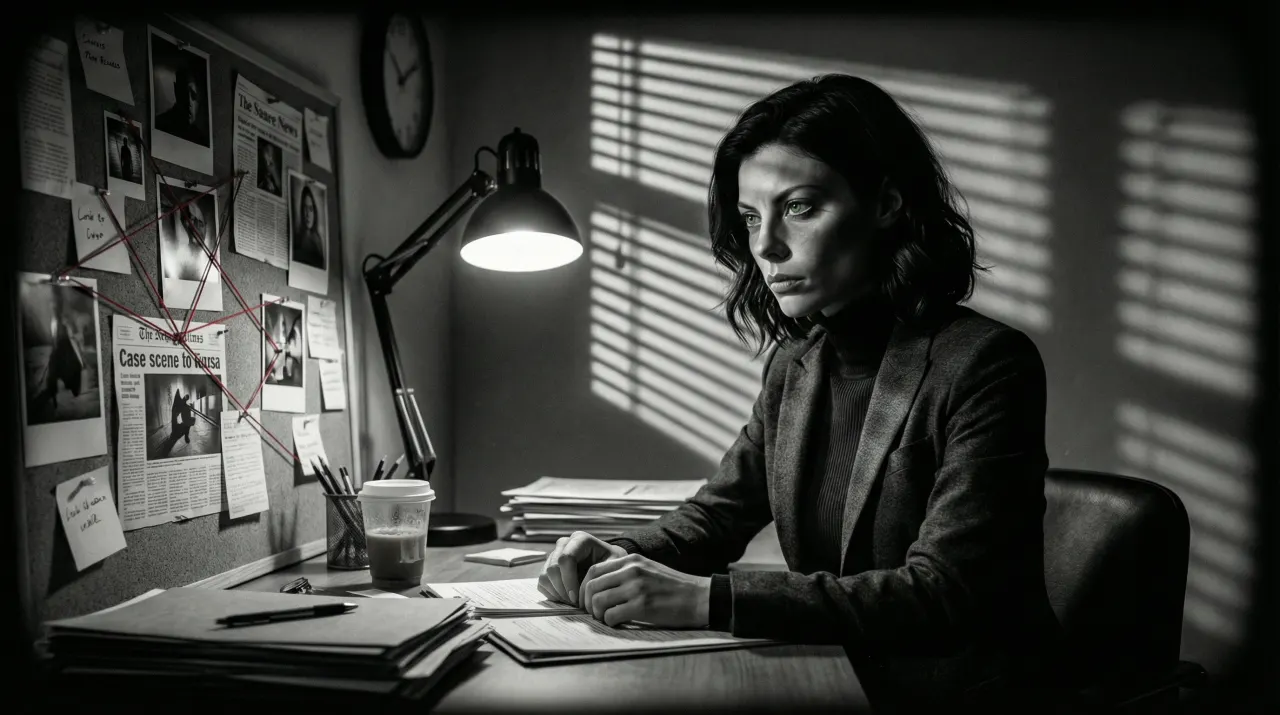
Faceless YouTube Video Maker
Script in, scenes out, the same character in every scene. Export an MP4 and upload it yourself.
Video and storyboards
Meet your anime self
One photo, the anime style you love, a character you can reuse.
Images run on credits. The default model needs no plan; 4K images need the Creator plan.