Deep Space visual style
Interstellar void, cosmic scale. Study this look for your storyboard frames before planning motion and editing.
Storyboard opens a new project. This preset is not selected automatically.
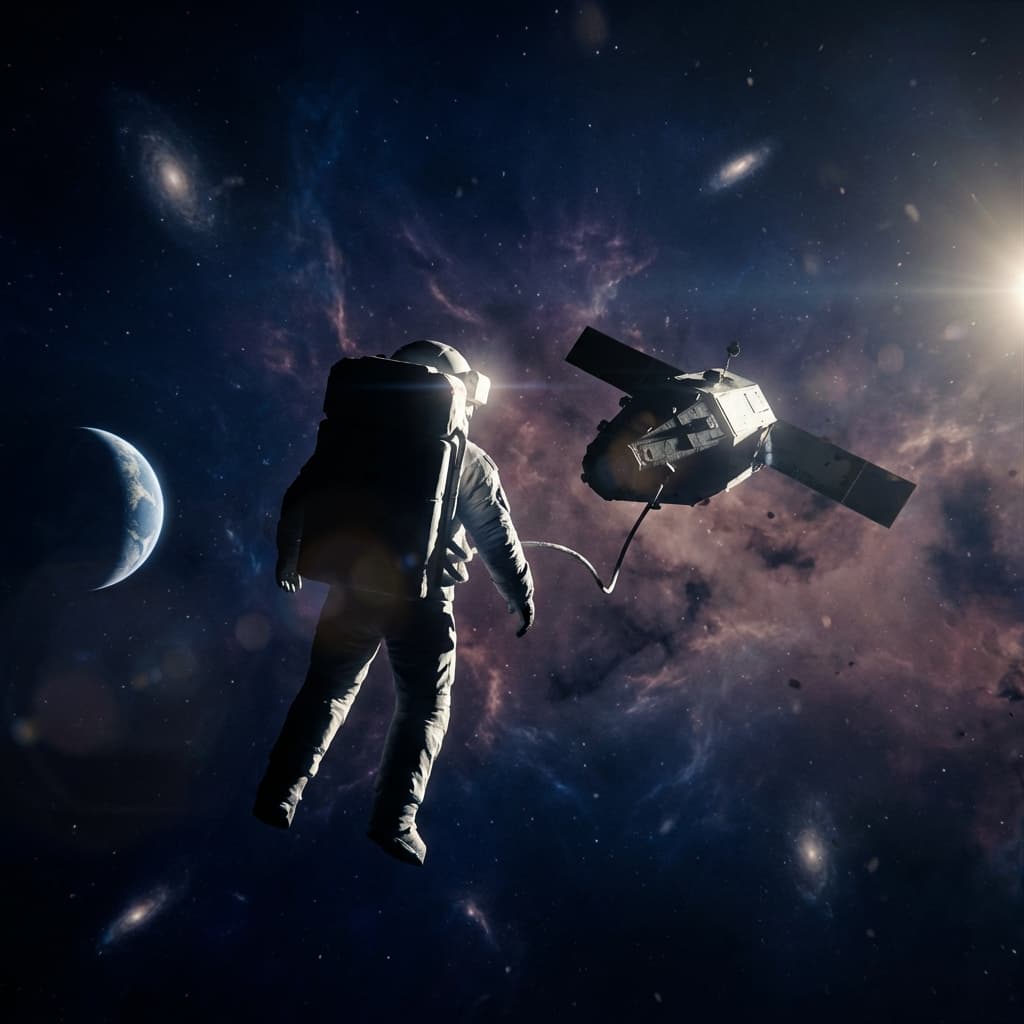
About the Deep Space style
Visual characteristics
Deep space in 2013 long-take orbital style. Overwhelming vastness of interstellar void: distant galaxies as faint smudges in dusty rose, spiral arms in blue-white. Lone spacecraft in agency-white dwarfed by incomprehensible cosmic distances. Stars as pinpoint lights against infinite black. Earth-rise or nebula backdrop in deep blue to purple gradient. Long-take cinematography with floating camera, practical lighting from distant sun creating hard shadows. Profound isolation and wonder, humanity venturing into universe depths.
Color palette
Colors specified in the preset recipe, not a guarantee for every generated frame.
- #bc8f8f
- #e6e6fa
- #f5f5f5
- #ffffff
- #000000
Adapt the preset recipe
Select and copy the recipe below as a starting point. In Storyboard, choose My styles, create a custom style and open Advanced mode. Adapt the wording to your scene and the editor's 1,000-character limit; a Studio preset is not imported automatically. Camera and film references describe the intended look, not equipment used to create the preview or guaranteed animation.
Transform the scene into deep space in 2013 long-take orbital style. Overwhelming vastness of interstellar void: distant galaxies as faint smudges in dusty rose (#BC8F8F), spiral arms in blue-white (#E6E6FA). Lone spacecraft in agency-white (#F5F5F5) dwarfed by incomprehensible cosmic distances. Stars as pinpoint lights (#FFFFFF) against infinite black (#000000). Earth-rise or nebula backdrop in deep blue (#191970) to purple (#4B0082) gradient. Long-take cinematography with floating camera, practical lighting from distant sun creating hard shadows. Profound isolation and wonder, humanity venturing into universe depths.
Plan shots in the Deep Space look
Step 1: Study the visual recipe
Compare the Deep Space still preview with the visual notes below. Choose which lighting, palette and framing cues belong in your shot list.
Step 2: Build your storyboard
Open a new Storyboard, add your script and character references, then choose its style separately. To adapt this recipe, paste it into a custom style in Advanced mode.
Step 3: Review before video
Review the generated frames for continuity. A still does not specify motion, pacing or audio; plan those as separate decisions for your video.
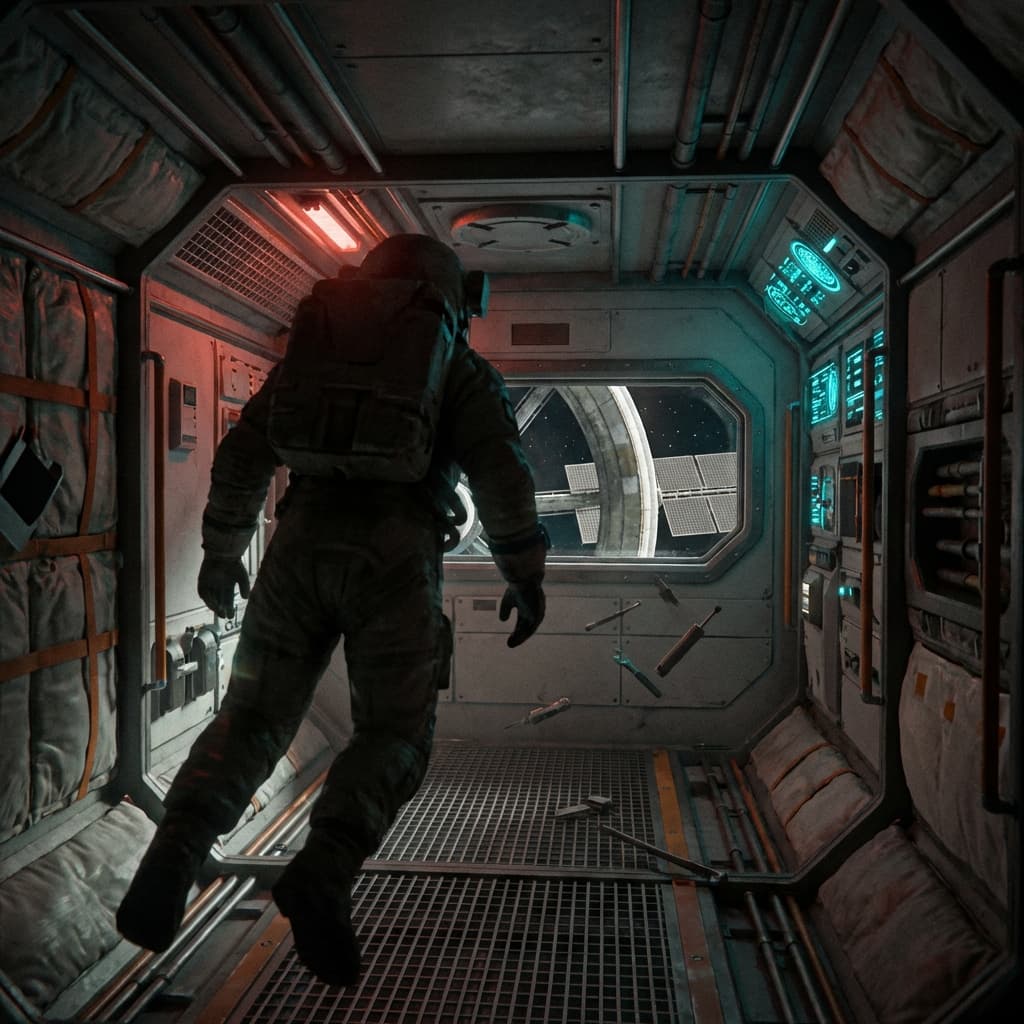
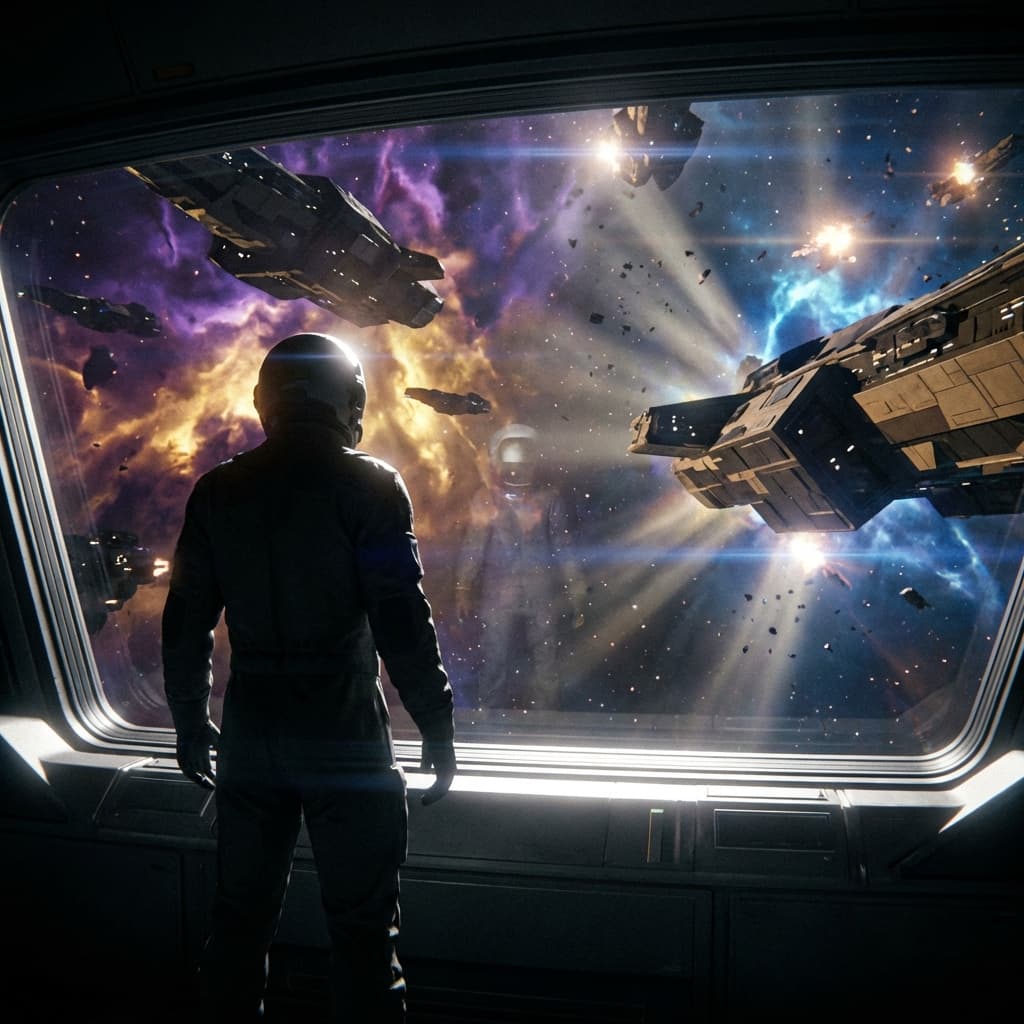
Plan Your Deep Space Storyboard
Use the Deep Space notes as a visual brief. Storyboard opens a new project; it does not automatically select this Studio preset.