Space Opera Style
Epic galactic scale, fleet battles. Study this look for your storyboard frames before planning motion and editing.
Storyboard opens a new project. This preset is not selected automatically.
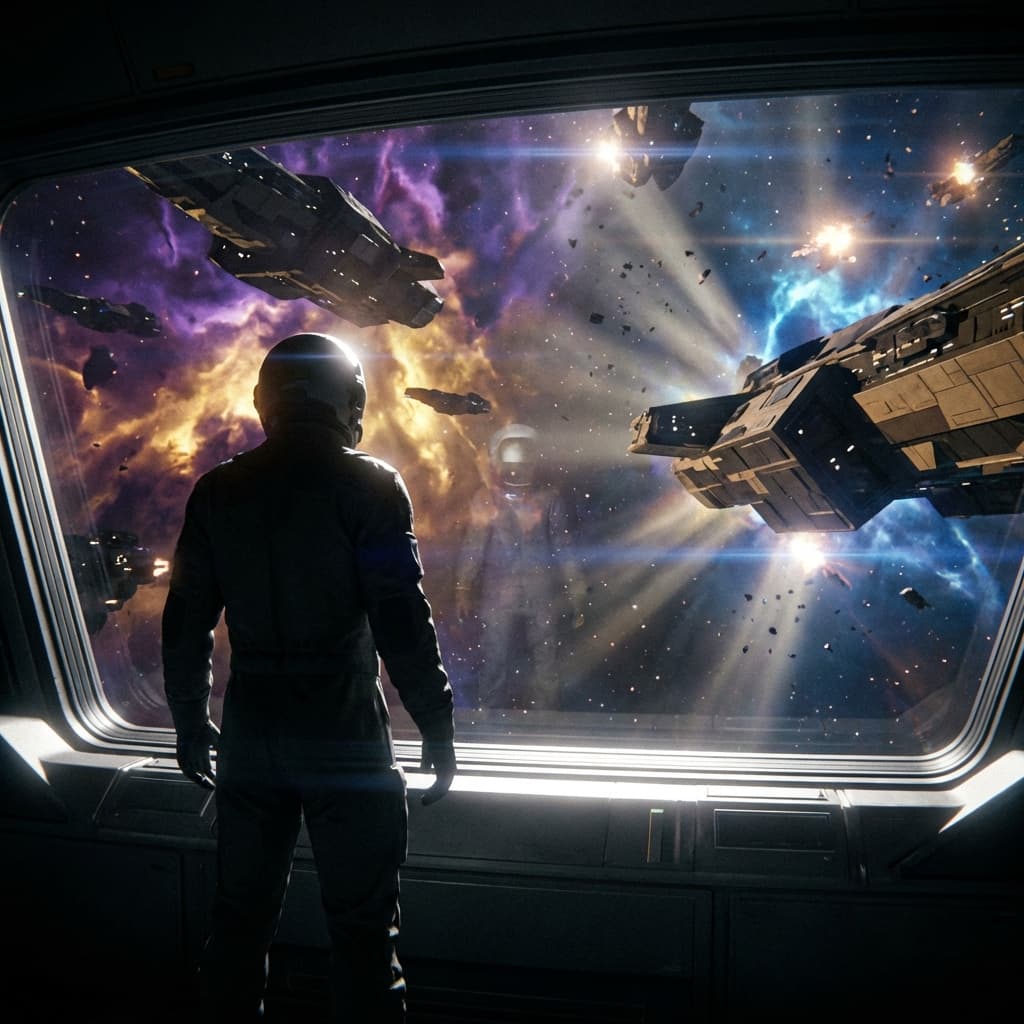
Using the Space Opera style
Space opera is science fiction at the scale of civilizations: massive capital ships in fleet warfare against dramatic nebula backdrops, bridge crews lit by heroic rim light, and vast space vistas. If you want real physics and utilitarian hardware, Hard Science Fiction is the better fit; space opera favors spectacle over realism.
The style suits sci-fi trailers, game and novel key art, music video backdrops, pitch decks, and storyboards for space battles. Prompt tips: decide the hero of the frame first, whether one ship, one crew or one planet, then add scale cues such as tiny fighters beside a capital ship. Let one nebula color lead instead of mixing the purple, gold and electric blue of the preset, and say where the light comes from. For dialogue scenes, ask for a bridge interior with a window onto the fleet. Keep the ship silhouette description identical across prompts so a fleet stays consistent between shots. Previews are still images, not video.
About the Space Opera style
Visual characteristics
Epic space opera in modern large-format galactic-warfare style. Vast galactic scale with massive capital ships engaging in fleet warfare against dramatic nebula backdrops in purple, gold, and electric blue. Elegant starship designs: dagger-grey battleships, rebel-tan frigates. Heroic rim lighting illuminating bridge crews, dramatic space vistas with god rays piercing dust fields. Lens flares and battle debris adding chaos to the cosmic canvas.
Color palette
Colors specified in the preset recipe, not a guarantee for every generated frame.
- #8b008b
- #ffd700
- #00bfff
- #696969
- #d2b48c
Adapt the preset recipe
Select and copy the recipe below as a starting point. In Storyboard, choose My styles, create a custom style and open Advanced mode. Adapt the wording to your scene and the editor's 1,000-character limit; a Studio preset is not imported automatically. Camera and film references describe the intended look, not equipment used to create the preview or guaranteed animation.
Transform the scene into epic space opera in modern large-format galactic-warfare style. Vast galactic scale with massive capital ships engaging in fleet warfare against dramatic nebula backdrops in purple (#8B008B), gold (#FFD700), and electric blue (#00BFFF). Elegant starship designs: dagger-grey battleships (#696969), rebel-tan frigates (#D2B48C). Heroic rim lighting (#FFFFFF) illuminating bridge crews, dramatic space vistas with god rays piercing dust fields. Lens flares and battle debris (#4A4A4A) adding chaos to the cosmic canvas.
Plan shots in the Space Opera look
Step 1: Study the visual recipe
Compare the Space Opera still preview with the visual notes below. Choose which lighting, palette and framing cues belong in your shot list.
Step 2: Build your storyboard
Open a new Storyboard, add your script and character references, then choose its style separately. To adapt this recipe, paste it into a custom style in Advanced mode.
Step 3: Review before video
Review the generated frames for continuity. A still does not specify motion, pacing or audio; plan those as separate decisions for your video.
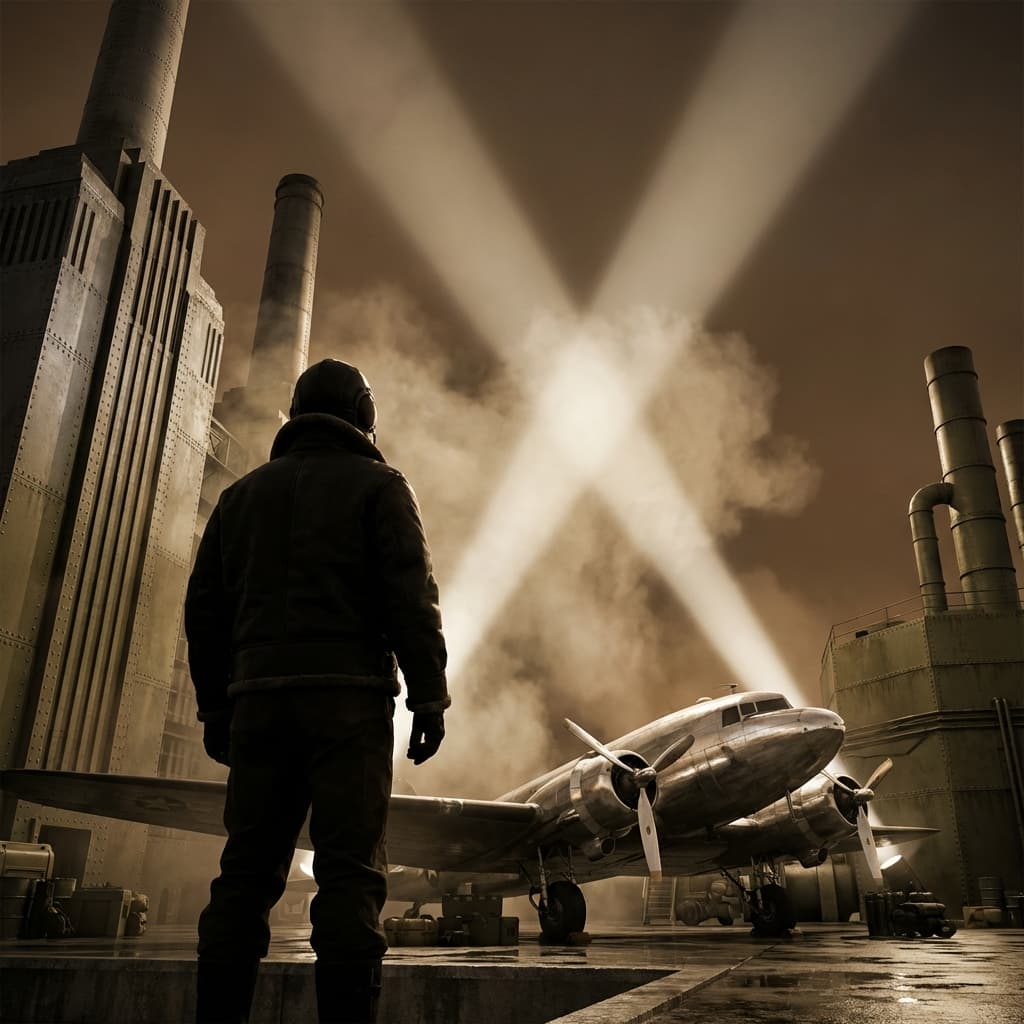
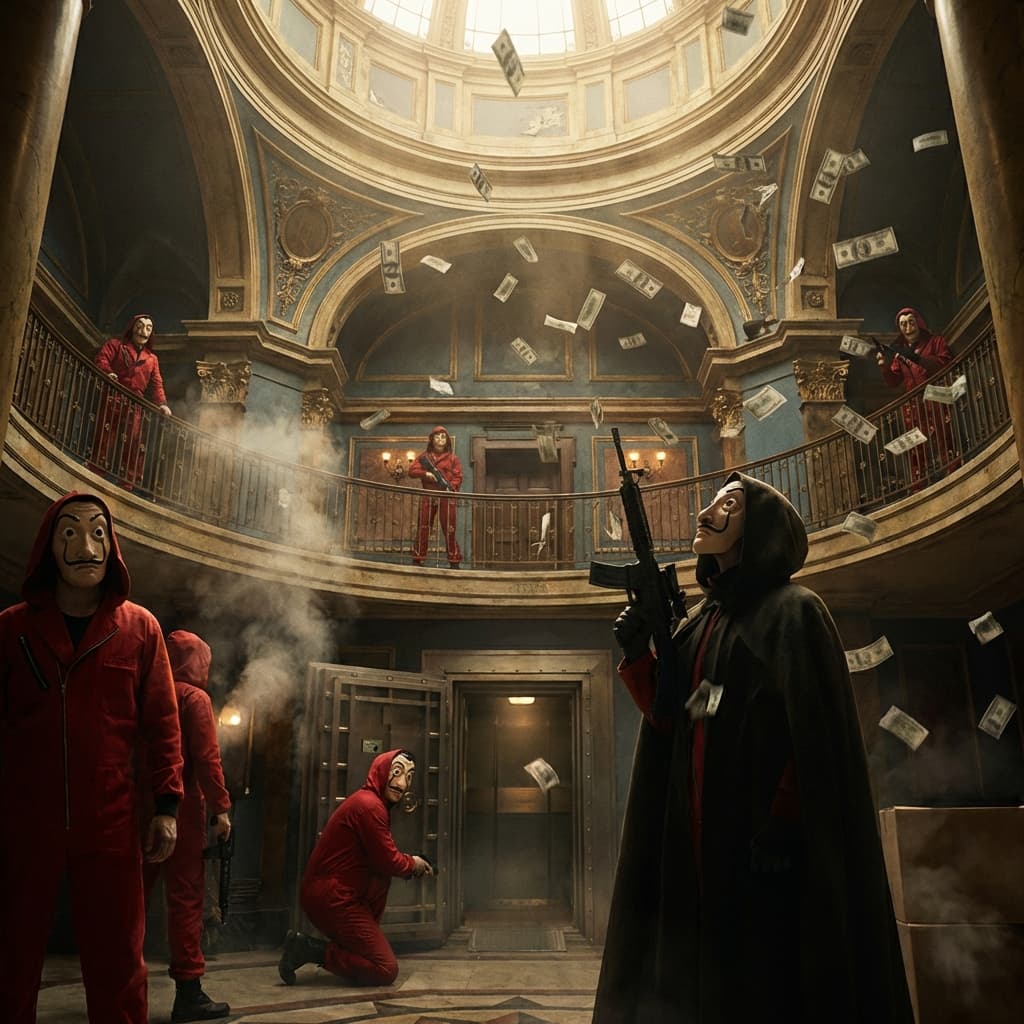
Plan Your Space Opera Storyboard
Use the Space Opera notes as a visual brief. Storyboard opens a new project; it does not automatically select this Studio preset.