Post-Apocalyptic visual style
Ruined world survival. Study this look for your storyboard frames before planning motion and editing.
Storyboard opens a new project. This preset is not selected automatically.
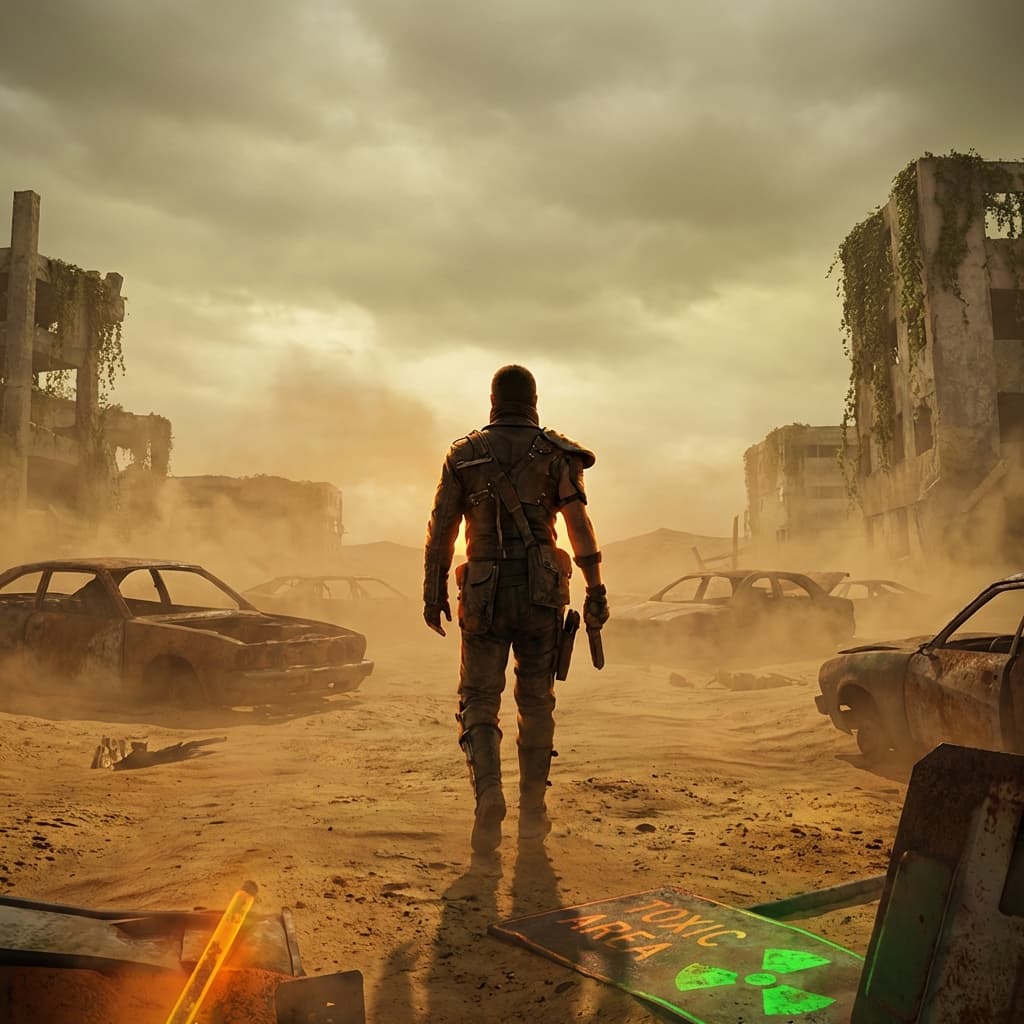
About the Post-Apocalyptic style
Visual characteristics
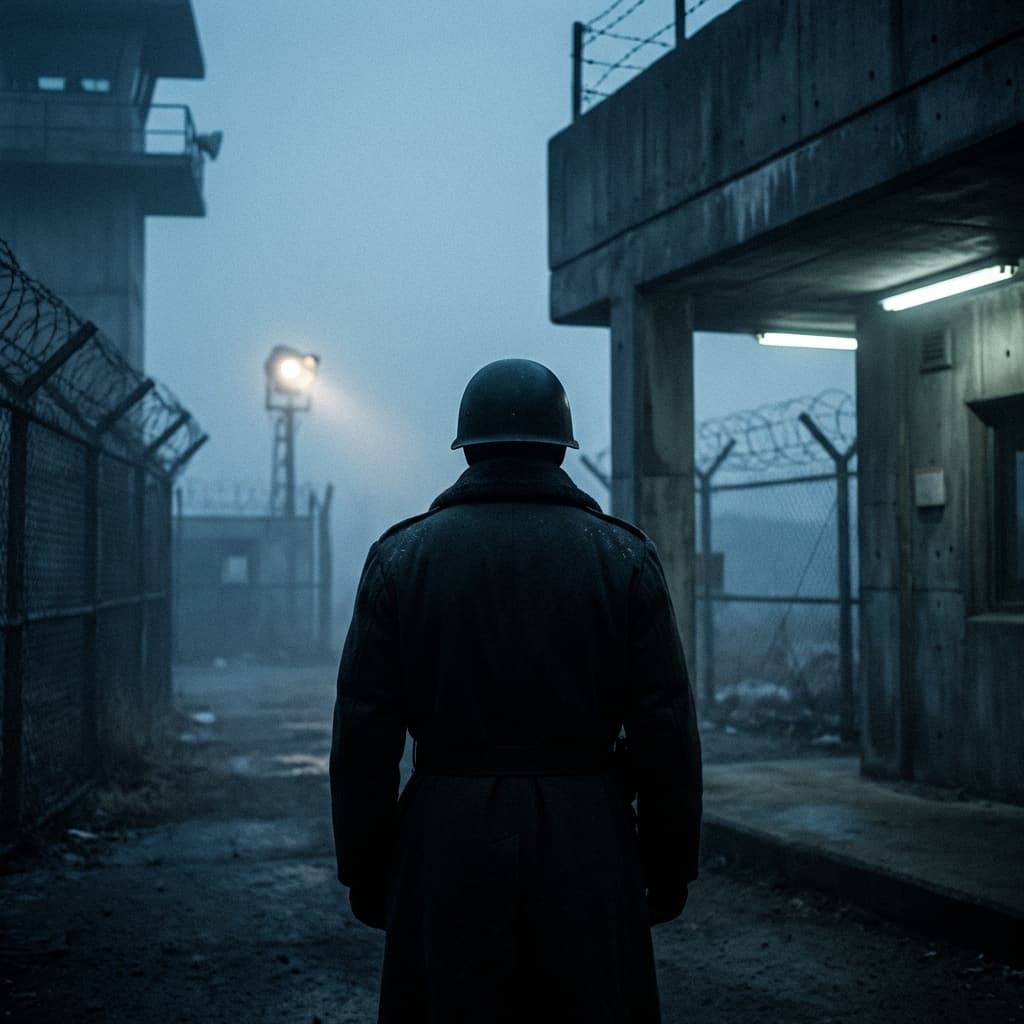
Post-apocalyptic wasteland in 2015 practical-stunt convoy style. Civilization in ruins: rusted vehicles in iron oxide, collapsed buildings overtaken by nature in muted olive. Survivors in improvised gear with leather and salvaged metal. Desaturated color grading: browns, ash greys, with toxic warning orange and radioactive green accents. Dust storms in ochre, overcast sky in sickly yellow-grey. Dangerous beauty in remnants of the old world, shot at magic hour with warm rim lighting.
Color palette
Colors specified in the preset recipe, not a guarantee for every generated frame.
- #b7410e
- #6b8e23
- #8b4513
- #696969
- #a0522d
Adapt the preset recipe
Select and copy the recipe below as a starting point. In Storyboard, choose My styles, create a custom style and open Advanced mode. Adapt the wording to your scene and the editor's 1,000-character limit; a Studio preset is not imported automatically. Camera and film references describe the intended look, not equipment used to create the preview or guaranteed animation.
Transform the scene into post-apocalyptic wasteland in 2015 practical-stunt convoy style. Civilization in ruins: rusted vehicles in iron oxide (#B7410E), collapsed buildings overtaken by nature in muted olive (#6B8E23). Survivors in improvised gear with leather (#8B4513) and salvaged metal (#696969). Desaturated color grading: browns (#A0522D), ash greys (#808080), with toxic warning orange (#FF4500) and radioactive green (#7FFF00) accents. Dust storms in ochre (#CC7722), overcast sky in sickly yellow-grey (#9ACD32). Dangerous beauty in remnants of the old world, shot at magic hour with warm rim lighting.
Plan shots in the Post-Apocalyptic look
Step 1: Study the visual recipe
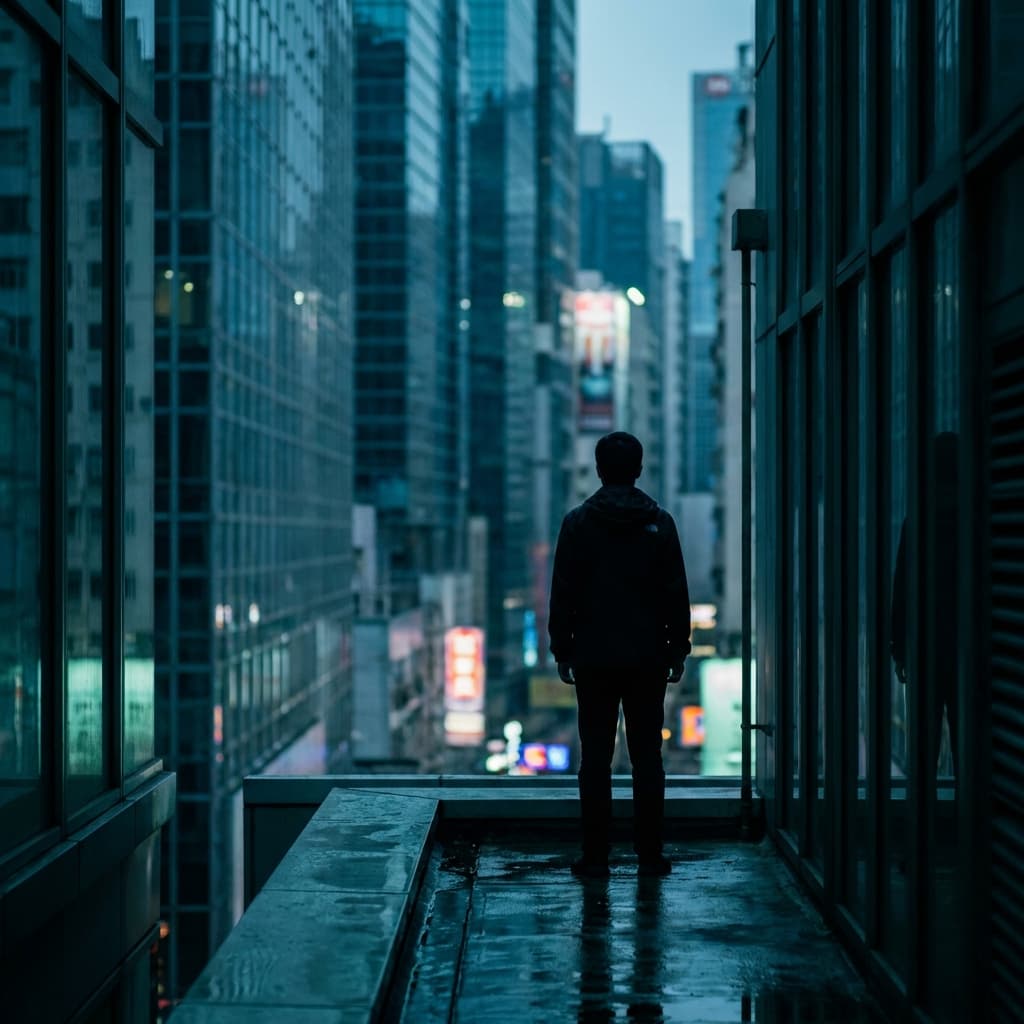
Compare the Post-Apocalyptic still preview with the visual notes below. Choose which lighting, palette and framing cues belong in your shot list.
Step 2: Build your storyboard
Open a new Storyboard, add your script and character references, then choose its style separately. To adapt this recipe, paste it into a custom style in Advanced mode.
Step 3: Review before video
Review the generated frames for continuity. A still does not specify motion, pacing or audio; plan those as separate decisions for your video.
Plan Your Post-Apocalyptic Storyboard
Use the Post-Apocalyptic notes as a visual brief. Storyboard opens a new project; it does not automatically select this Studio preset.