Concept Art visual style
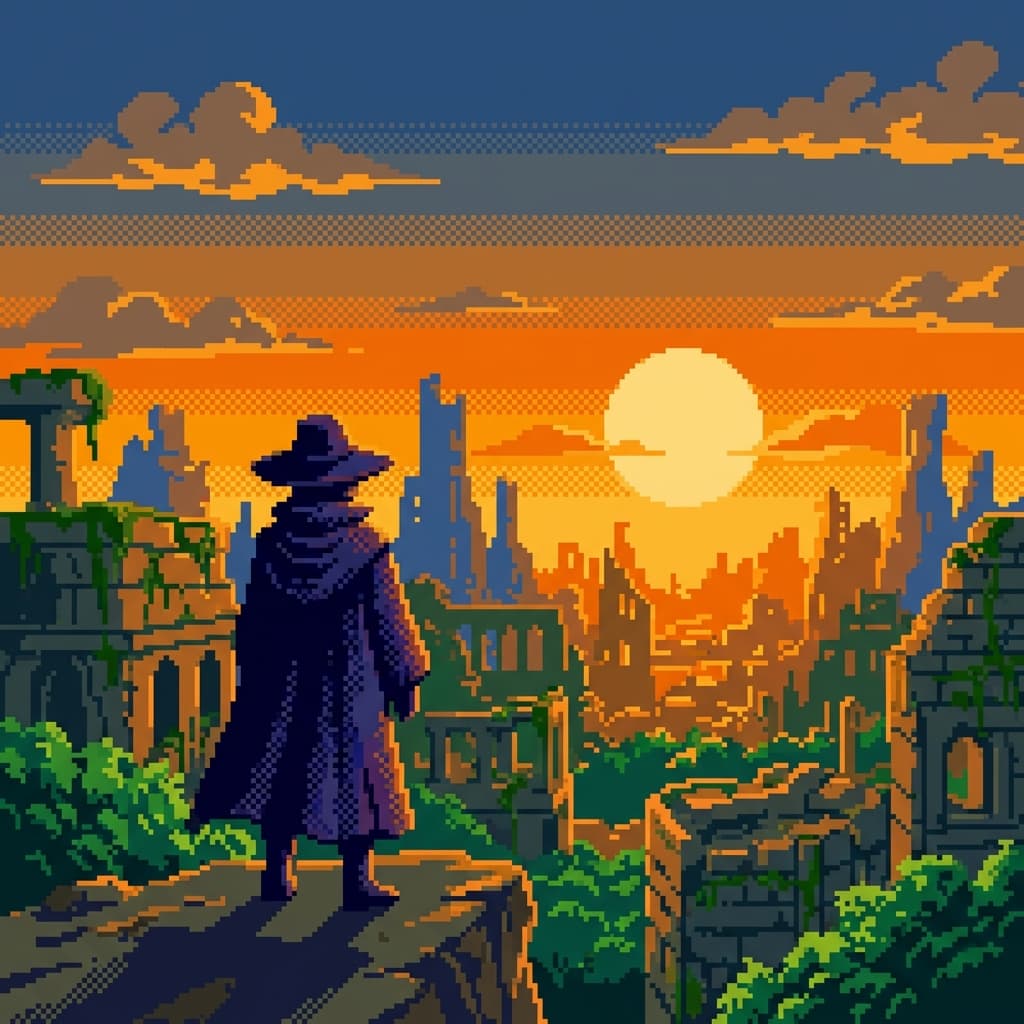
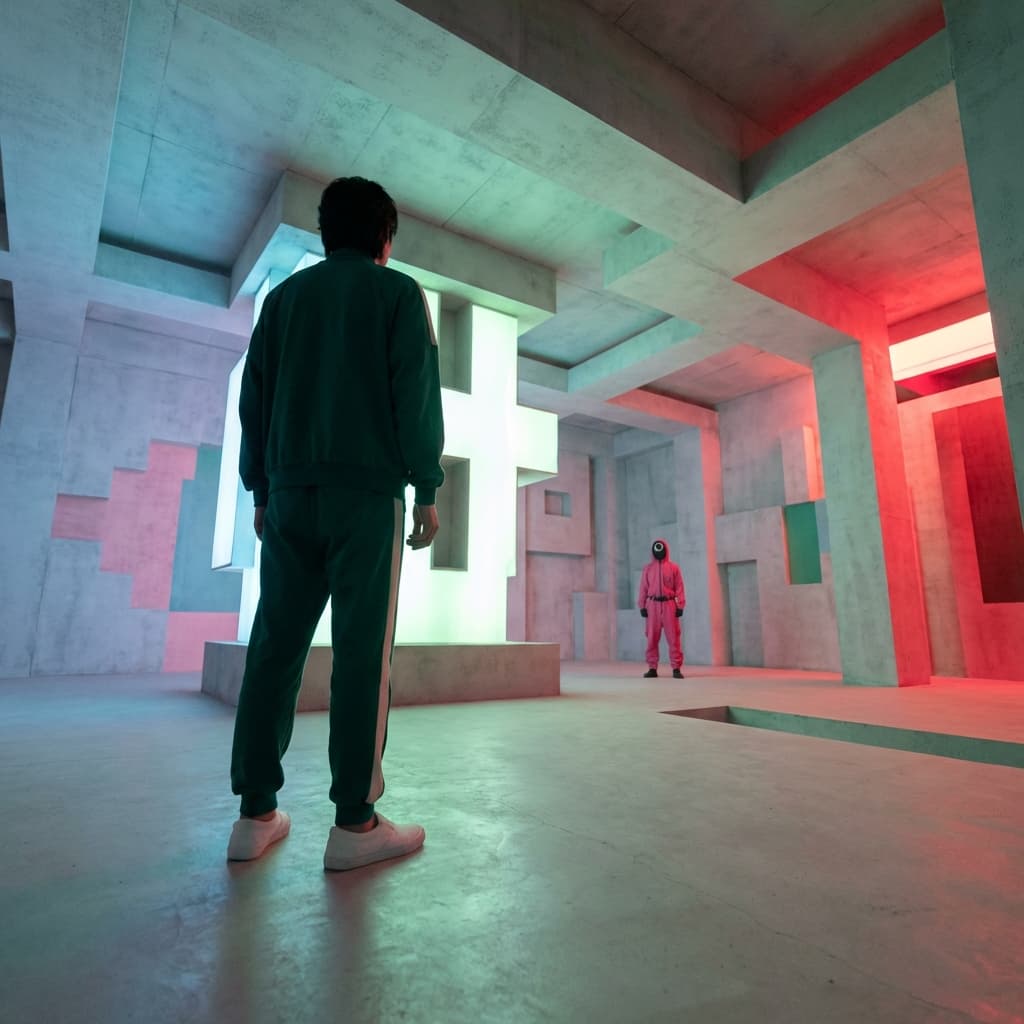
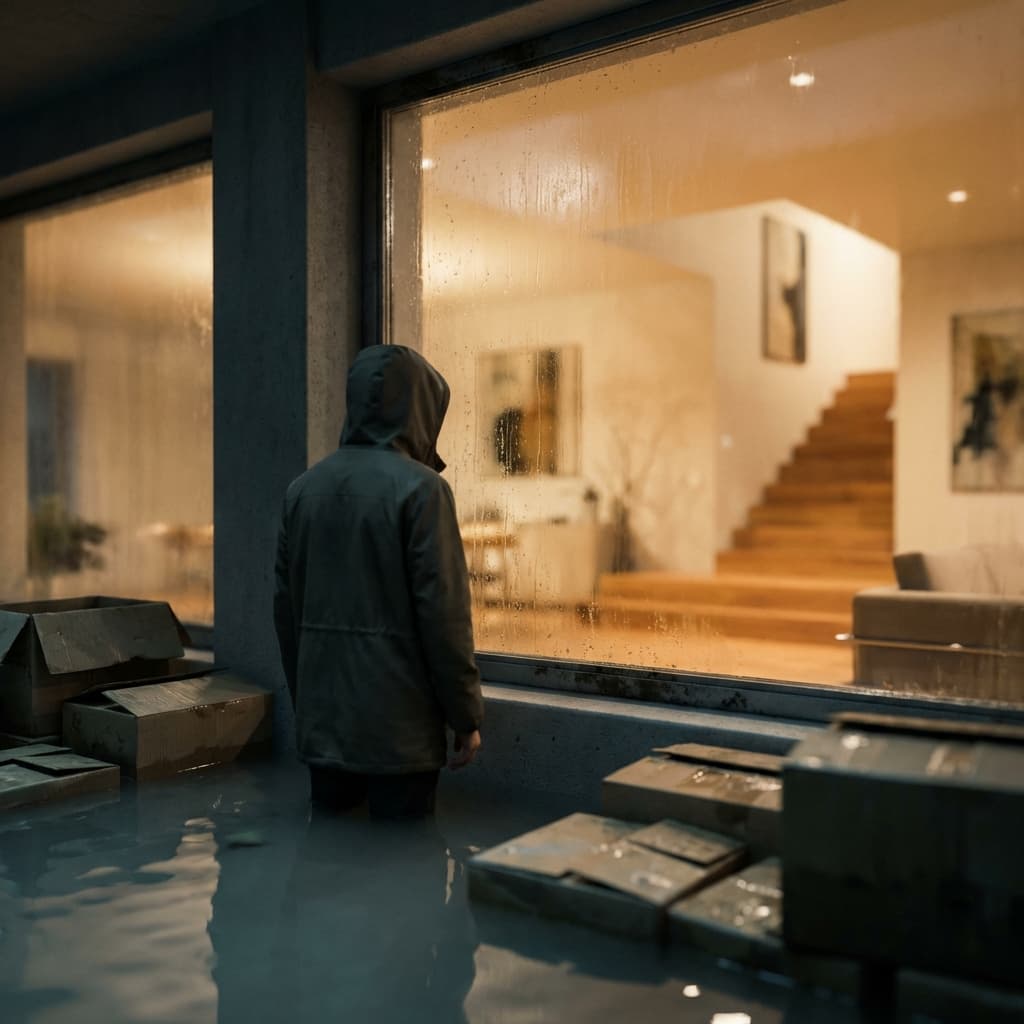
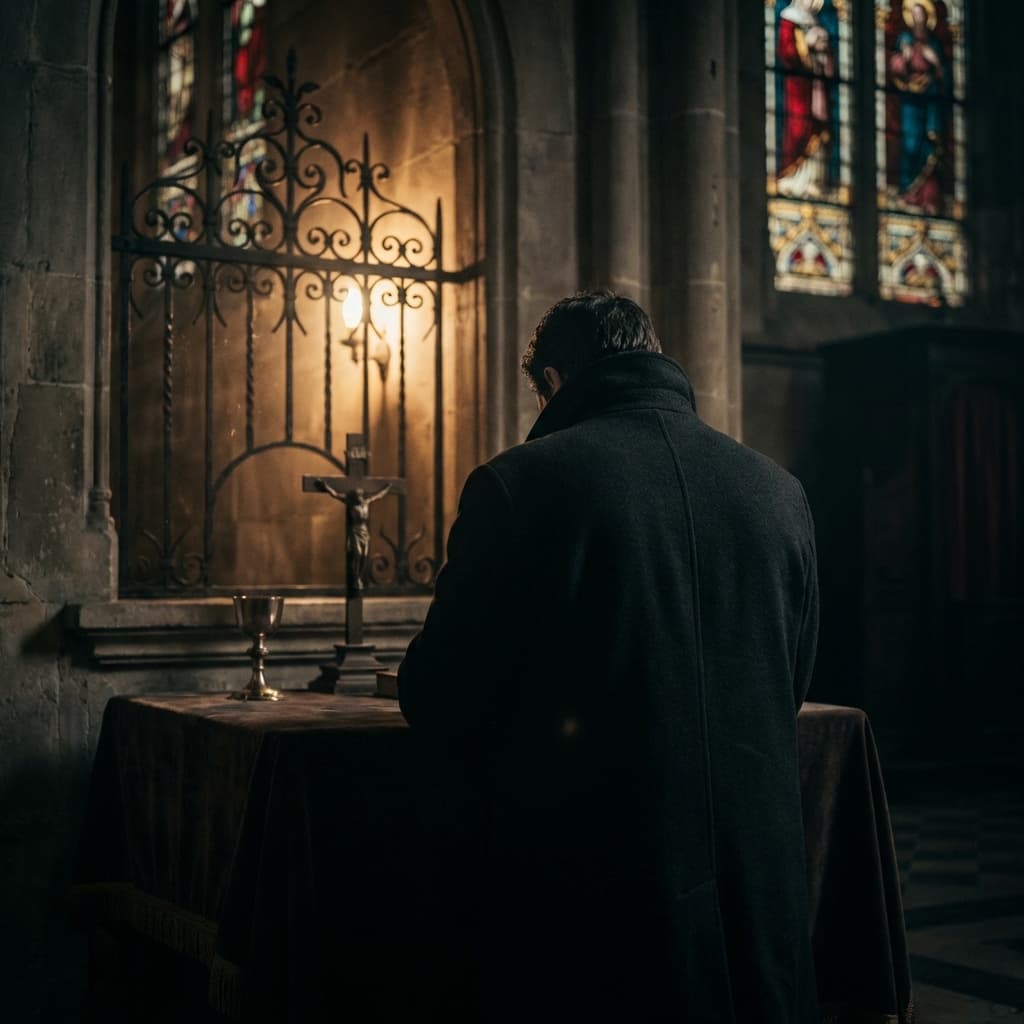
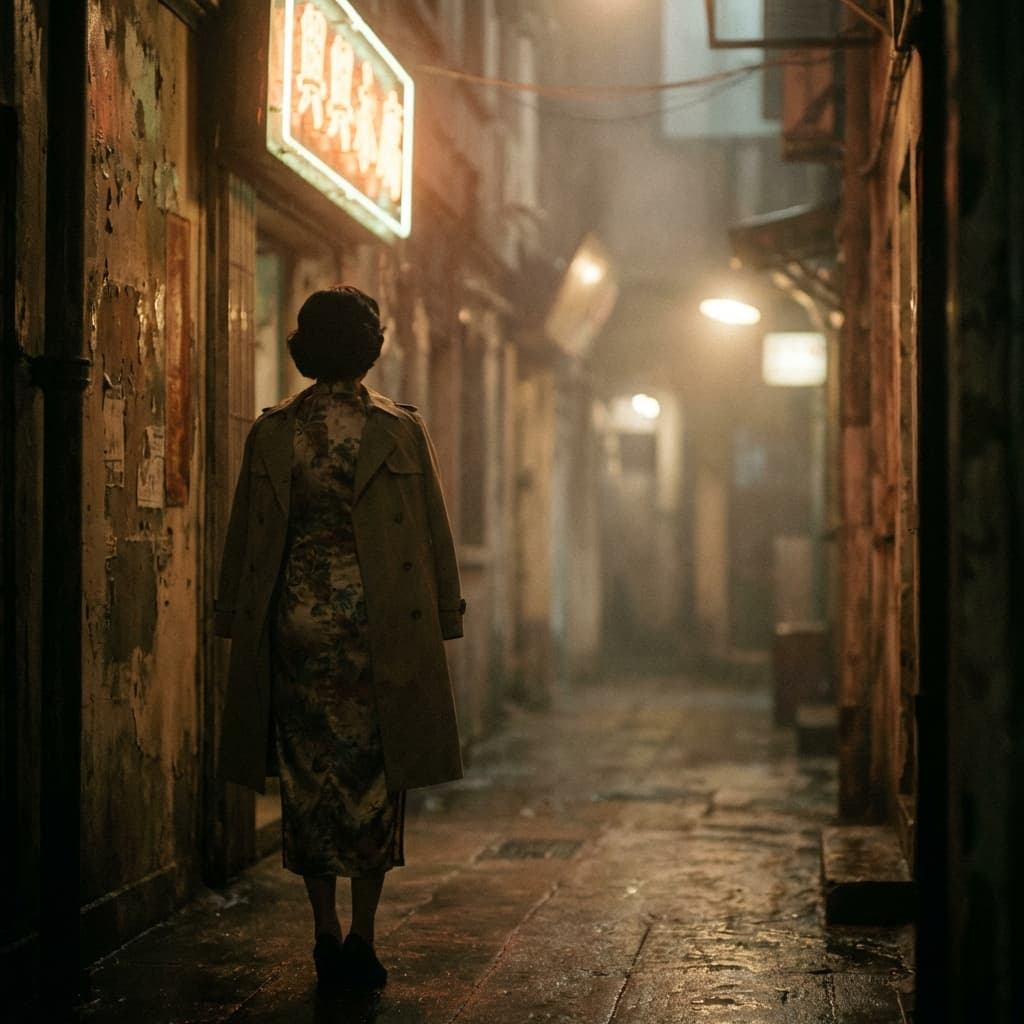
Key visual, production design. Study this look for your storyboard frames before planning motion and editing.
Storyboard opens a new project. This preset is not selected automatically.
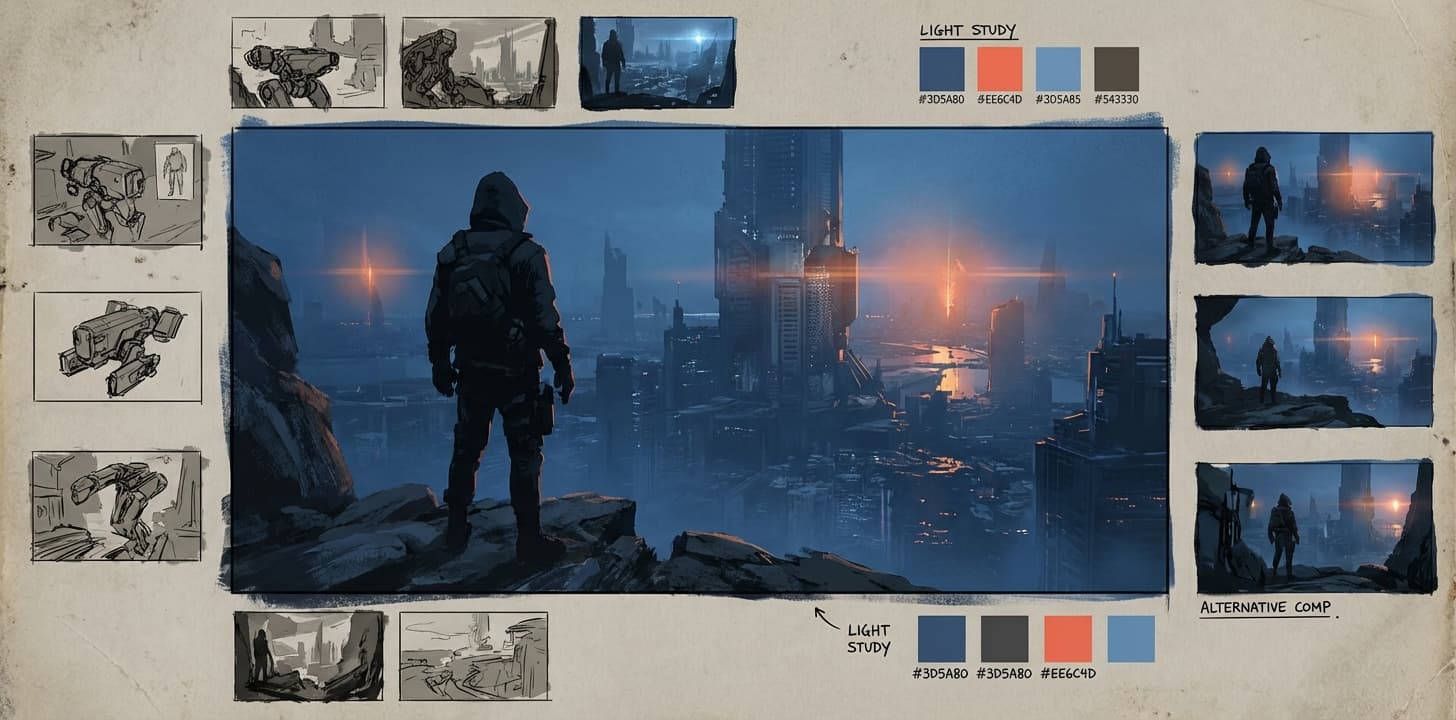
About the Concept Art style
Visual characteristics
Professional game concept art circa 2015 in entertainment-design production-painting style. Dynamic 2:1 aspect ratio composition with dramatic directional key lighting establishing mood. Photobash-enhanced digital painting with visible brush economy, rough areas contrasting with detailed focal points. Color palette: atmospheric blue, warm accent, neutral grey. Design callouts and alternative sketches in margins, that AAA game pre-production "vis-dev" quality. 4000×2000 pixel resolution presentation standard.
Color palette
Colors specified in the preset recipe, not a guarantee for every generated frame.
- #3d5a80
- #ee6c4d
- #293241
Adapt the preset recipe
Select and copy the recipe below as a starting point. In Storyboard, choose My styles, create a custom style and open Advanced mode. Adapt the wording to your scene and the editor's 1,000-character limit; a Studio preset is not imported automatically. Camera and film references describe the intended look, not equipment used to create the preview or guaranteed animation.
Transform the scene into professional game concept art circa 2015 in entertainment-design production-painting style. Dynamic 2:1 aspect ratio composition with dramatic directional key lighting establishing mood. Photobash-enhanced digital painting with visible brush economy, rough areas contrasting with detailed focal points. Color palette: atmospheric blue (#3D5A80), warm accent (#EE6C4D), neutral grey (#293241). Design callouts and alternative sketches in margins, that AAA game pre-production "vis-dev" quality. 4000×2000 pixel resolution presentation standard.
Plan shots in the Concept Art look
Step 1: Study the visual recipe
Compare the Concept Art still preview with the visual notes below. Choose which lighting, palette and framing cues belong in your shot list.
Step 2: Build your storyboard
Open a new Storyboard, add your script and character references, then choose its style separately. To adapt this recipe, paste it into a custom style in Advanced mode.
Step 3: Review before video
Review the generated frames for continuity. A still does not specify motion, pacing or audio; plan those as separate decisions for your video.
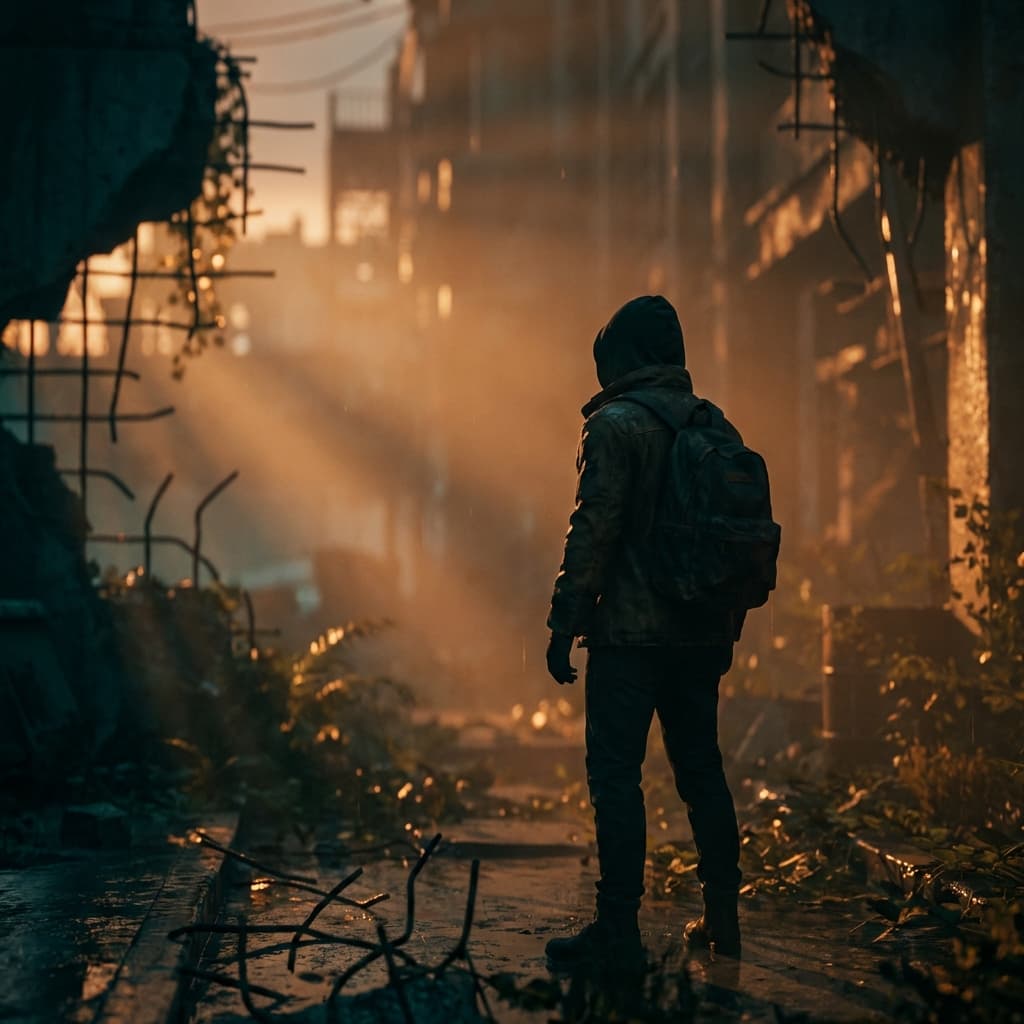
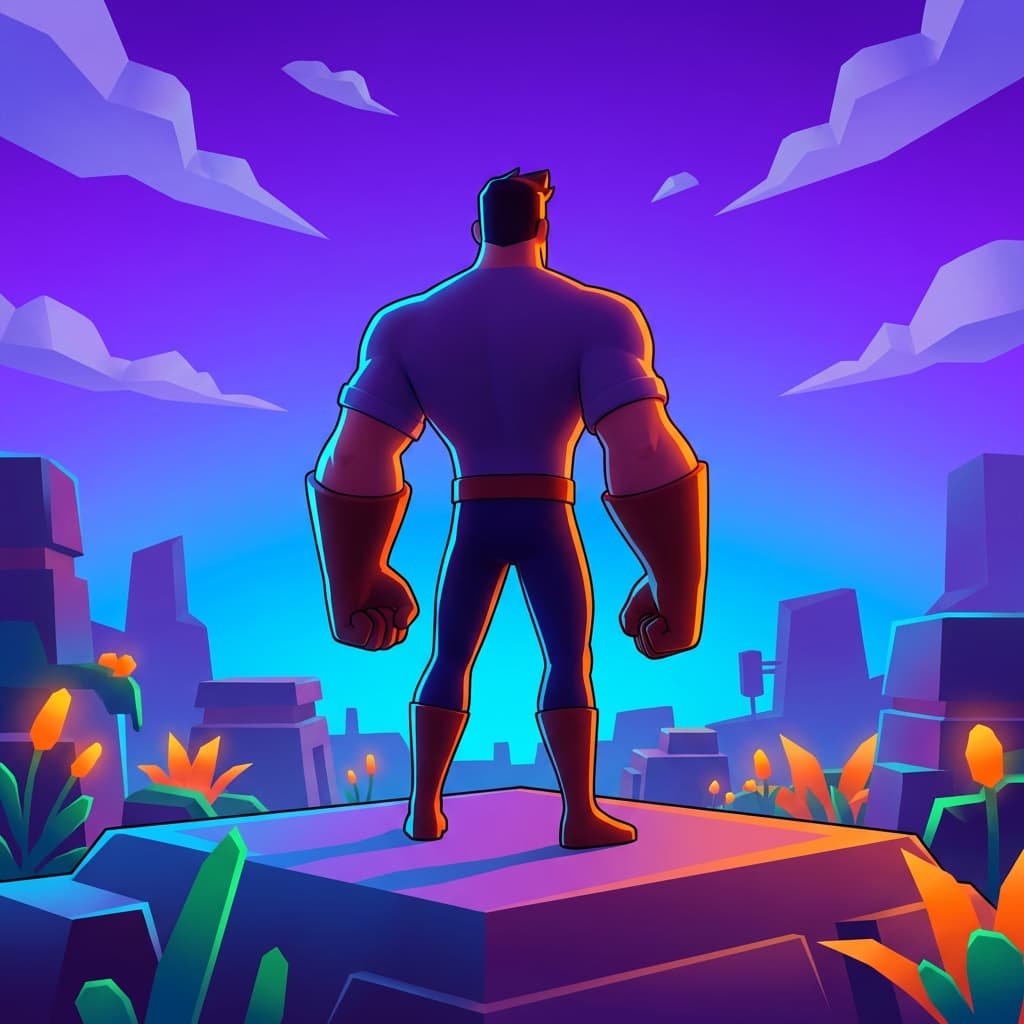
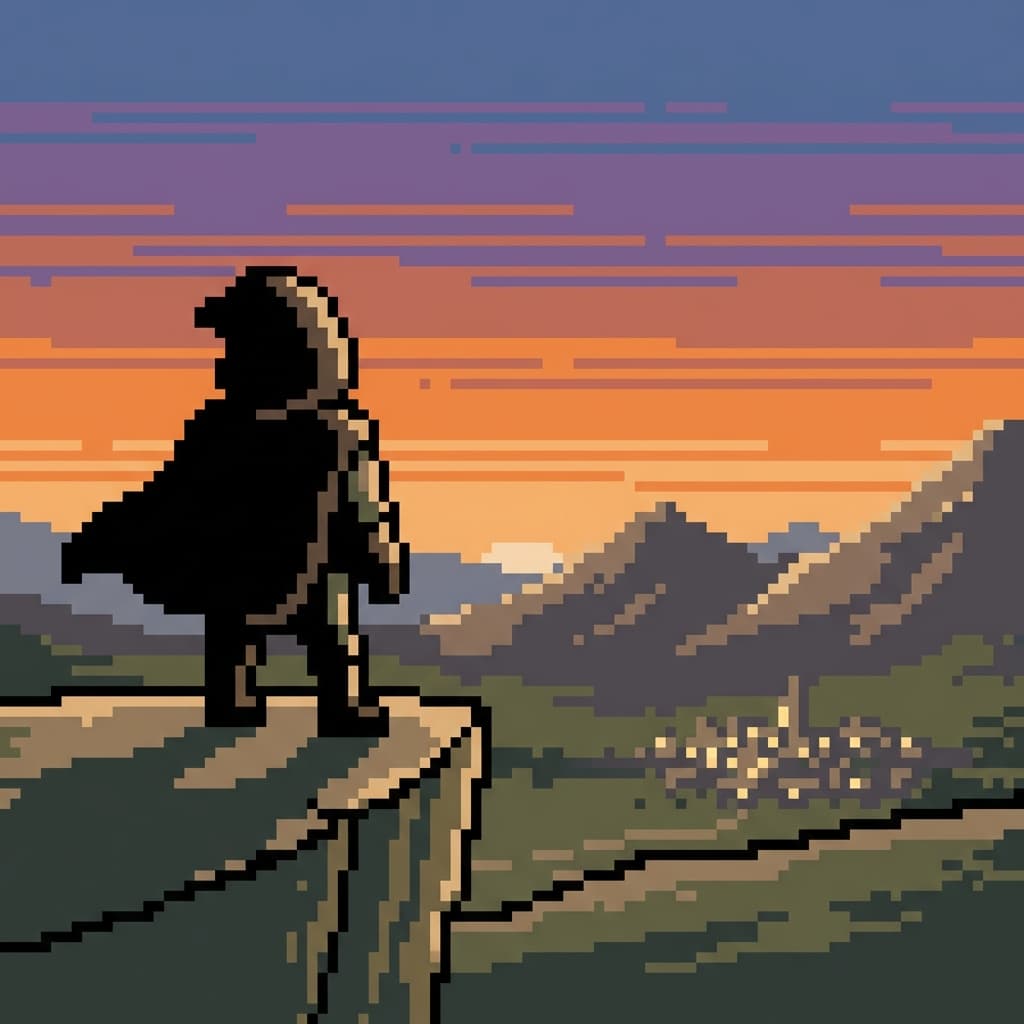
Plan Your Concept Art Storyboard
Use the Concept Art notes as a visual brief. Storyboard opens a new project; it does not automatically select this Studio preset.