Crime Scene Style
Forensic documentation. Study this look for your storyboard frames before planning motion and editing.
Storyboard opens a new project. This preset is not selected automatically.
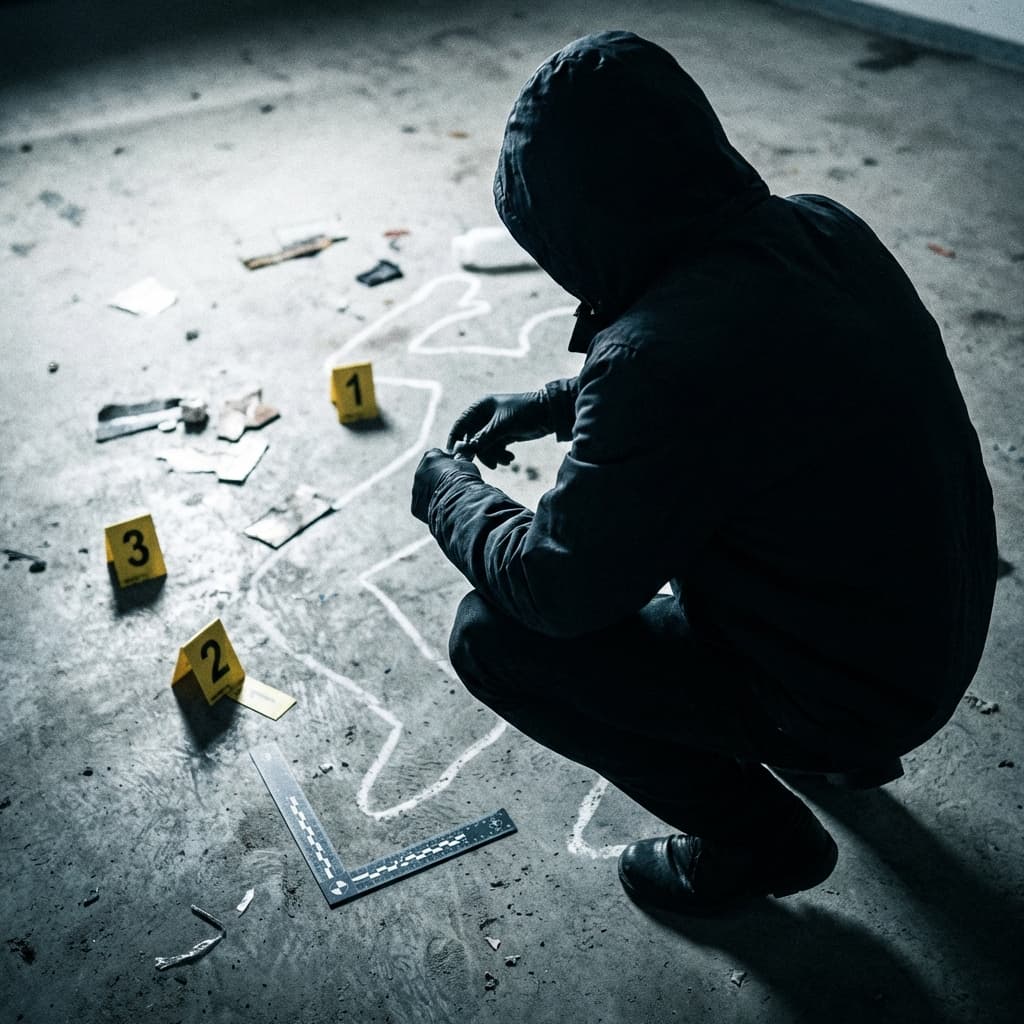
Using the Crime Scene style
Crime scene photography is documentation, not drama. The look comes from procedure: numbered yellow evidence markers, L-shaped scale rulers, and harsh direct flash. Objects sit on cold concrete, shot from a 45-degree overhead documentation angle. The style unsettles because it is calm and exact.
The style suits true-crime documentary B-roll, mystery and procedural storyboards, evidence-board cutaways, investigation scenes in games, and thumbnails that need a cold, clinical tone. Prompt tips: name the room and the object being documented, such as a key on a kitchen floor or a muddy footprint on a stairwell; ask for markers in numbered order; and name one camera angle per prompt. Keep people out of frame and skip gore. Describe one item or one room per prompt, and repeat the lighting and marker wording in every prompt so a sequence of shots matches. Previews are still images, so plan any camera movement in your storyboard rather than expecting it from the preset.
About the Crime Scene style
Visual characteristics
Clinical forensic crime scene photography in obsessive-procedural style. Numbered yellow evidence markers and L-shaped measurement scale rulers. Harsh direct flash illumination at 45-degree overhead documentation angles with clinical white lighting. Sterile photographic record for evidence processing on cold concrete surfaces.
Color palette
Colors specified in the preset recipe, not a guarantee for every generated frame.
- #ffd700
- #ffffff
- #808080
Adapt the preset recipe
Select and copy the recipe below as a starting point. In Storyboard, choose My styles, create a custom style and open Advanced mode. Adapt the wording to your scene and the editor's 1,000-character limit; a Studio preset is not imported automatically. Camera and film references describe the intended look, not equipment used to create the preview or guaranteed animation.
Clinical forensic crime scene photography in obsessive-procedural style. Numbered yellow (#FFD700) evidence markers and L-shaped measurement scale rulers. Harsh direct flash illumination at 45-degree overhead documentation angles with clinical white (#FFFFFF) lighting. Sterile photographic record for evidence processing on cold concrete (#808080) surfaces.
Plan shots in the Crime Scene look
Step 1: Study the visual recipe
Compare the Crime Scene still preview with the visual notes below. Choose which lighting, palette and framing cues belong in your shot list.
Step 2: Build your storyboard
Open a new Storyboard, add your script and character references, then choose its style separately. To adapt this recipe, paste it into a custom style in Advanced mode.
Step 3: Review before video
Review the generated frames for continuity. A still does not specify motion, pacing or audio; plan those as separate decisions for your video.
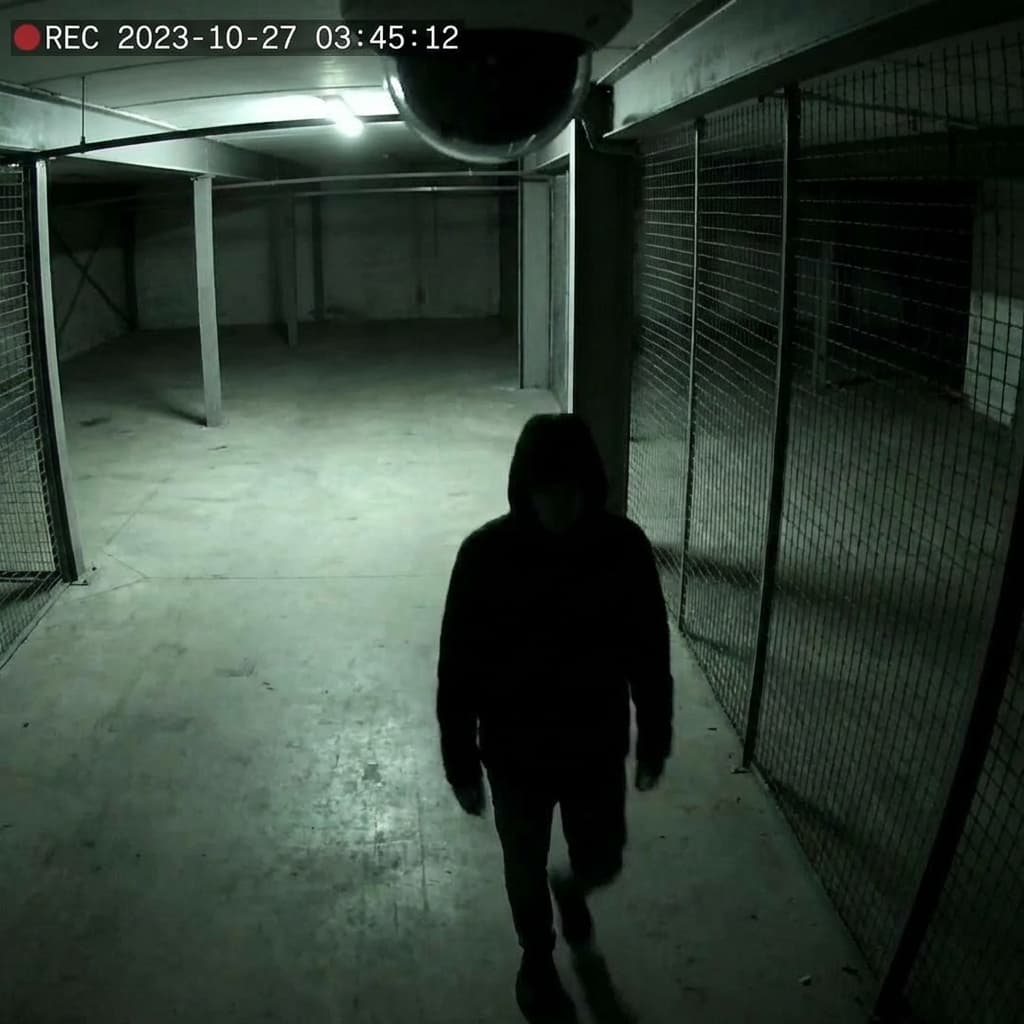
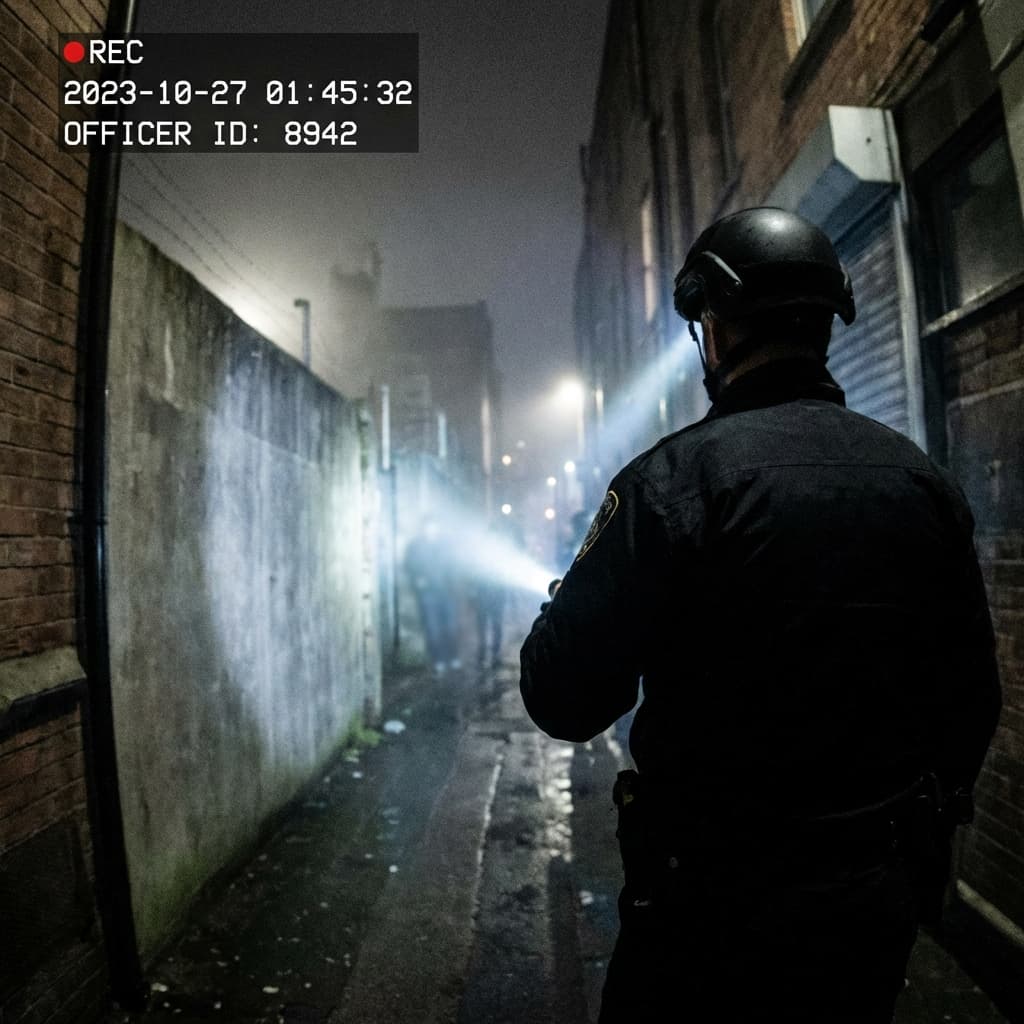
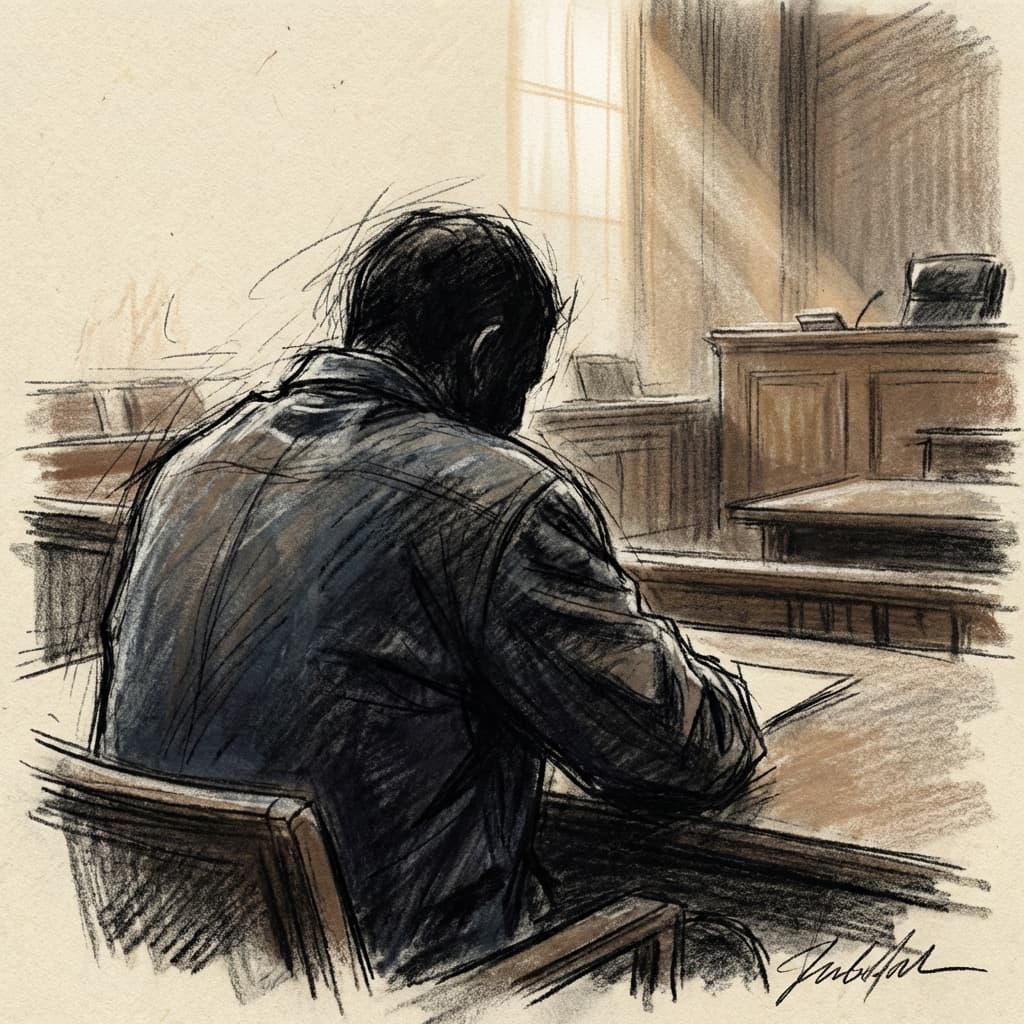
Plan Your Crime Scene Storyboard
Use the Crime Scene notes as a visual brief. Storyboard opens a new project; it does not automatically select this Studio preset.