Surrealism Style
Melting dream logic. Study this look for your storyboard frames before planning motion and editing.
Storyboard opens a new project. This preset is not selected automatically.
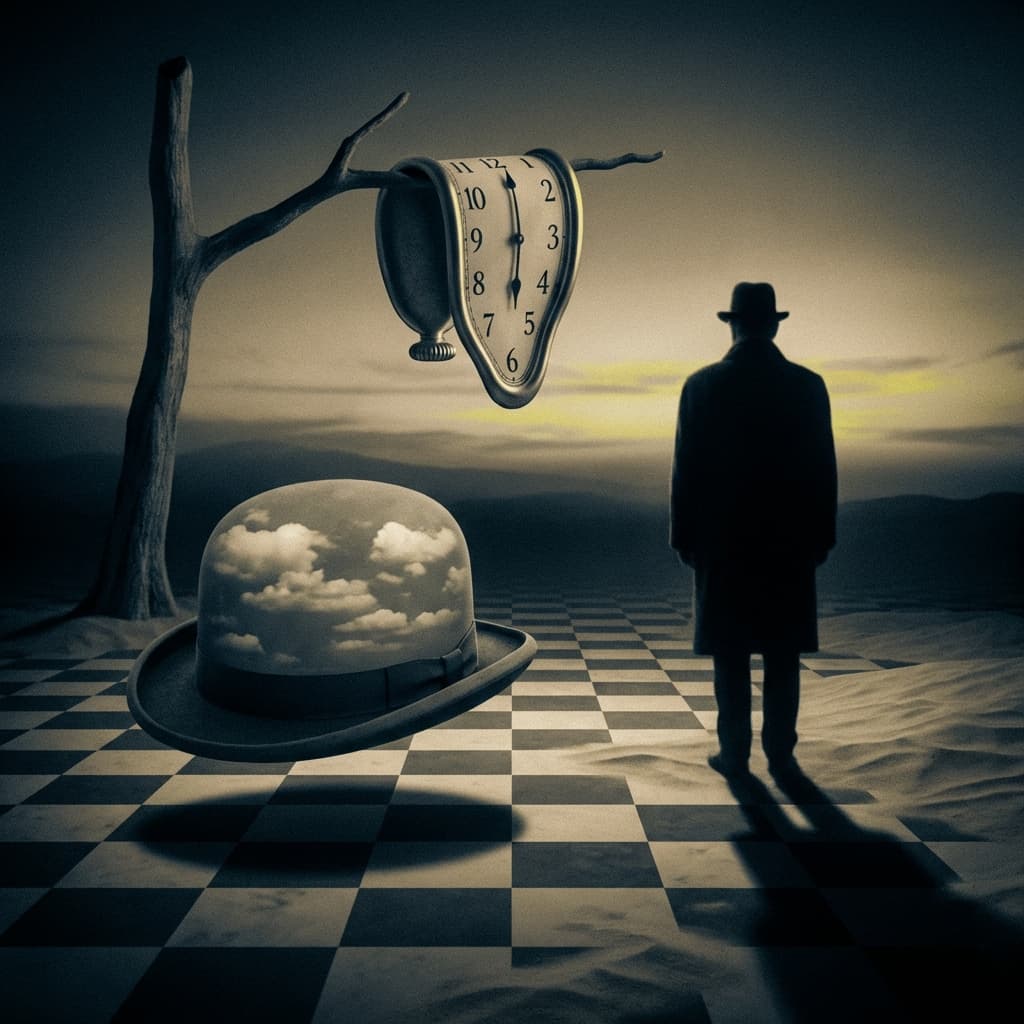
Using the Surrealism style
Surrealism turns everyday objects into dream logic: impossible scale, melting or floating forms, endless horizons, and quiet, deserted spaces lit by long, low shadows. Realistic textures meet irrational arrangements, so a scene feels believable yet wrong in a way that invites a second look. The style suits music videos, poetic short films, album covers, concept art, and storyboards for dream or memory sequences. Prompt tips: pair one familiar object with one impossible behavior, such as a staircase dissolving into clouds; specify a calm palette and a single strong light direction; keep the composition simple so the strange element reads instantly. Adding words like dreamlike, uncanny, or metaphysical helps, while crowding the frame with symbols usually weakens the effect. For multi-scene work, repeat the same horizon line and shadow angle in each prompt, which keeps a dream sequence feeling like one connected place.
About the Surrealism style
Visual characteristics
A Surrealism scene in the 1931 melting-dream style with impossible juxtapositions. Dream logic subconscious imagery with hyperrealistic impossible objects on desert ochre landscapes. Sky blue backgrounds with uncanny combinations defying reality, meticulous oil painting detail in impossible scenarios. Focal perspective distortion with chiaroscuro shadows and trompe-l'oeil depth of field.
Color palette
Colors specified in the preset recipe, not a guarantee for every generated frame.
- #cc7722
- #87ceeb
Adapt the preset recipe
Select and copy the recipe below as a starting point. In Storyboard, choose My styles, create a custom style and open Advanced mode. Adapt the wording to your scene and the editor's 1,000-character limit; a Studio preset is not imported automatically. Camera and film references describe the intended look, not equipment used to create the preview or guaranteed animation.
A Surrealism scene in the 1931 melting-dream style with impossible juxtapositions. Dream logic subconscious imagery with hyperrealistic impossible objects on desert ochre (#CC7722) landscapes. Sky blue (#87CEEB) backgrounds with uncanny combinations defying reality, meticulous oil painting detail in impossible scenarios. Focal perspective distortion with chiaroscuro shadows and trompe-l'oeil depth of field.
Plan shots in the Surrealism look
Step 1: Study the visual recipe
Compare the Surrealism still preview with the visual notes below. Choose which lighting, palette and framing cues belong in your shot list.
Step 2: Build your storyboard
Open a new Storyboard, add your script and character references, then choose its style separately. To adapt this recipe, paste it into a custom style in Advanced mode.
Step 3: Review before video
Review the generated frames for continuity. A still does not specify motion, pacing or audio; plan those as separate decisions for your video.
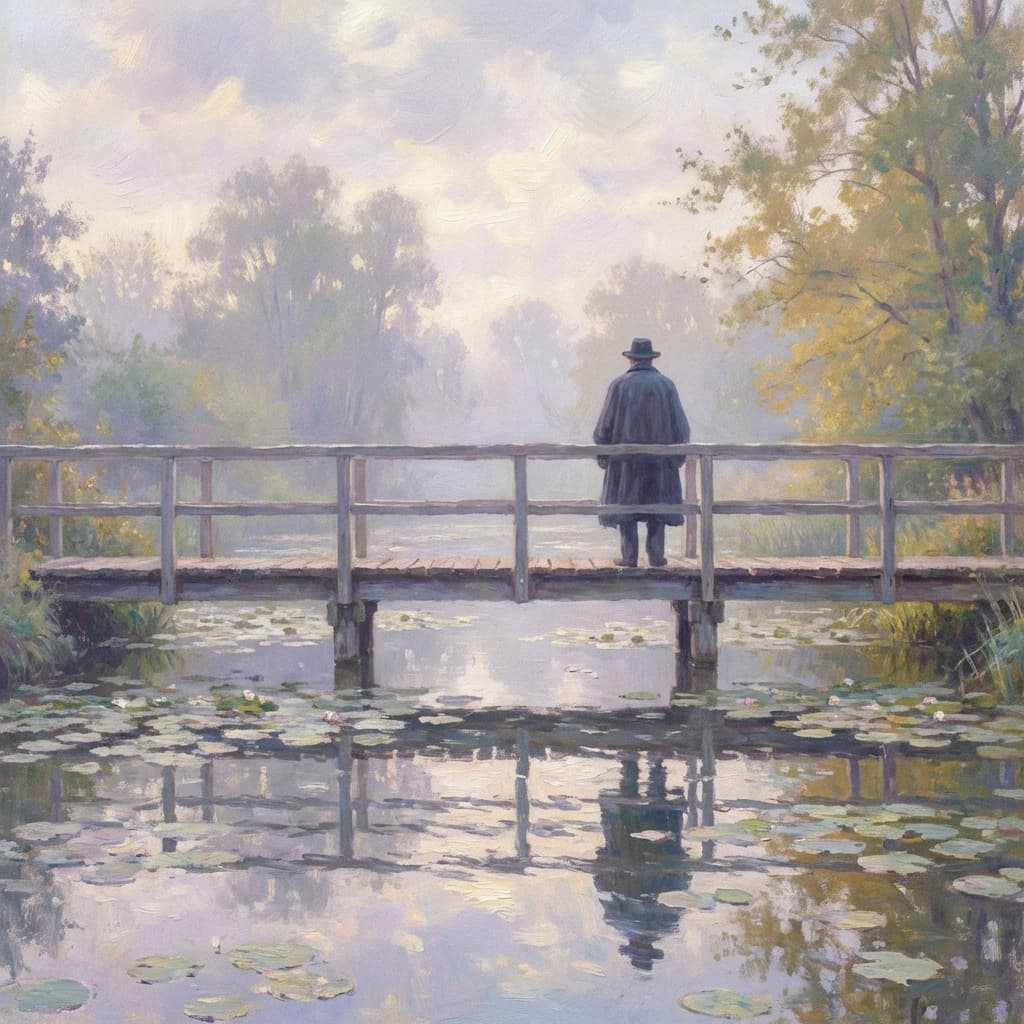
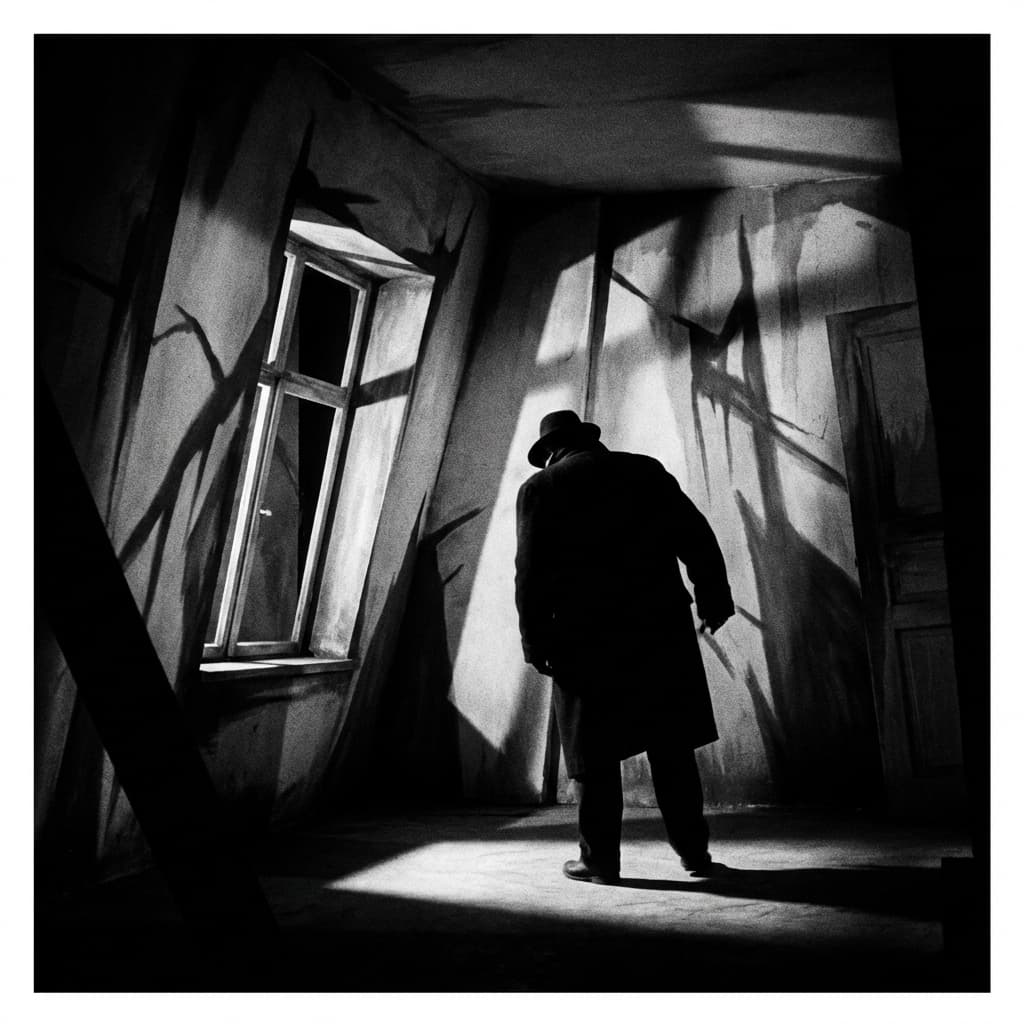
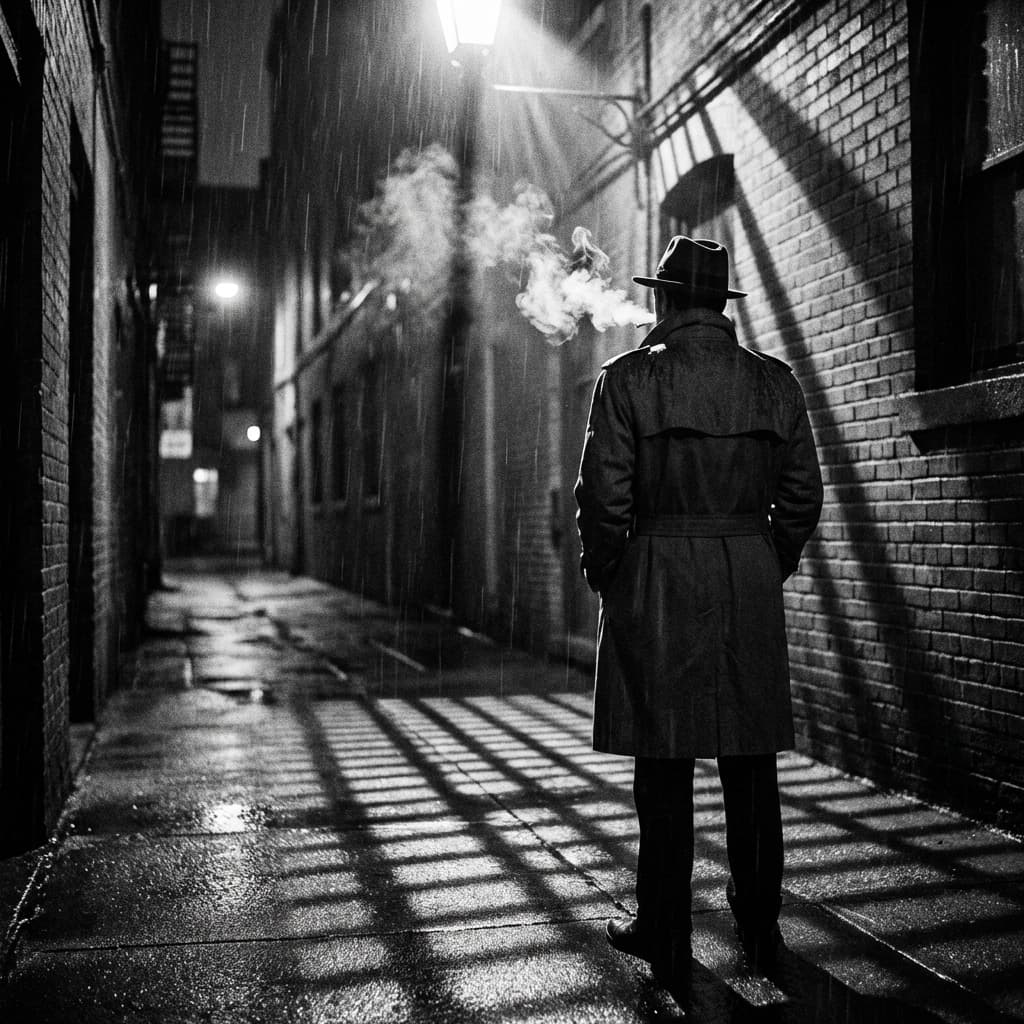
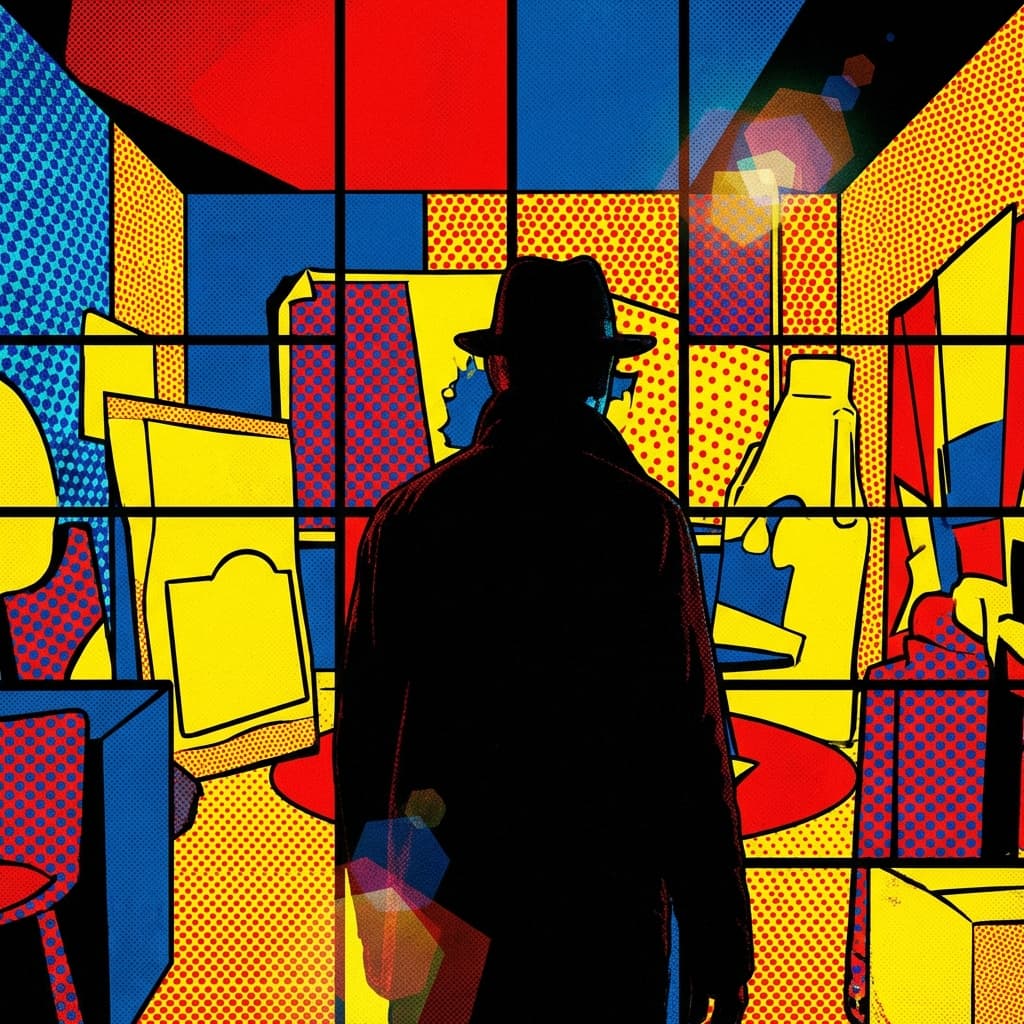
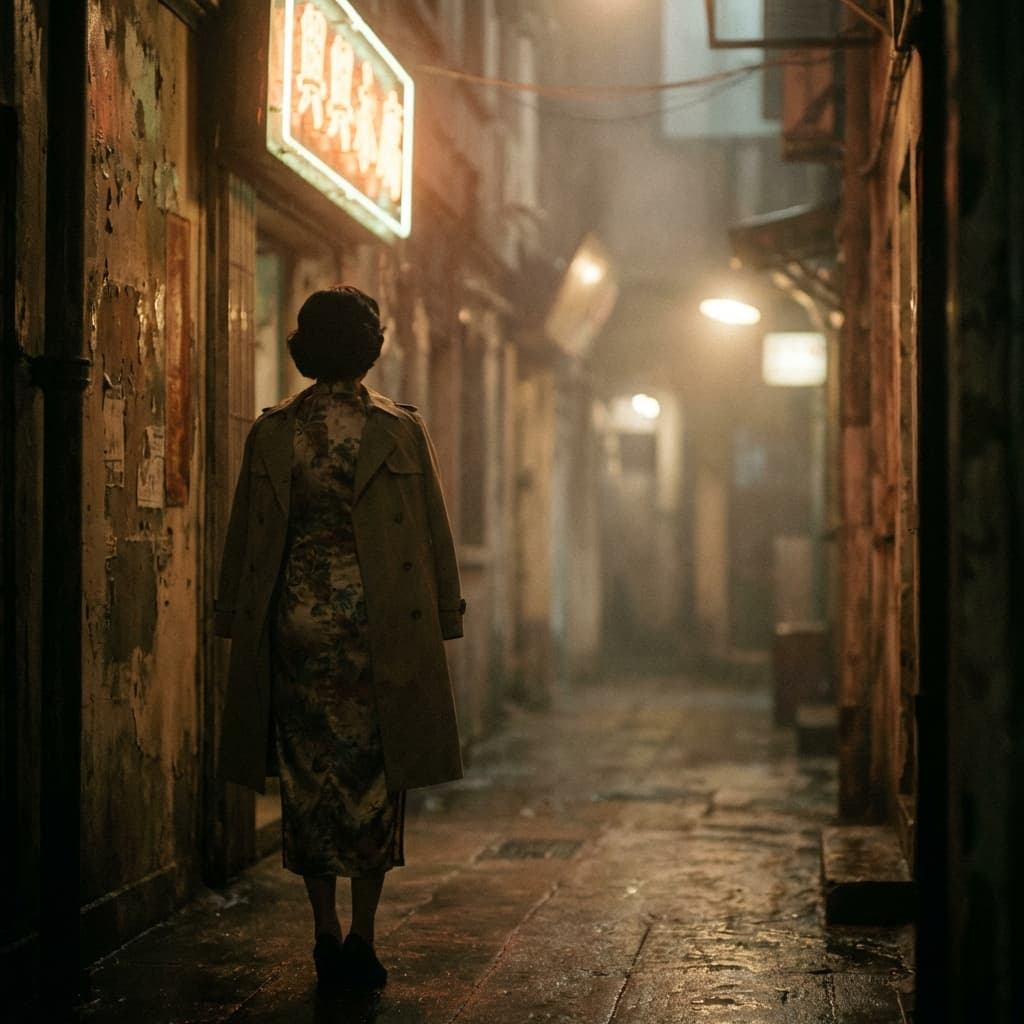
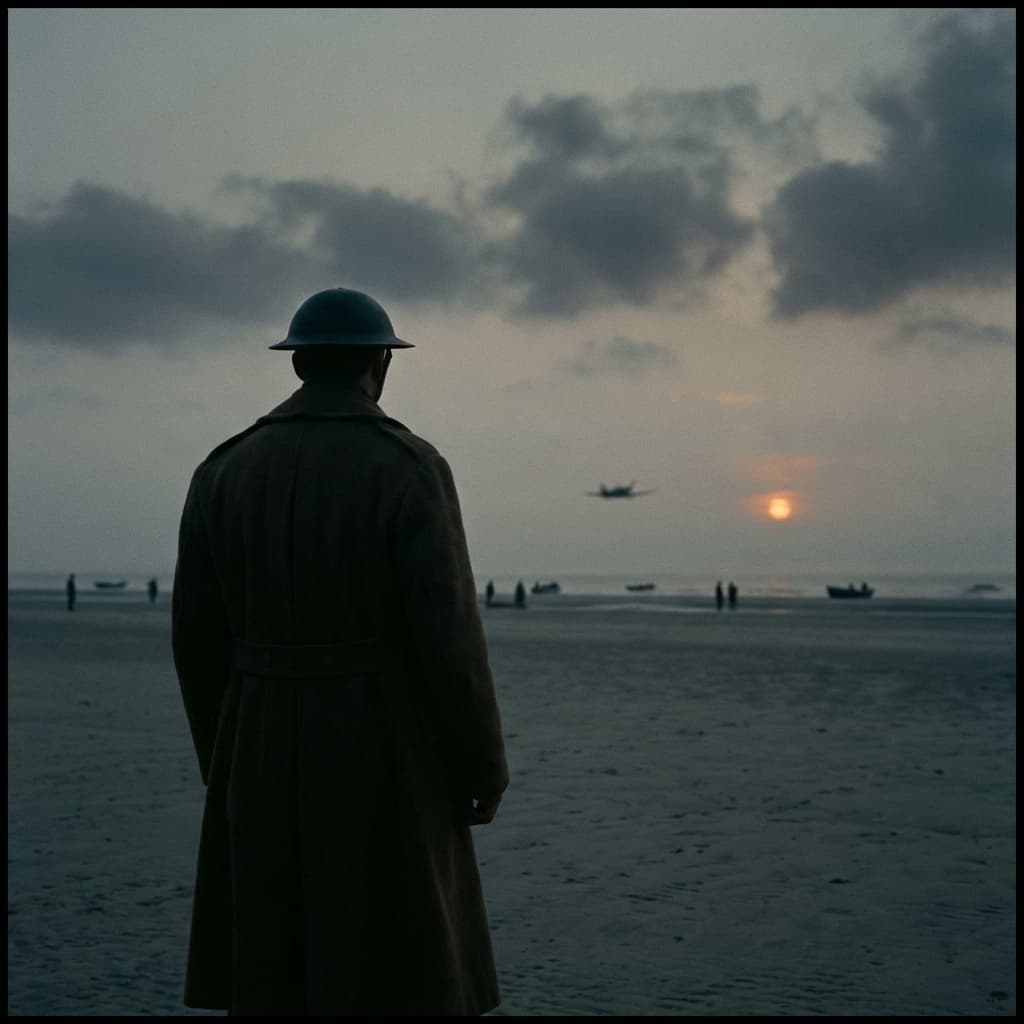
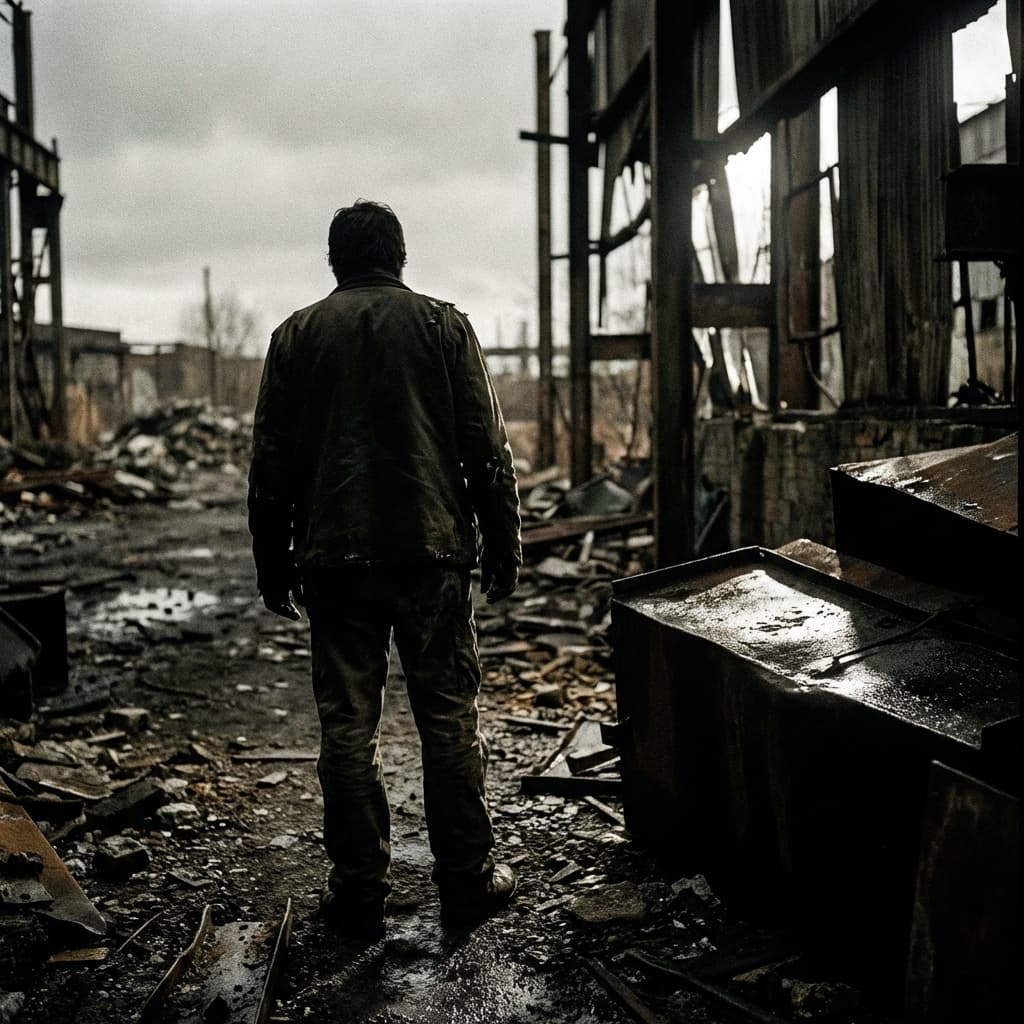
Plan Your Surrealism Storyboard
Use the Surrealism notes as a visual brief. Storyboard opens a new project; it does not automatically select this Studio preset.