Idol Music visual style
Concert stage lights, pop idols. Study this look for your storyboard frames before planning motion and editing.
Storyboard opens a new project. This preset is not selected automatically.
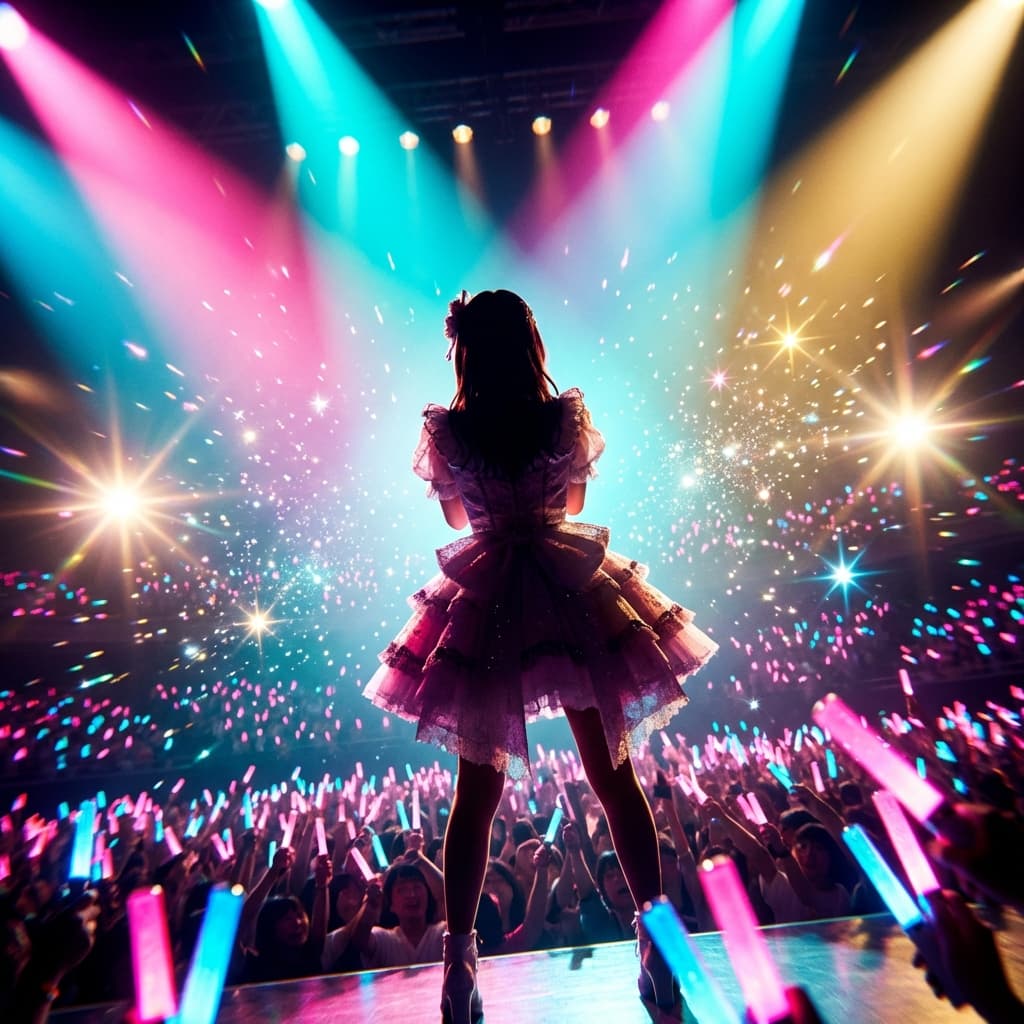
About the Idol Music style
Visual characteristics
Idol anime in concert-spectacle aesthetic. Dazzling stage lighting with color wash spotlights creating dramatic gradients. Coordinated 9-member group formations in elaborate frilly costumes with 3D-assisted dance animation fluidity. Particle effects: glitter sparkles, star bursts, lens flares. Crowd penlight ocean creating wave effects. That electric live performance atmosphere with signature camera movement energy.
Color palette
Colors specified in the preset recipe, not a guarantee for every generated frame.
- #ff69b4
- #00ffff
- #ffd700
- #ffffff
- #ff1493
Adapt the preset recipe
Select and copy the recipe below as a starting point. In Storyboard, choose My styles, create a custom style and open Advanced mode. Adapt the wording to your scene and the editor's 1,000-character limit; a Studio preset is not imported automatically. Camera and film references describe the intended look, not equipment used to create the preview or guaranteed animation.
Transform the scene into idol anime in concert-spectacle aesthetic. Dazzling stage lighting with color wash spotlights (#FF69B4 pink, #00FFFF cyan, #FFD700 gold) creating dramatic gradients. Coordinated 9-member group formations in elaborate frilly costumes with 3D-assisted dance animation fluidity. Particle effects: glitter sparkles (#FFFFFF), star bursts (#FFD700), lens flares. Crowd penlight ocean (#FF1493, #00BFFF) creating wave effects. That electric live performance atmosphere with signature camera movement energy.
Plan shots in the Idol Music look
Step 1: Study the visual recipe
Compare the Idol Music still preview with the visual notes below. Choose which lighting, palette and framing cues belong in your shot list.
Step 2: Build your storyboard
Open a new Storyboard, add your script and character references, then choose its style separately. To adapt this recipe, paste it into a custom style in Advanced mode.
Step 3: Review before video
Review the generated frames for continuity. A still does not specify motion, pacing or audio; plan those as separate decisions for your video.

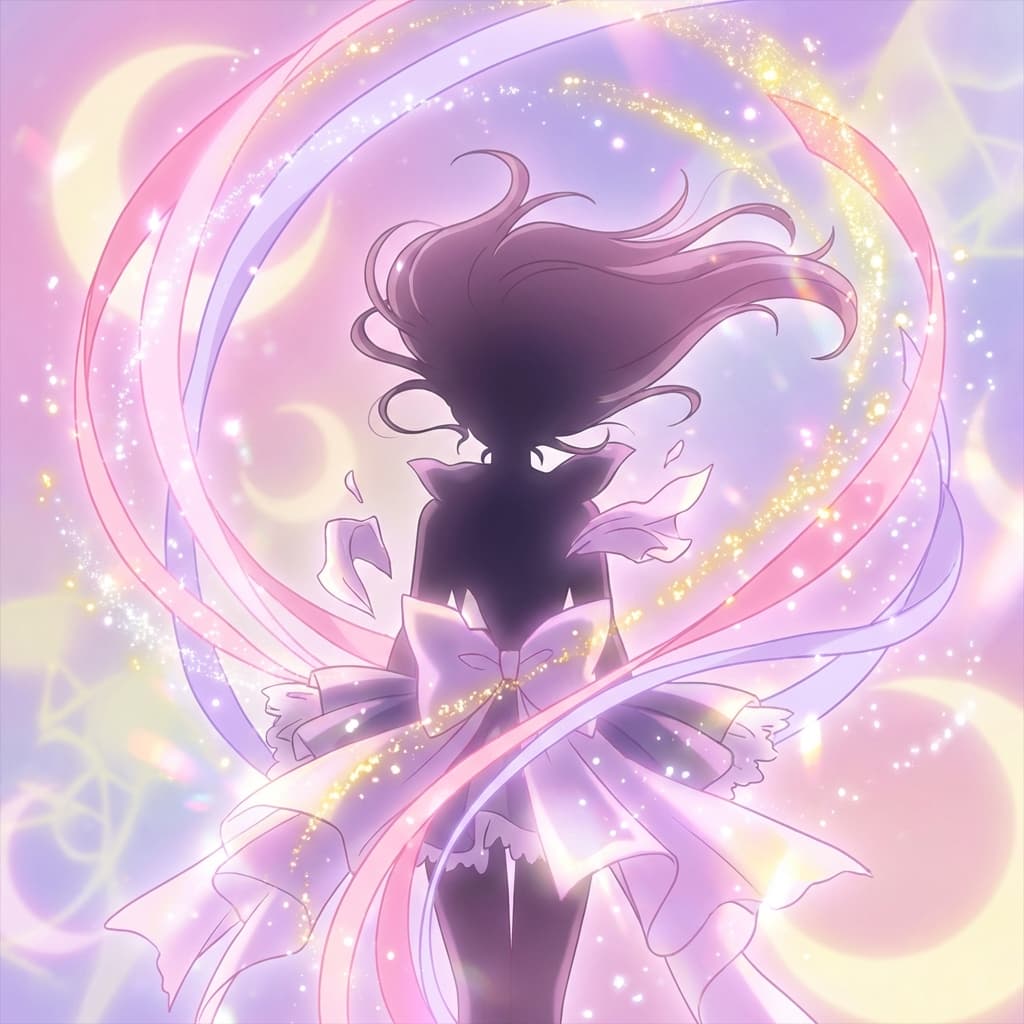
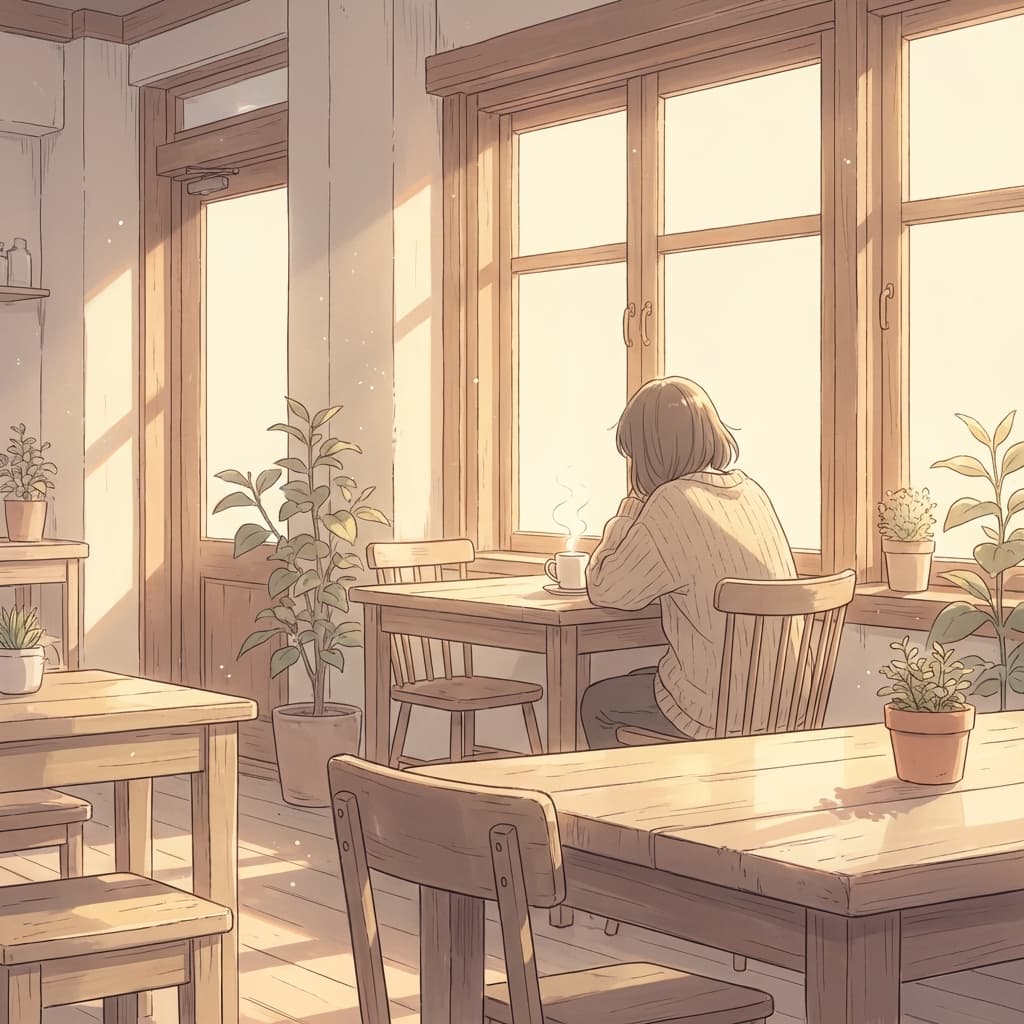
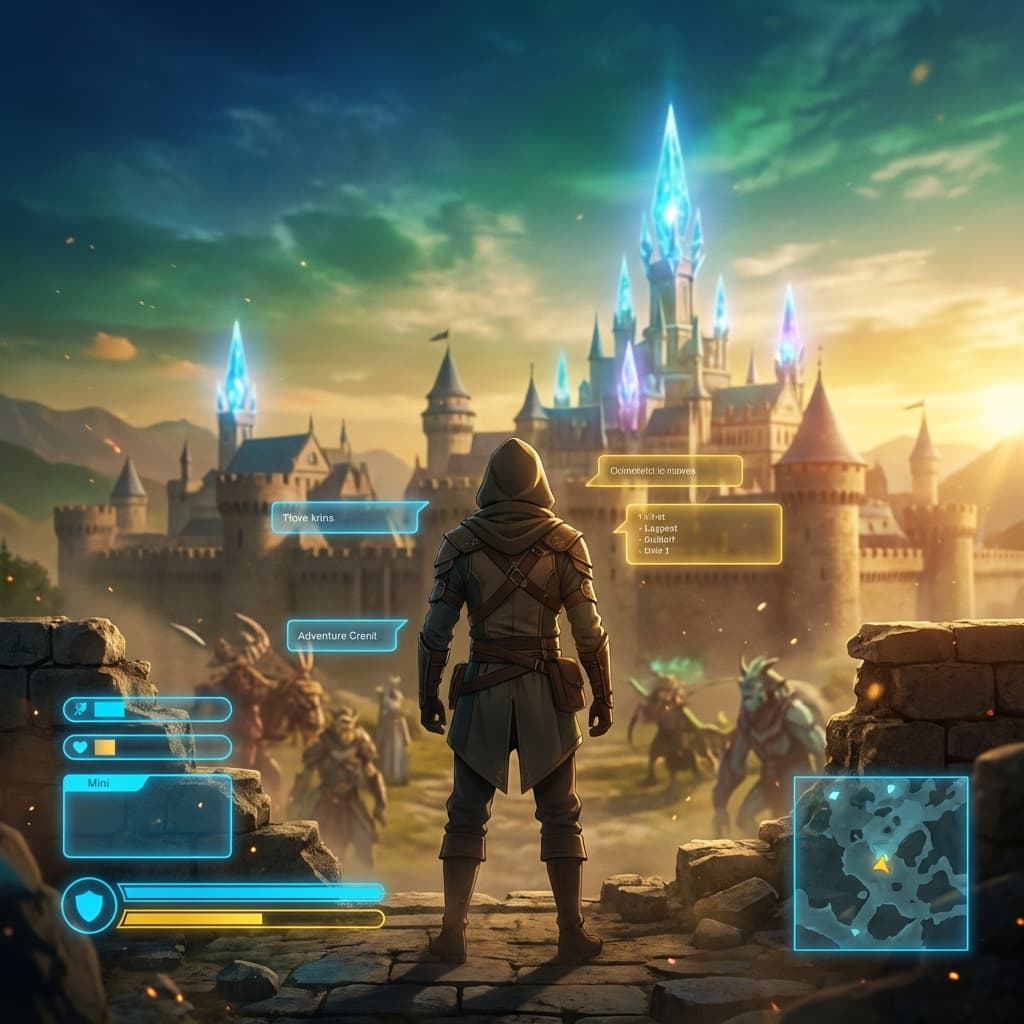
Plan Your Idol Music Storyboard
Use the Idol Music notes as a visual brief. Storyboard opens a new project; it does not automatically select this Studio preset.