Your channel looks like AI slop. Keep the same character.
From one script: scenes, captions, and a cut that's ready to upload.
- 460+ visual styles, from film to anime
- Reusable character sheets
- Far fewer rework loops
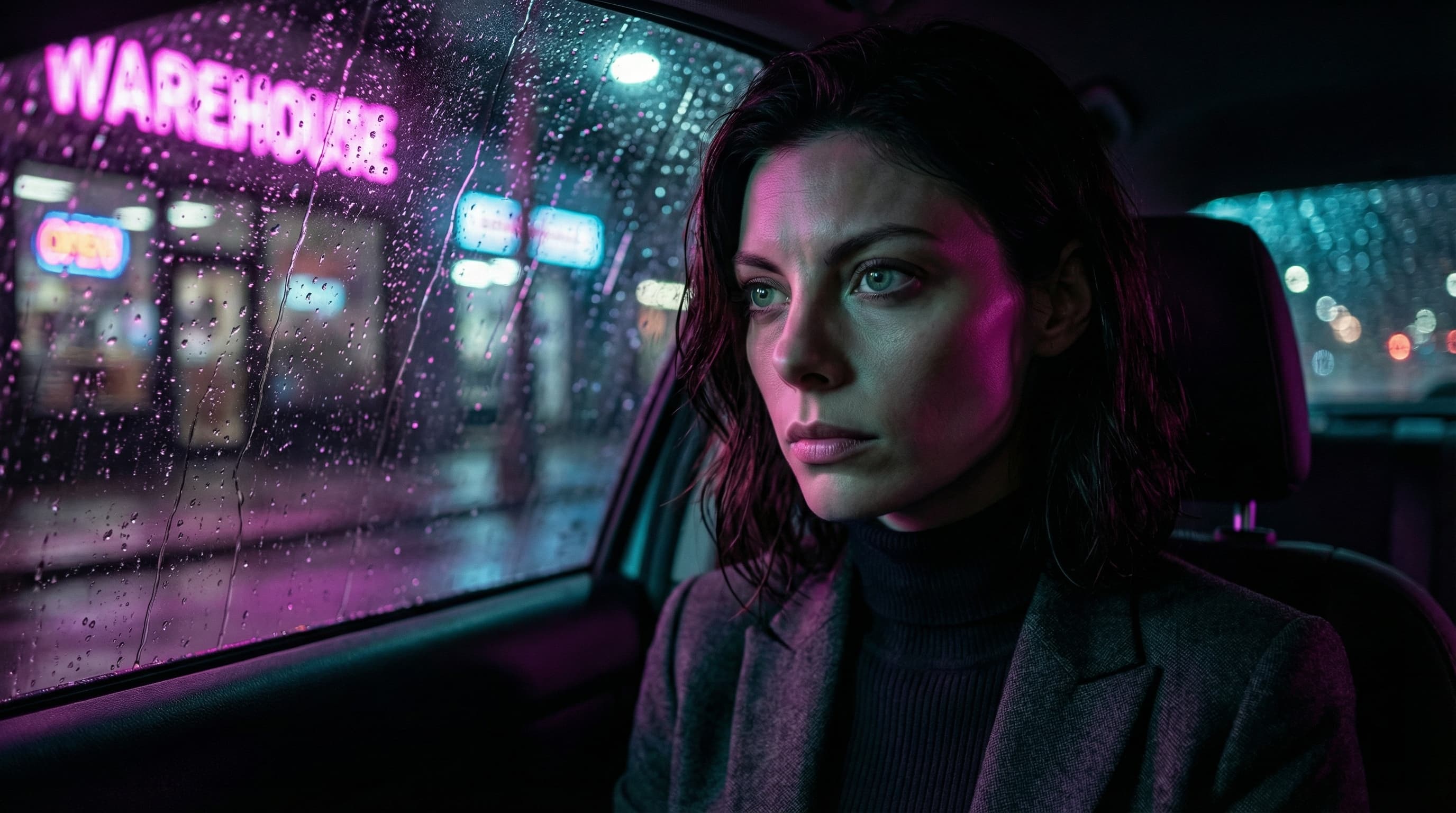
Full demo preview
From one script: scenes, captions, and a cut that's ready to upload.
How it works
No 200-word prompts. No Photoshop. No six-app pipeline.
Step 1Character lock
Upload a reference once. Your character keeps the same face from scene 1 to scene 50 — viewers see a story, not an AI giveaway.
Step 2Script to scenes
Drop in your script. It gets split into scenes, each one rendered with your locked character — no prompting required.
Step 3Review and export
Review your video, export the finished cut, and download it. Upload and schedule it yourself in YouTube Studio.
Style library
The same character, rendered in six different universes.
Pick a style — the face stays locked.

Emma
Source character
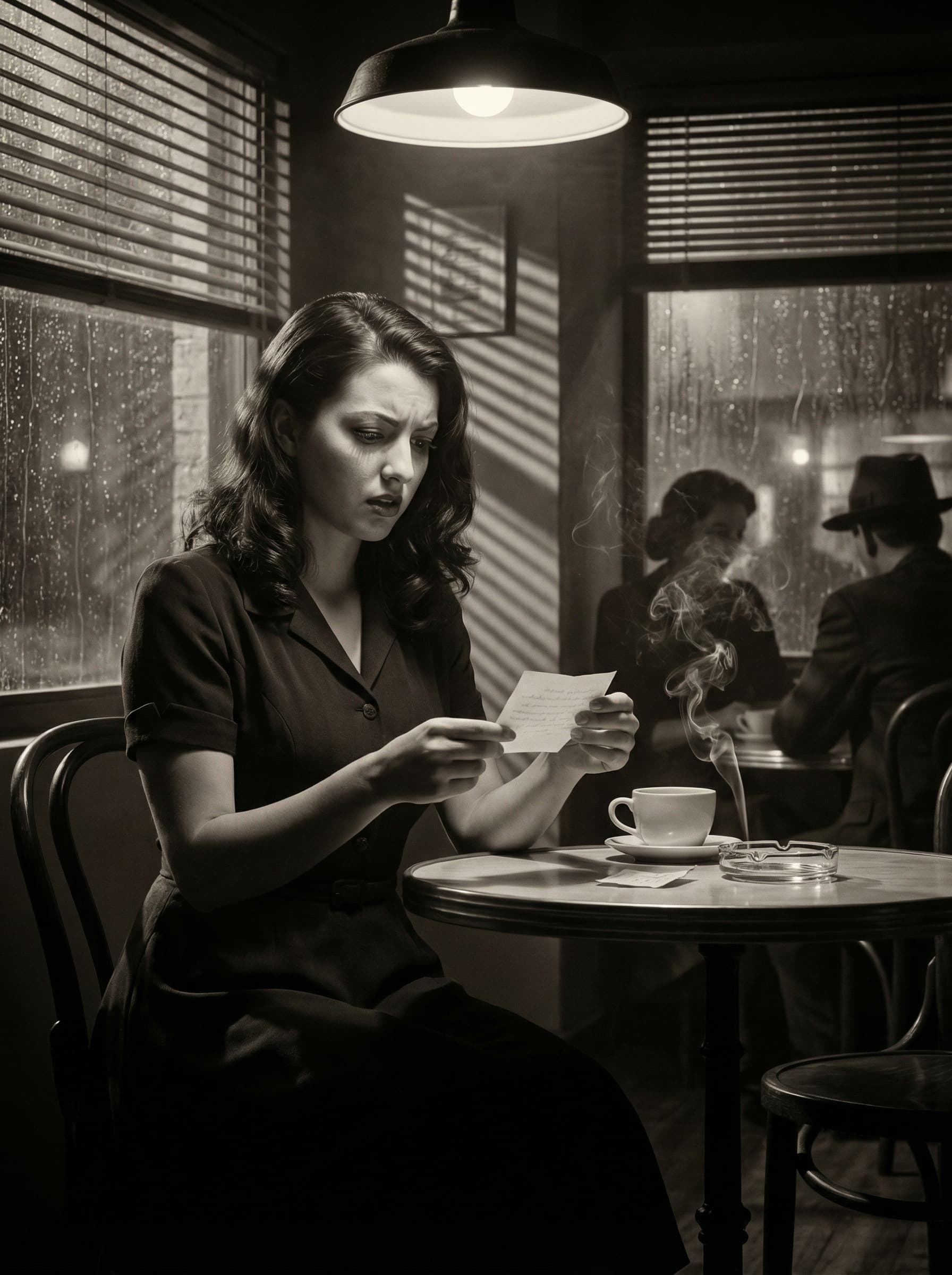
7 AMFilm Noir
1940s studio noir
Venetian blinds cast dramatic shadows across the table. The rain-streaked window reflects the neon glow outside. A folded note, a cold coffee, and questions without answers.
Live preview
Every demo below is interactive. Click around, drag things, break stuff.
No signup required.
Character sheet
One generated character sheet locks the same face across all five scenes — no identity drift, no juggling reference images.
Typography lab
Type your hook, then tune the font, color, and effects in seconds — for intros, chapter cards, and end screens.
Timeline editor
Drag clips, restyle captions, and fix the pacing in a single view. Lock the cut, then publish.
Simple pricing
For faceless creators who need to publish, not just generate.
Eligible new accounts start with 36 free credits, no card required — enough for about 3 images on our default model. Signup bonuses are subject to anti-abuse limits. Video, Storyboard, and 4K resolution need a plan below.
Billed monthly
200 credits/mo
$0.095 per credit
Scene creation, editing, and 1080p exports to get rolling.
Billed monthly
500 credits/mo
$0.070 per credit
Storyboard workflows, 4K images, and more video models.
Billed monthly
1500 credits/mo
$0.050 per credit
Premium video models and LoRA training for heavier production.
Billed monthly
4000 credits/mo
$0.031 per credit
The same premium stack with the highest monthly throughput.
Credits are used across image generation, video generation, and exports. Model and resolution access depend on your plan.
FAQ
The whole point is visual consistency. Upload a reference character once and the same look carries through every scene, so the finished video feels like one coherent piece — not a patchwork of AI stills.
Yes. SceneSteller is designed for script-based faceless channels — from scene planning through video assembly and export, in one workflow.
Those tools are great at single images. SceneSteller is built for multi-scene video work: script splitting, character consistency, timeline editing, and export or publish — all in one place.
Generation and rendering features use credits. Subscription credits reset each billing cycle, while one-time credit packs stay in your account. Usage depends on the model and output quality you choose.
Export and download your video, then upload it in YouTube Studio. YouTube auto-post is not available at launch.
You can pick from a broad style library and fine-tune it for your channel. Your reference character keeps the same face even when you switch styles.
Your move
Paste a script, lock your character, and publish a faceless video — all in one place.
No prompts. No Photoshop. No six-app pipeline.


