Use Case
Documentary visuals for faceless YouTube creators
Replace stock footage with consistent AI scenes. Build a clean, story-led visual tone that supports narration and keeps your series cohesive.
Pay per image. No subscription required.
Compare with stock footage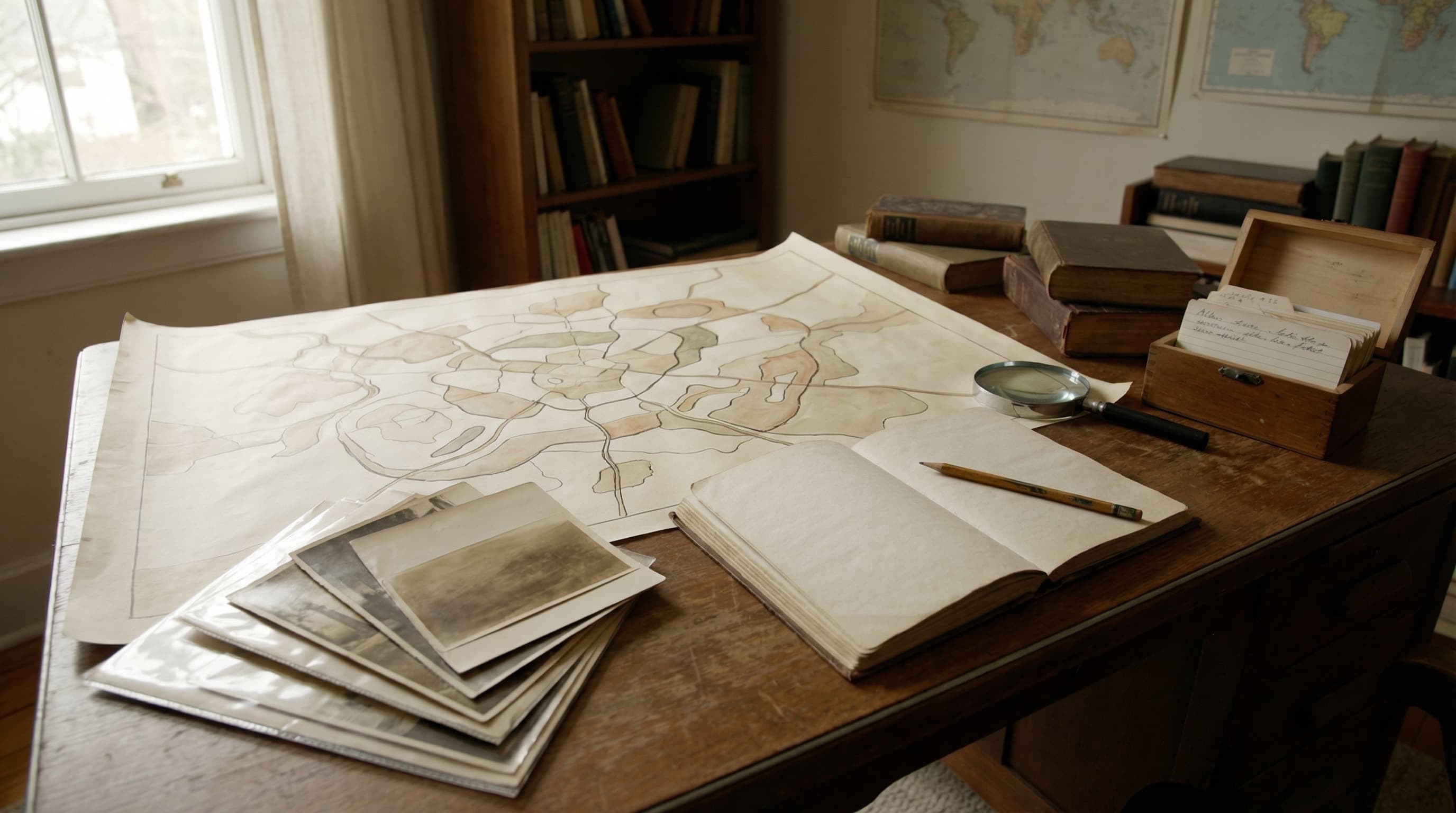
Series-level consistency
Keep a uniform visual language across episodes and seasons.
Archive-ready style
Generate archival tones, neutral lighting, and clean compositions.
Faster editorial workflow
Build a visual sequence quickly and edit with confidence.
Estimated time saved
2-4 hours per episode
Typical scene pack
15-30 scenes
Cost per HD scene
From $0.25
Estimates based on creator workflows and plan pricing.
Scene examples
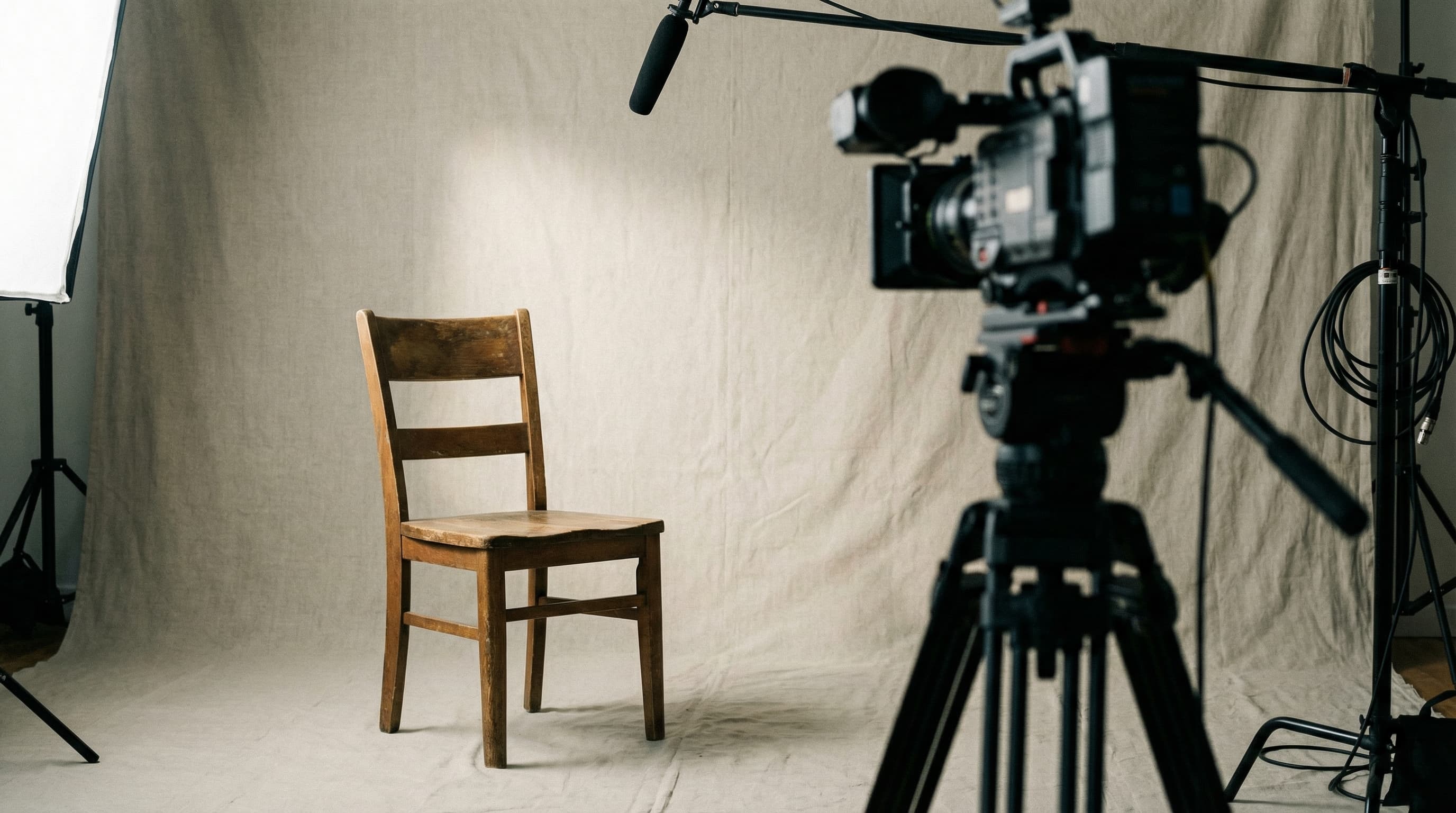

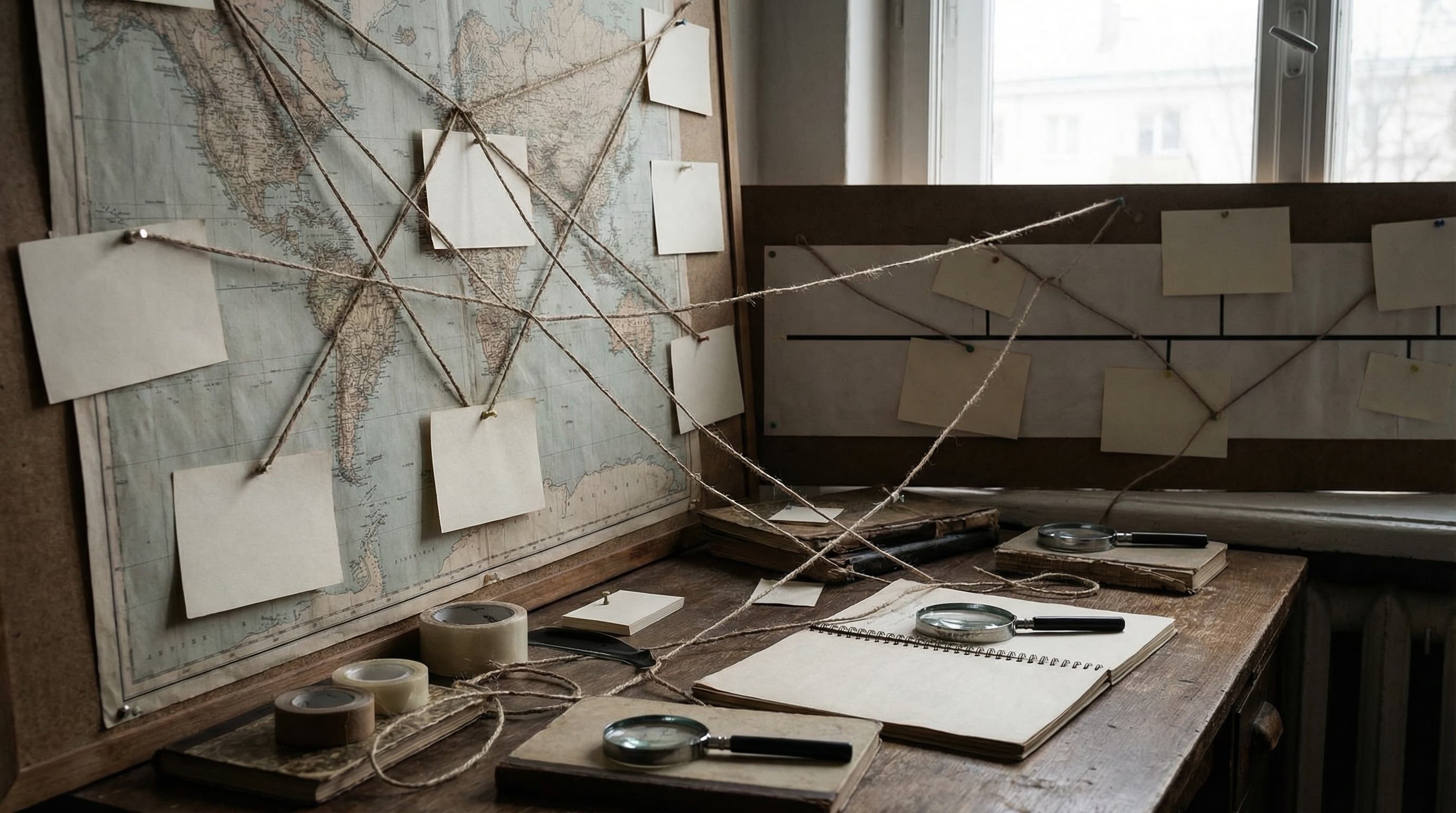
Built for faceless documentary workflows
Story-first structure
Generate visuals that align with narration beats and pacing.
Batch generation
Create a full sequence of scenes in one session.
Editor friendly exports
Export 4K frames and add overlays in your timeline.
Workflow in 4 steps
Pick a documentary style
Choose a neutral or archival preset to match your series tone.
Paste your outline
Use your script or outline to guide the visual sequence.
Generate a sequence
Create intro, context, and key beat visuals with consistent grading.
Refine and export
Use chat refinement, then export 4K frames for your editor.
Perfect for these documentary scenes
Turn scripts into cinematic documentary visuals
Build a consistent scene pack that keeps your narration visually supported.
FAQ for documentary creators
Is this good for educational documentary channels?
Yes. It works for history, science, and biography channels that need consistent visuals.
Can I keep a consistent series look?
Use a single preset and reuse the same settings for every episode.
Can I add titles or captions?
Yes. Use the built-in typography editor to add overlays before exporting.
How do credits work?
1 credit generates a Standard HD image. 2 credits generate a 4K image. Credits never expire.
Can I mix AI scenes with real footage?
Yes. Many creators blend AI visuals with real footage for context and pacing.