Comparison · Last reviewed 2026-10-11
SceneSteller vs Midjourney
Midjourney is built around the prompt: describe an image and explore what comes back. SceneSteller is built around a production: your own photo as the character, a script split into scenes, and a video at the end.
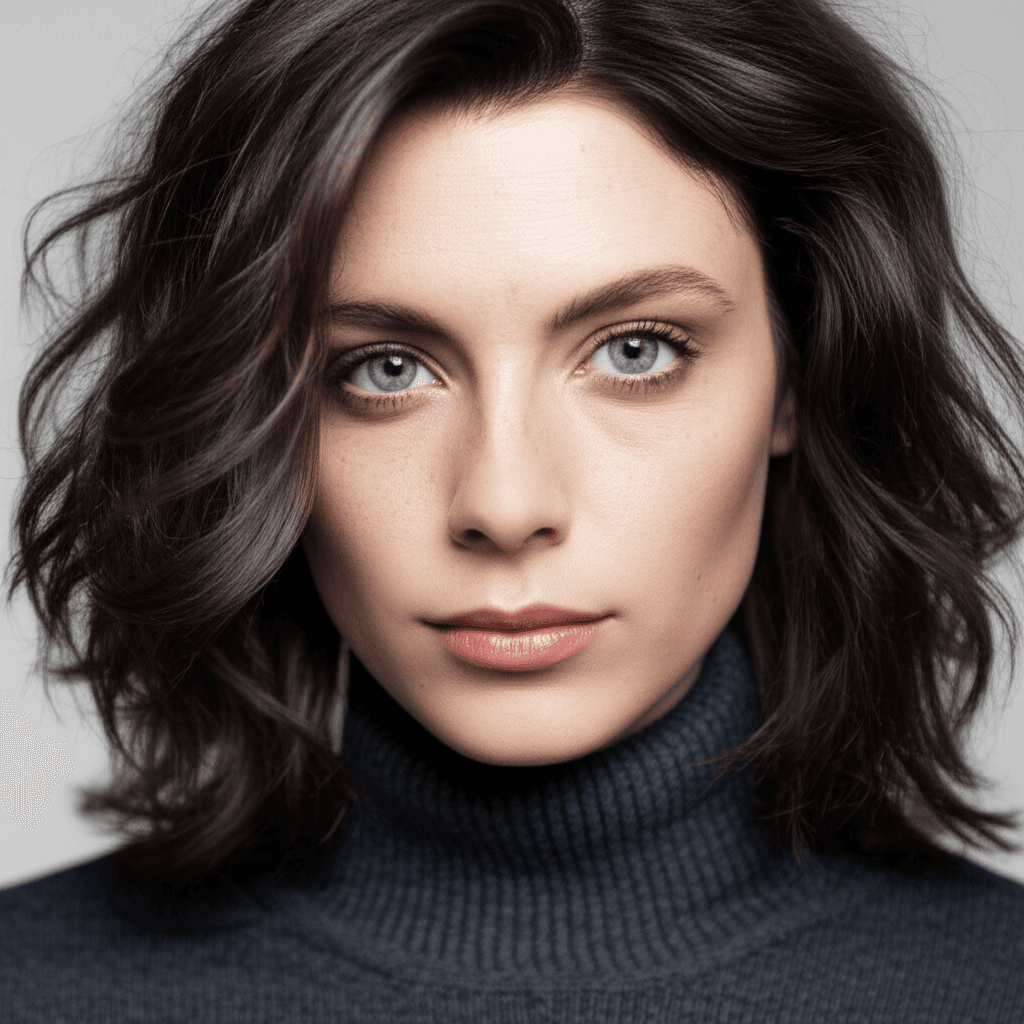
Your photo
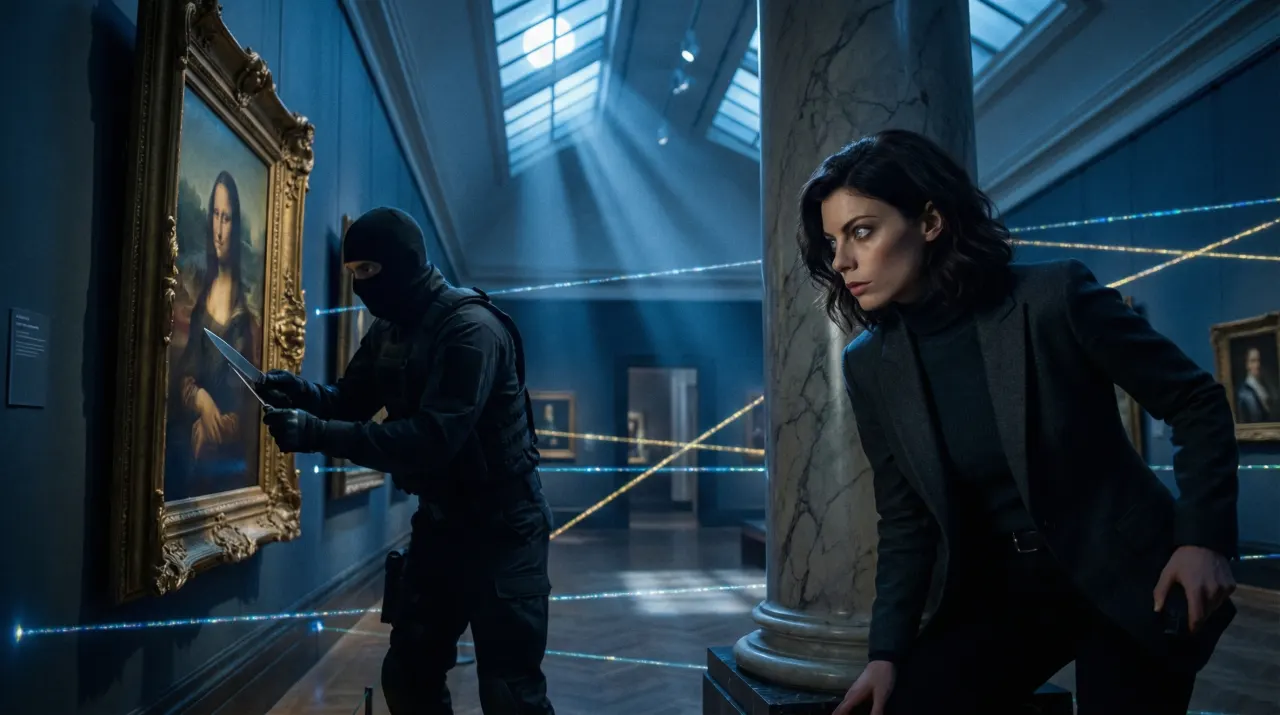
Large-Format Epic
Two different starting points
Midjourney is one of the best-known tools for original, stylised imagery from text. You write a prompt, steer it with parameters and image or style references, and pick from the results. It rewards people who enjoy prompting and want an image that did not exist before.
SceneSteller starts from material you already have. In Studio, your photo is the reference and a named style, one of 460+ styles, sets the look. For video, Script to Video splits a script into scenes, renders each with the same character, adds narration and composes the result; Storyboard turns a script into a shareable board. If your project is a series of scenes with a recurring person, that structure is the difference.
Feature comparison
| Feature | SceneSteller | Midjourney |
|---|---|---|
| Starting point | SceneStellerYes: Your photo, or a script for video | MidjourneyYes: A text prompt, optionally with image references |
| Script to multi-scene video | SceneStellerYes: Script to Video splits a script into scenes and composes the video | MidjourneyNo: Not a script workflow; each prompt is its own image set |
| Same character across scenes | SceneStellerYes: A reference photo or character sheet goes with every scene | MidjourneyPartly: Character references help keep a figure similar across prompts |
| Choosing a look | SceneStellerYes: 460+ styles, each named, with a preview | MidjourneyYes: Prompt wording, style references and parameters |
| Original concept art from text | SceneStellerPartly: Possible, but not what it is built around | MidjourneyYes: Its core strength |
| Timeline editing and MP4 export | SceneStellerYes: Video editor with timeline, captions and MP4 export | MidjourneyNo: No video timeline editor |
| Pricing model | SceneStellerYes: Images run on credits. The default model needs no plan; 4K images need the Creator plan | MidjourneyYes: Subscription plans; see Midjourney for current prices |
| Commercial use | SceneStellerYes: Allowed under the Terms of Service, subject to applicable law and third-party rights | MidjourneyYes: Set by Midjourney’s terms and your plan |
Last reviewed 2026-10-11. Other products change their features and prices; check their own sites for the current details.
Which one fits your project
Choose SceneSteller when
- Your own face, or one recurring character, has to appear in every image or scene.
- You are turning a script into a storyboard or a finished video.
- You would rather pick a named style than engineer a prompt.
Choose Midjourney when
- You want original concept art, worlds or abstract imagery from text.
- You enjoy iterating on prompts and parameters to discover a look.
- You need single images, not scenes that belong to one story.
Our verdict
Pick Midjourney for open-ended image exploration from text; it is excellent at it. Pick SceneSteller when the job is a production: the same person across a set of images, or a script that has to become scenes and then a video with one character throughout. Some creators use both, Midjourney for concept frames and SceneSteller for the character-driven scenes. A simple test: if the brief starts with a prompt and ends with one strong image, start in Midjourney. If it starts with a script or a reference photo and ends with a storyboard or a finished cut, start in SceneSteller.
Frequently asked questions
Can SceneSteller keep my own face, like a photo-based workflow?
Yes. In Studio your uploaded photo is the reference for each image, and in video and storyboard workflows a reference photo or character sheet goes with every scene, so the same person appears throughout.
Does SceneSteller make videos from a script?
Yes. Video Scene from the Starter plan. It splits the script into scenes, renders each with your character, adds narration and composes a video you can edit and export as an MP4.
Which is better for original concept art?
Midjourney. It is built for open-ended image generation from text, which is a different job from restyling your own photos or turning a script into scenes.
Can I use both?
Yes. A common split is Midjourney for concept and mood frames, and SceneSteller for the scenes where a specific person or recurring character has to stay consistent.
How does pricing compare?
Images run on credits. The default model needs no plan; 4K images need the Creator plan. A standard 2K image on the default model costs 12 credits and a 4K image costs 18. Midjourney sells subscription plans; check its site for current prices.
Where SceneSteller fits
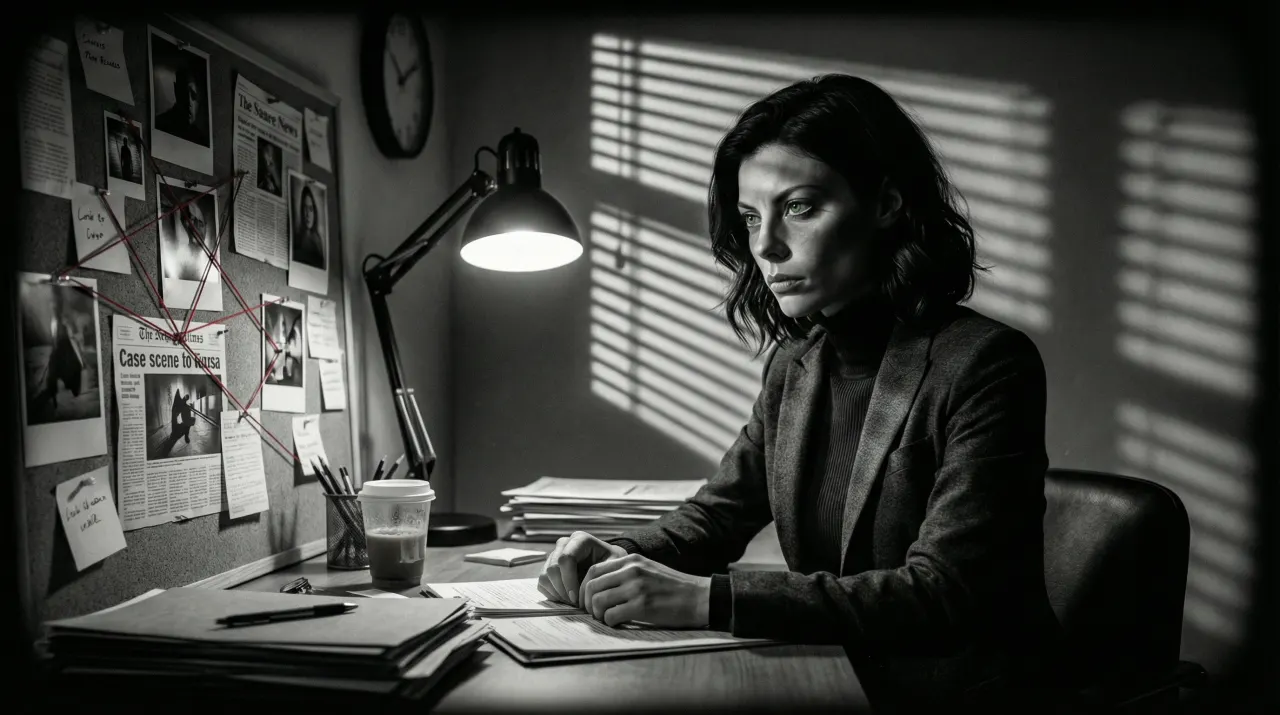
Faceless YouTube Video Maker
Script in, scenes out, the same character in every scene. Export an MP4 and upload it yourself.
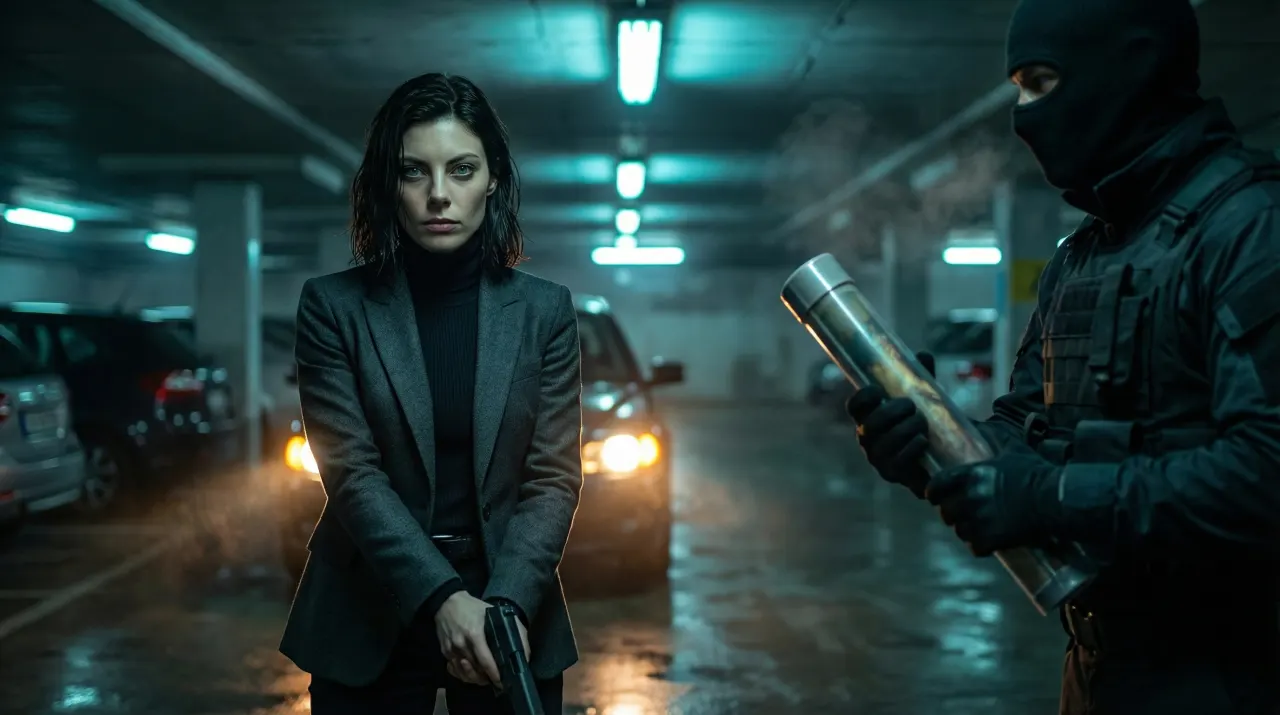
AI Storyboard Generator
A script becomes a shot-by-shot board with one consistent character, exported as PDF or ZIP.
AI Movie Poster Generator
Your face as cinematic key art in director and genre styles, with the title added in Typography Lab.
More comparisons
The best comparison is your own project
Bring a script or a photo and see what SceneSteller makes of it.